2026 में धुंधली फोटो साफ करने के 6 बेहतरीन AI टूल

By unblurimage.ai
2026/6/18
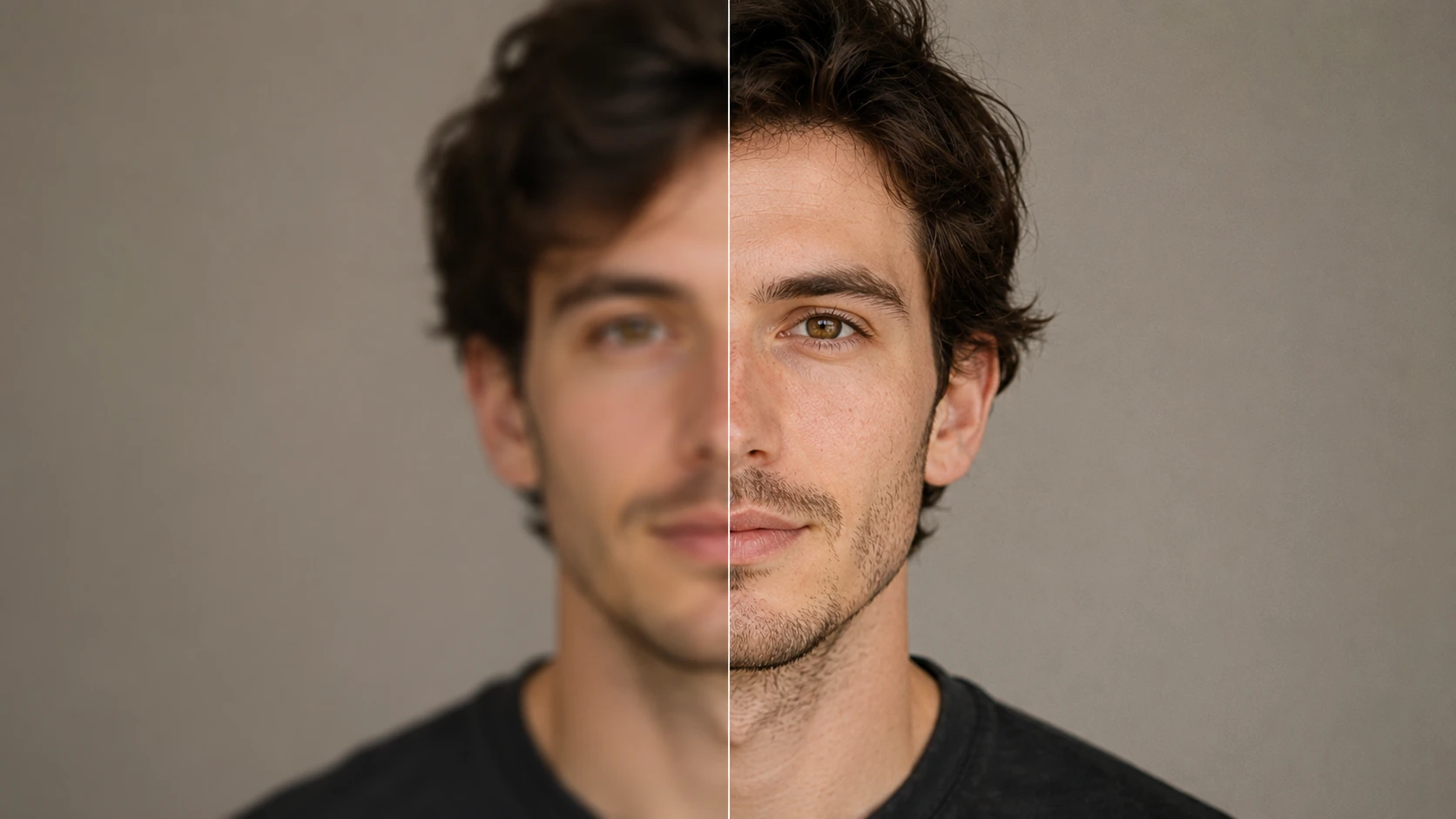
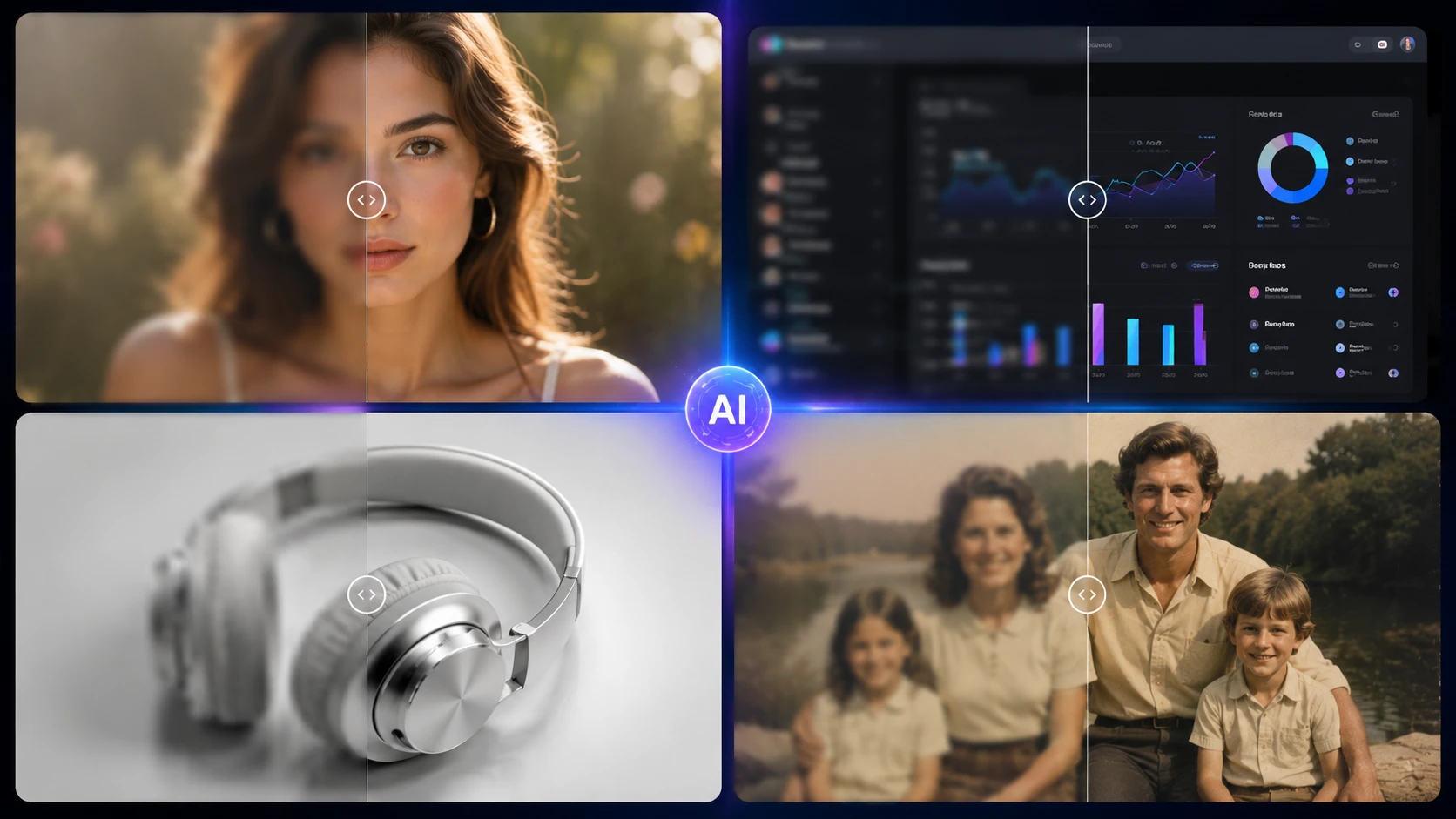
अगर आपको धुंधली फोटो जल्दी साफ करनी है, तो आधुनिक AI टूल मोशन ब्लर, फोकस की गलती, कम रिजॉल्यूशन वाली फोटो, धुंधले स्क्रीनशॉट और पढ़ने में मुश्किल टेक्स्ट इमेज को कुछ सेकंड में बेहतर बना सकते हैं।
साधारण sharpen filter के मुकाबले AI image deblurring tools ब्लर का पैटर्न समझते हैं और deep learning से खोई हुई डिटेल वापस बनाने की कोशिश करते हैं। इसलिए फोटो, चेहरे और स्क्रीनशॉट अक्सर ज्यादा साफ और प्राकृतिक दिखते हैं।
इस गाइड में हम 2026 में धुंधली इमेज ऑनलाइन साफ करने के लिए सबसे अच्छे AI टूल्स की तुलना करते हैं, जिनमें फ्री टूल, प्रोफेशनल सॉफ्टवेयर और portraits, पुरानी फोटो, product images, text images और screenshots के लिए विकल्प शामिल हैं।
धुंधली फोटो साफ करने के बेहतरीन AI टूल
| टूल | सबसे अच्छा | फ्री | खासियत |
|---|---|---|---|
| Unblurimage.ai | Portraits और पुरानी फोटो | हां | Natural face reconstruction |
| Topaz Labs Photo AI | Professional photography | Trial | बहुत मजबूत detail recovery |
| Adobe Express | Quick edits और social media | Limited | आसान enhancement |
| Picsart | Mobile creative editing | Freemium | Filters और social content |
| Pixelcut | E-commerce product photos | Limited | Sharp catalog images |
| Canva | Presentations और screenshots | Free tier | Design के अंदर fast editing |
फ्री AI image unblurrer tools उन users के लिए अच्छे हैं जिन्हें software install किए बिना जल्दी result चाहिए। लेकिन free plans में export resolution, watermark या AI processing depth पर limit हो सकती है।
Recommended free options:
- Unblurimage.ai: free trial, जरूरी sign-up नहीं
- Canva: basic enhancement tools
- Adobe Express: limited AI sharpening
ये tools social media images, low-resolution photos, quick screenshot fixes, blurry portraits और text images की readability सुधारने के लिए उपयोगी हैं।
Free vs paid AI image unblurrer comparison
| टूल | Main scenario | Free/trial limit | Max output | Faces |
|---|---|---|---|---|
| Unblurimage.ai | Blurry faces और old photos | Free trial, no sign-up | 4K Ultra HD | Natural skin texture excellent |
| Topaz Labs | Professional photography | Non-saving free trial | Very high | Excellent pro detail recovery |
| Adobe Express | Social content cleanup | Credit cap | HD/2K by plan | Fair general sharpening |
| Picsart | Stylized mobile edits | Watermark या ads | Free tier HD | Fair, sometimes stylized |
| Pixelcut | E-commerce catalogs | Limited daily exports | Paid plans में 4K | Sharp edges अच्छे |
| Canva | Quick slides और layouts | Free suite | Project-dependent | Standard enhancement ठीक |
Deblur quality, face recovery और screenshot clarity
Photographers, marketers, online sellers और digital archivists के लिए blur removal सिर्फ sharpness नहीं है। Wiener deconvolution जैसे traditional methods कुछ blur कम कर सकते हैं, जबकि modern AI tools motion blur, lens defocus, text clarity और output quality को ज्यादा automated तरीके से सुधारते हैं।
| टूल | Motion blur | Defocus | Text clarity | Technology | Privacy | Best match |
|---|---|---|---|---|---|---|
| Unblurimage.ai | Excellent | Excellent | Strong | Cloud AI | Encrypted processing | Freelancers, genealogists, everyday users |
| Topaz Labs | Excellent | Excellent | Excellent | Desktop ML | Local processing | Studios और print shops |
| Adobe Express | Moderate | Moderate | Good | Adobe tools | Cloud account | Adobe users |
| Picsart | Fair | Fair | Fair | Web/mobile filters | Cloud sync | Social creators |
| Pixelcut | Good | Moderate | Excellent | Product-focused | Cloud | E-commerce sellers |
| Canva | Moderate | Moderate | Moderate | Magic Studio | Design libraries | Marketing teams |
6 AI टूल्स की डीप-डाइव समीक्षा
Unblurimage.ai - Faces और old photos के लिए best free AI tool
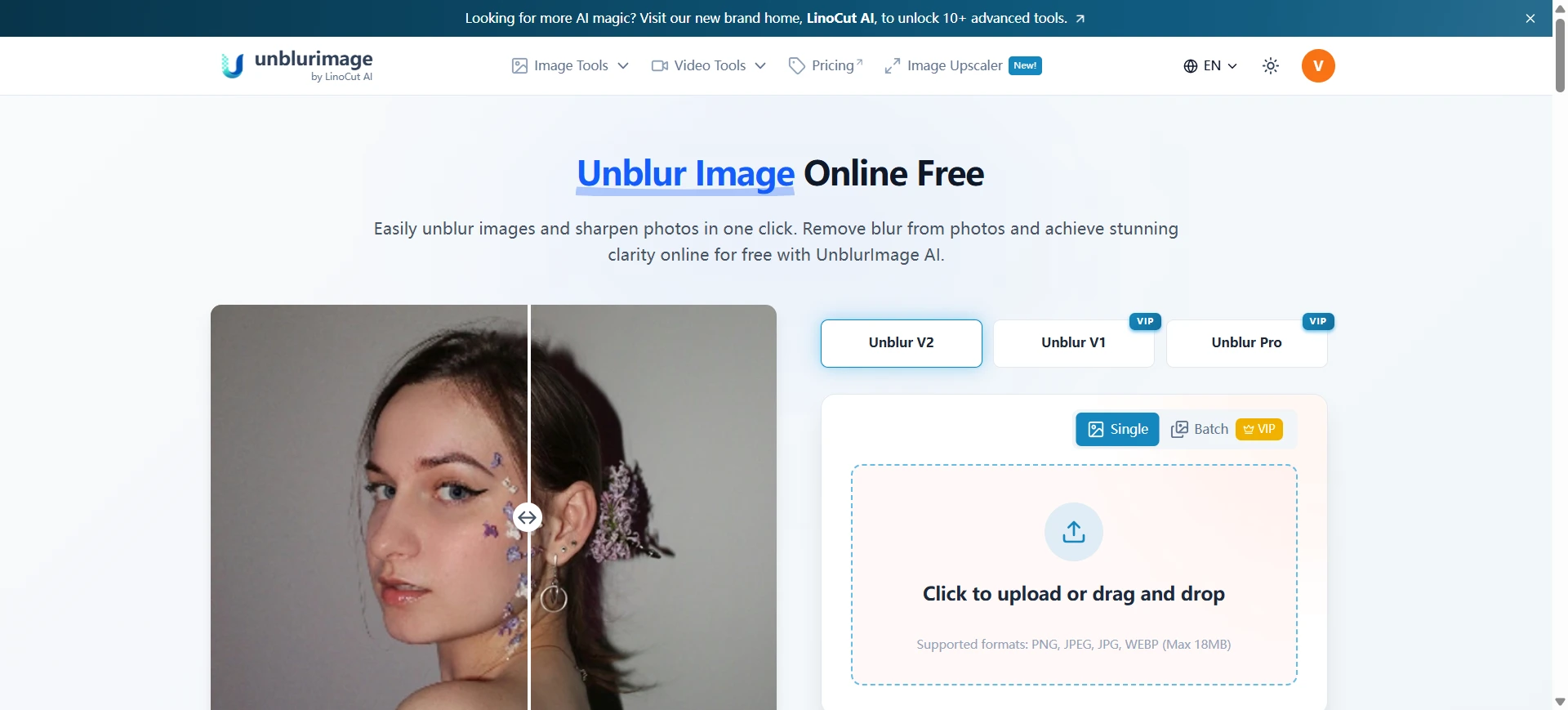
अगर आप फोटो साफ करना चाहते हैं लेकिन चेहरे को artificial digital model जैसा नहीं बनाना चाहते, तो Unblurimage.ai एक मजबूत विकल्प है। यह web app blurry faces, old photos और low-resolution portraits को natural clarity के साथ restore करने पर focus करता है।
यह तब खास उपयोगी है जब आपको eyes, hair texture, skin tone और facial expression जैसे human details बचाए रखने हों।
Best use case:
Grainy family portraits, historical prints, low-light smartphone portraits और पुरानी फोटो जहां natural facial details जरूरी हों।
Pros:
- Natural skin texture और facial details बचाता है
- Browser में सीधे काम करता है
- Old photos, portraits और blurry faces के लिए useful
- Free access available, mandatory sign-up नहीं
Cons:
- Photo restoration और sharpening पर focused
- Advanced layout या collage design tools नहीं
Topaz Labs Photo AI - Professional photographers के लिए
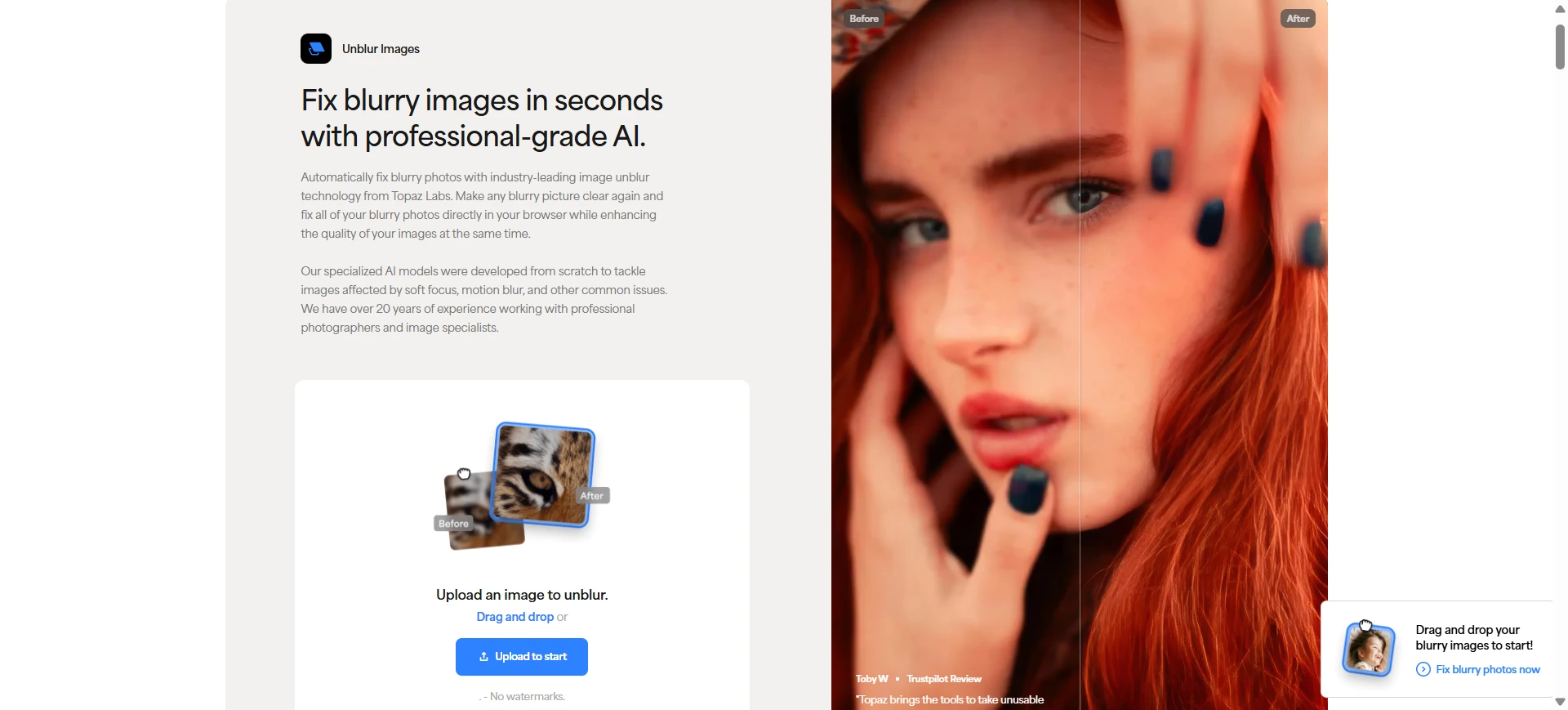
Topaz Labs photographers, print shops और restoration professionals के लिए powerful desktop option है, जिन्हें high-end detail recovery चाहिए।
Best use case:
Large RAW या high-resolution photos जिन्हें severe lens blur, camera shake, wildlife motion, sports movement या wedding photography mistakes ने प्रभावित किया हो।
Pros:
- Desktop-native processing
- Strong professional recovery
- Large image files के लिए excellent
- Advanced sharpening और detail enhancement में अच्छा
Cons:
- Casual online tools से महंगा
- Capable computer चाहिए
- Quick web fix के लिए जरूरत से ज्यादा हो सकता है
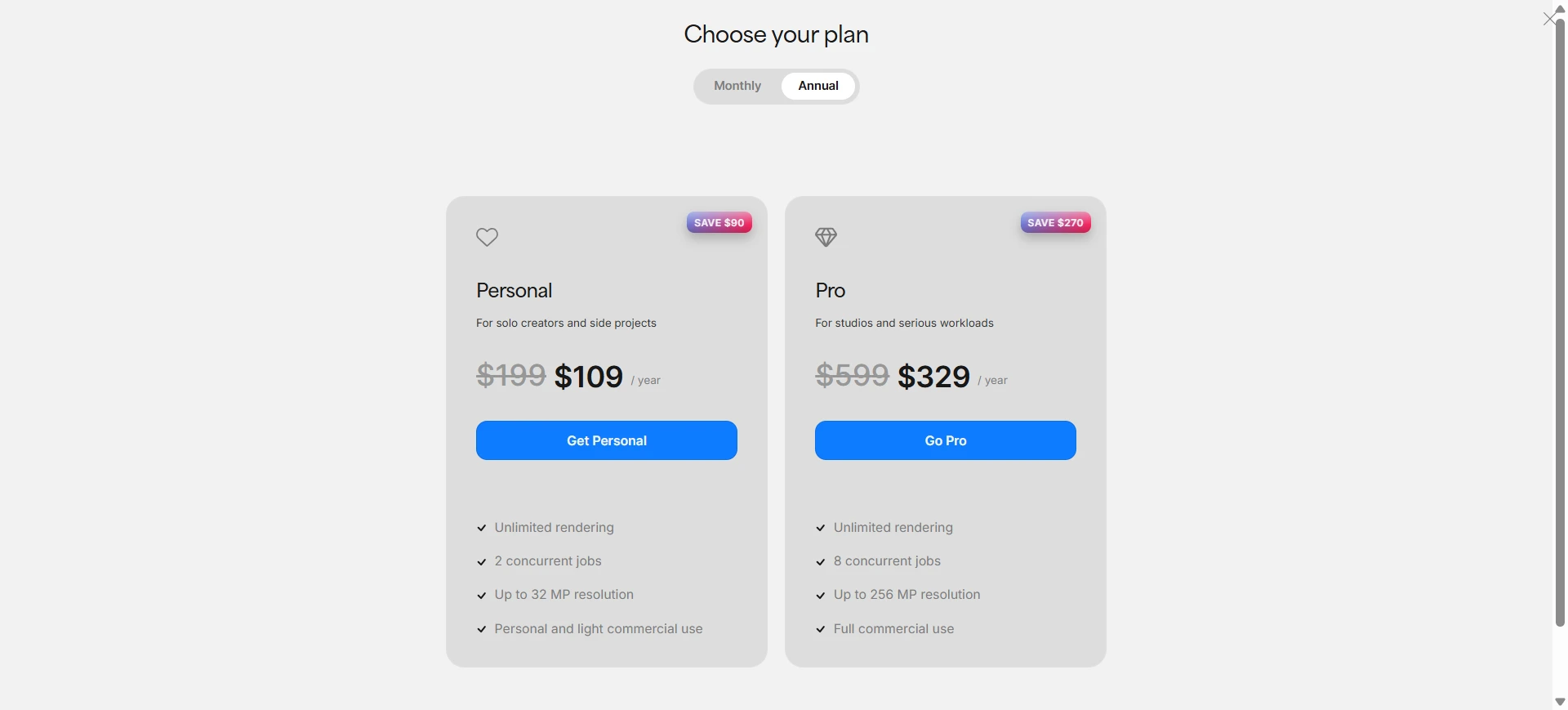
Adobe Express - Quick photo edits के लिए
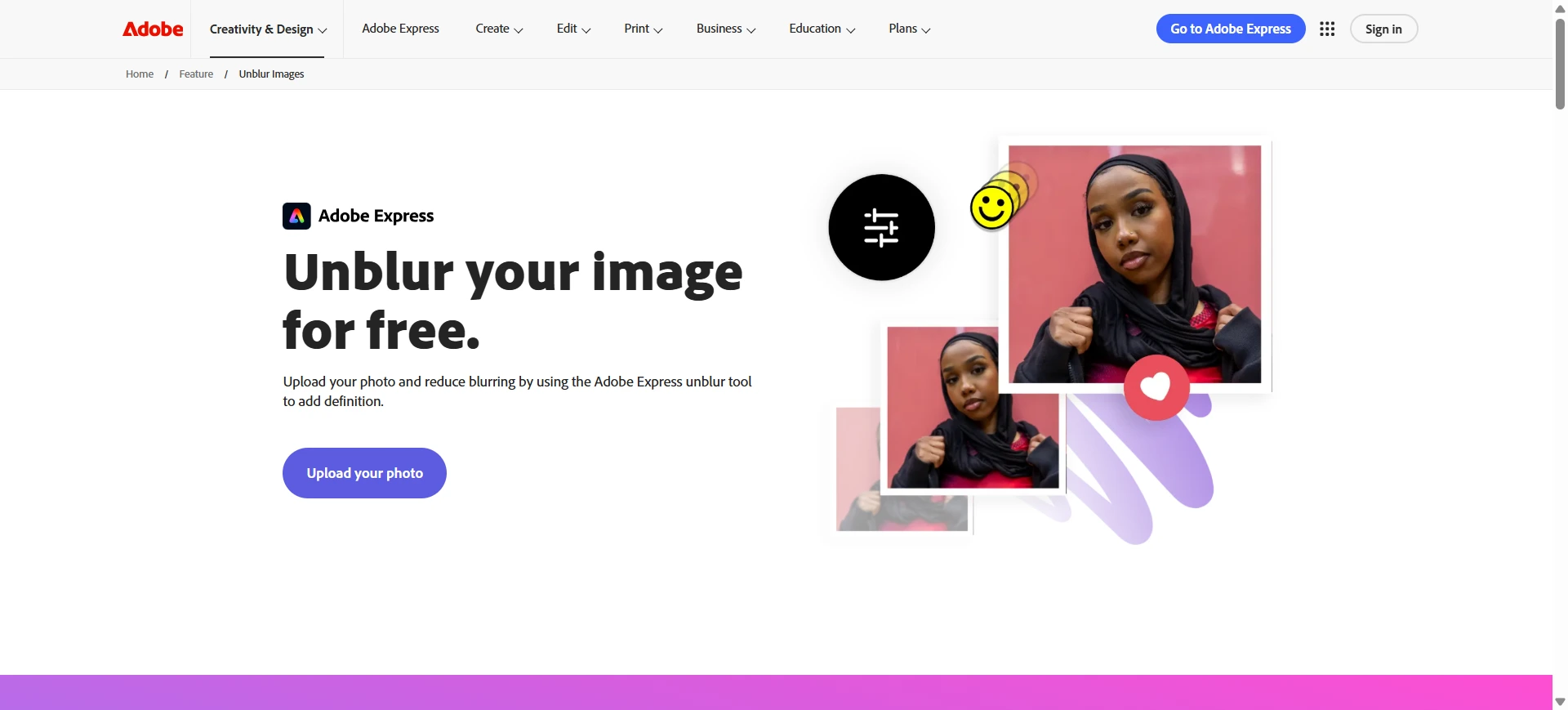
Adobe Express social media, quick graphics और casual photo cleanup के लिए lightweight browser editor है। अगर आप Adobe workflow में हैं, तो यह convenient है।
Best use case:
Mobile photos sharpen करना, social graphics improve करना, या templates में लगाने से पहले slightly soft images ठीक करना।
Pros:
- Clean interface
- Adobe ecosystem का support
- Quick edits के लिए convenient
- Adobe users के लिए helpful
Cons:
- Deep AI reconstruction से ज्यादा general sharpening
- Severe blur visible रह सकता है
- कुछ advanced features credits या paid access मांग सकते हैं
Picsart - Mobile creative edits के लिए
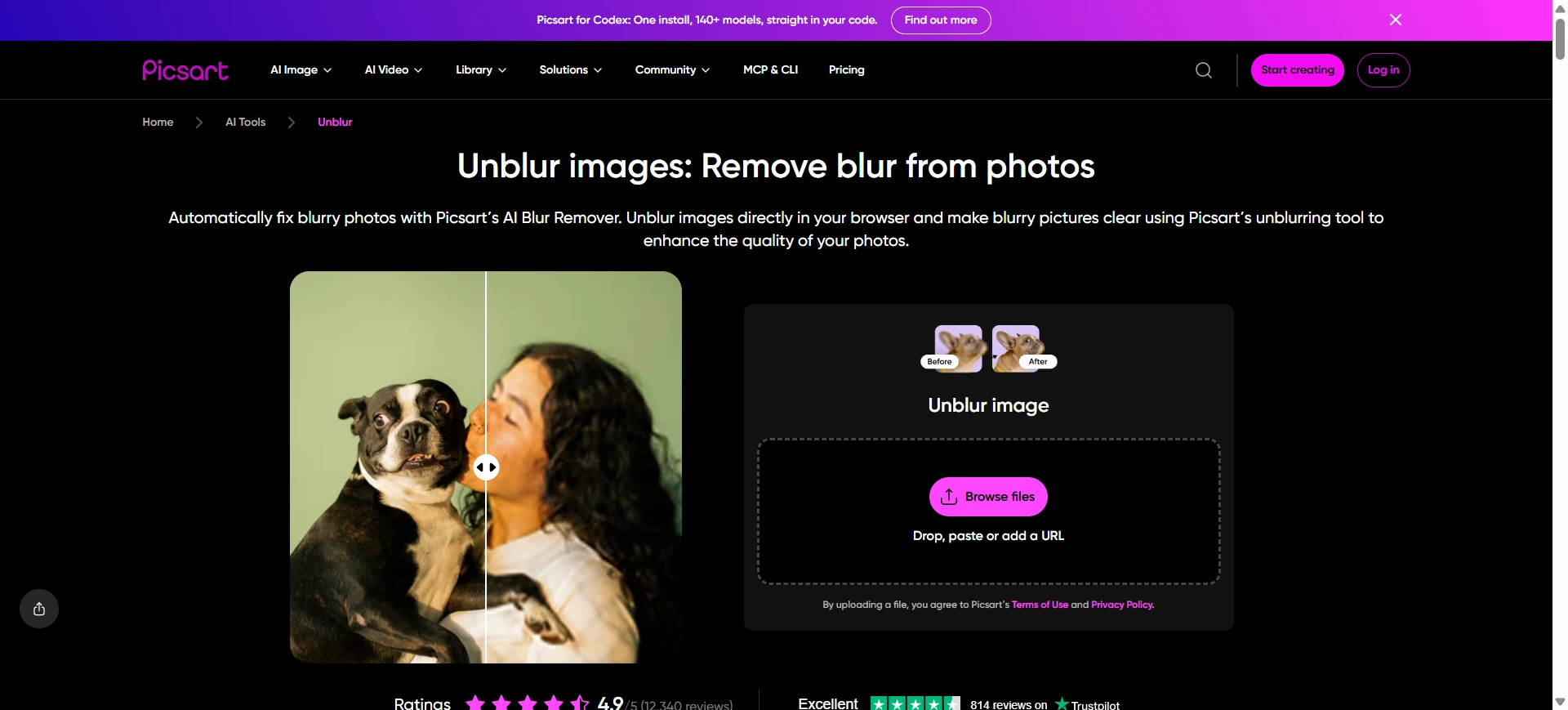
Picsart mobile creators में popular है जिन्हें filters, enhancement, design effects और social content tools एक जगह चाहिए।
Best use case:
Selfies, lifestyle photos और mobile images को TikTok, Instagram, Snapchat या अन्य platforms के लिए enhance करना।
Pros:
- Strong mobile editing workflow
- बहुत सारे effects और filters
- Casual social content के लिए useful
- Freemium access available
Cons:
- Free exports limited हो सकते हैं
- Results stylized या over-processed लग सकते हैं
- Natural old photo restoration के लिए ideal नहीं
Pixelcut - E-commerce product photos के लिए
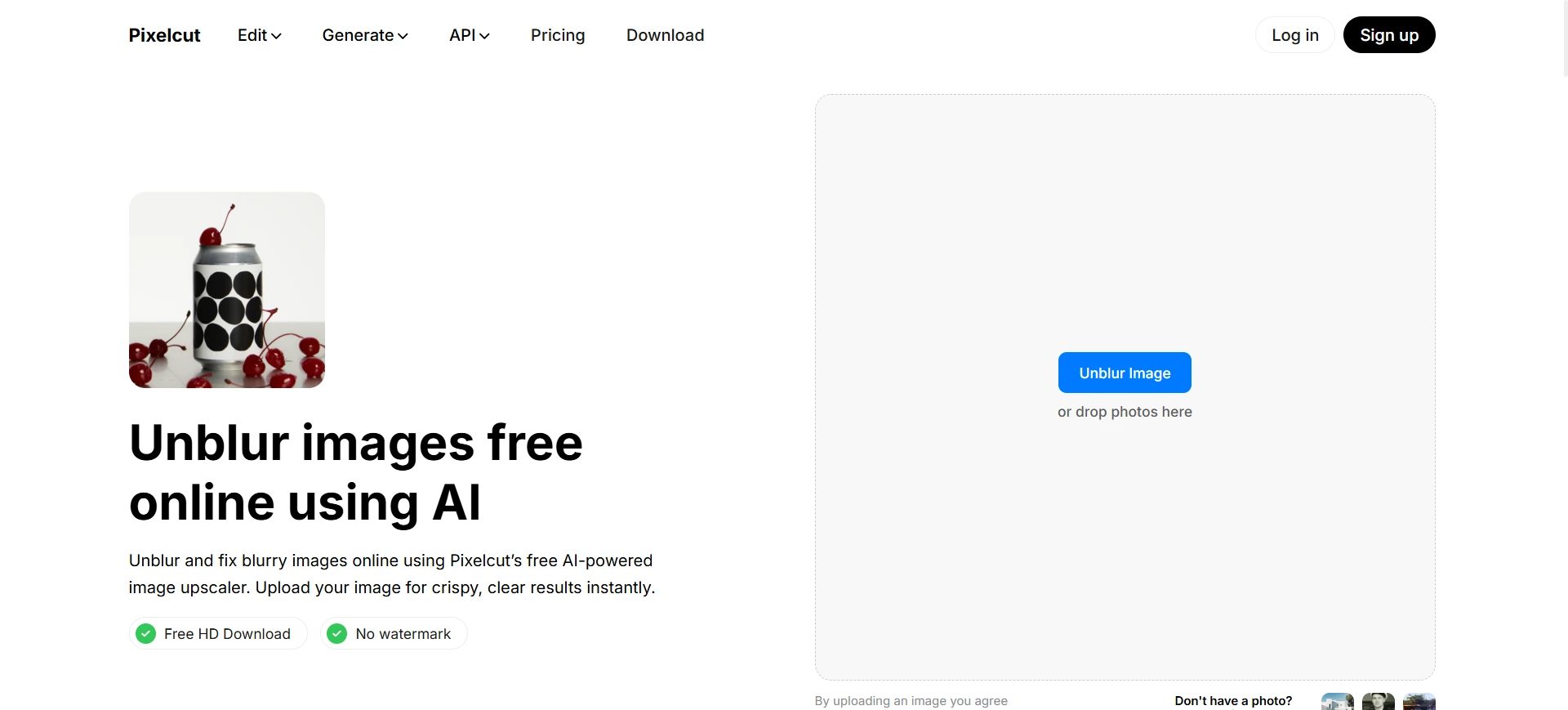
Pixelcut online sellers और marketers के लिए बना है जिन्हें product photos जल्दी improve करने होते हैं। Catalog images, product labels और small printed details के लिए यह अच्छा है।
Best use case:
Blurry product photos sharpen करना, product listings improve करना, और labels, serial numbers या packaging details को readable बनाना।
Pros:
- Fast product-focused workflow
- E-commerce catalogs के लिए अच्छा
- Product labels और small text में useful
- Commercial images में strong edge clarity
Cons:
- Free tier limited हो सकता है
- Portraits पर sharpening aggressive लग सकती है
- Family photos या natural face restoration पर कम focus
Canva - Designs और presentations में screenshots के लिए
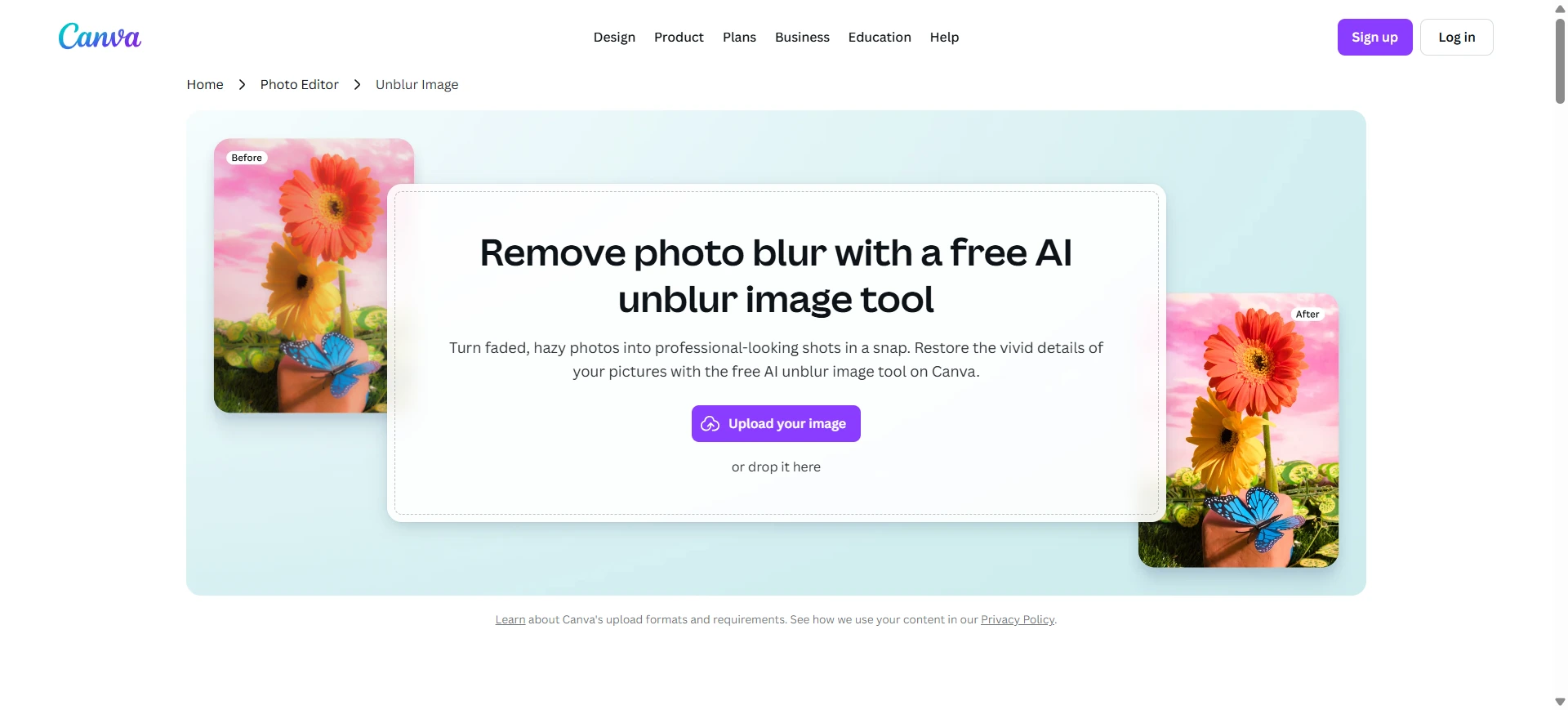
Canva एक all-in-one design platform है, जिसमें design dashboard के अंदर enhancement tools मिलते हैं। Presentation, report, resume या social graphic बनाते समय image improve करना आसान है।
Best use case:
Blurry screenshot साफ करना, low-resolution team headshot improve करना, या slide/document के अंदर image enhance करना।
Pros:
- Design projects के अंदर convenient
- Non-designers के लिए आसान
- Presentations और social graphics के लिए अच्छा
- Free tier available
Cons:
- Image deblurring core specialty नहीं
- Deep motion blur या severe defocus अच्छी तरह recover न हो
- Advanced photo restoration के लिए कम suitable
Online धुंधली image कैसे साफ करें
- AI image unblurrer पर upload करें
Unblurimage.ai जैसे browser-first tool चुनें, ताकि heavy software download न करना पड़े। - AI को blur analyze करने दें
AI motion blur, lens defocus, compression artifacts या low-resolution softness पहचानता है और important details enhance करता है। कुछ tools super-resolution imaging जैसे concepts भी use करते हैं। - Preview करें और download करें
Export से पहले faces, edges, printed text या screenshot details check करें।
FAQs
Online धुंधली image साफ करने के लिए best AI tool कौन सा है?
Use case पर निर्भर करता है। Unblurimage.ai portraits, old photos और blurry faces के लिए strong है, जबकि Topaz Labs professional photographers के लिए बेहतर है।
क्या मैं photo online free में साफ कर सकता हूं?
हां। कुछ AI tools free option देते हैं, लेकिन export resolution, processing speed या advanced restoration features limited हो सकते हैं।
Unblur image और deblur image में क्या फर्क है?
दोनों blurry image को improve करने के लिए हैं। “Unblur image” general users में common है, जबकि “deblur image” technical contexts में ज्यादा दिखता है।
Screenshot blur कैसे ठीक करें?
इसे ऐसे AI tool में upload करें जो text clarity और compression recovery support करता हो। Original screenshot सबसे अच्छा result देता है।
iPhone पर धुंधली image कैसे साफ करें?
Mobile browser में online AI unblurrer खोलें। iPhone से blurry photo upload करें, AI से enhance कराएं और clearer version download करें।
क्या AI image में blur text साफ कर सकता है?
हां। कुछ AI tools blur text image online साफ करने में मदद करते हैं, sharpness बढ़ाकर और letter edges सुधारकर।
क्या AI faces online साफ कर सकता है?
हां। AI facial details, eyes, skin texture और low-resolution softness improve कर सकता है। Natural result के लिए portrait restoration tool चुनें।
Final verdict
Professional studio workflows और large print projects के लिए Topaz Labs consider किया जा सकता है।
Product photos process करने वाले business owners के लिए Pixelcut तेज e-commerce workflow देता है।
Everyday graphic layouts के लिए Adobe Express या Canva convenient हैं।
Casual users, families, genealogists और creators जो natural-looking clarity चाहते हैं, उनके लिए Unblurimage.ai strong choice है। यह blurry faces, old portraits, low-resolution photos और sentimental images के लिए खास उपयोगी है।
Artificial over-processing से बचें। Unblurimage.ai आजमाएं और अपनी blurry photos को फिर से focus में लाएं।