AI Upscale Video
Upscale video with AI. Improve detail and reduce noise, then export at higher resolution.
Loading...
Powerful Upscale Video Features
Discover how AI video upscaling improves resolution, detail, noise, and frame consistency.
Upscale Video Resolution
Improve video resolution with AI so low-resolution sources like 240p 360p or 480p show clearer edges and more readable detail. Aspect ratio is preserved and results work well for editing and sharing to YouTube shorts reels or standard players.
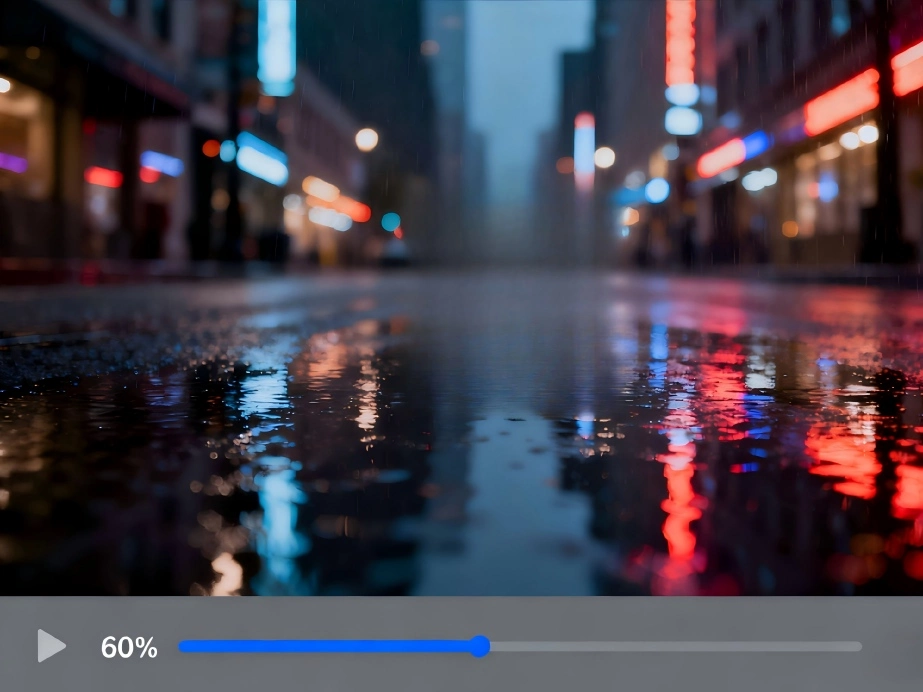
Detail Recovery without Harsh Artifacts
Recover fine detail while avoiding the harsh look that over sharpening can cause. Faces remain natural subtitles and UI lines look tidy and readable. Upscale video results stay stable across frames for a comfortable viewing experience.
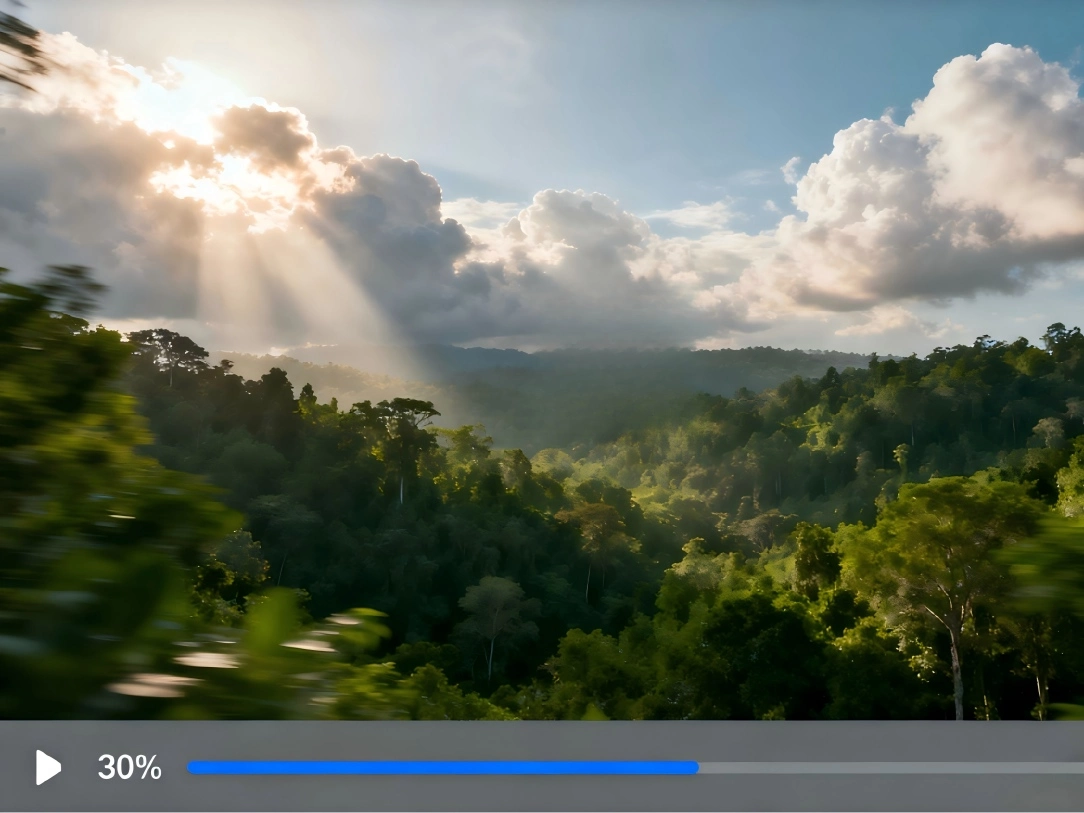
Balanced Noise Reduction
Reduce grain from low light or heavily compressed clips while keeping useful texture. Upscale video output is cleaner and steadier which helps with later compression and reduces shimmer on flat areas.


Frame-Aware Enhancement
Processing is motion aware so improvements remain consistent while subjects move. This helps minimize flicker and preserves edge continuity when panning or during fast action which is important when you upscale video footage.
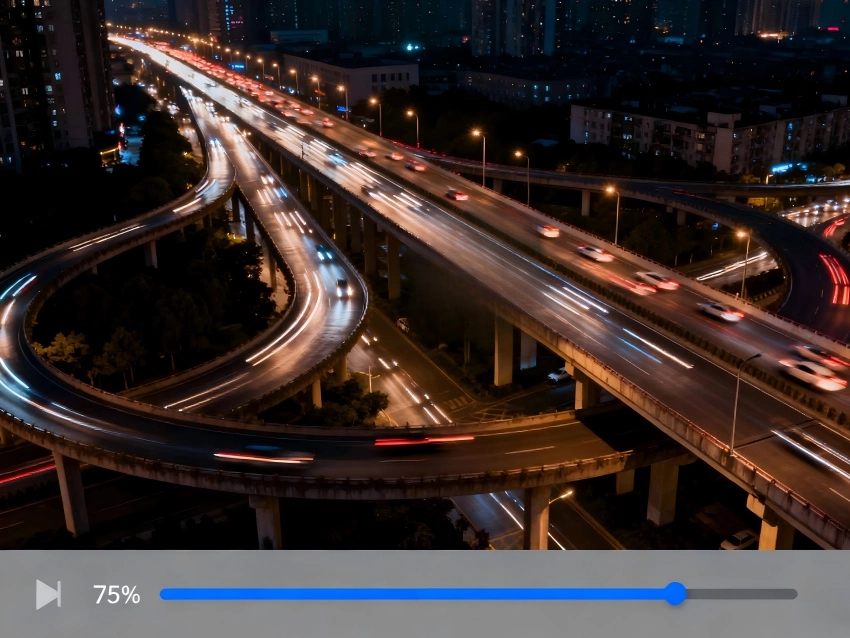
Color and Contrast Tuning
Subtle adjustments to color and contrast improve clarity without pushing tones too far. Skin looks balanced white areas stay neutral and the result reads well on phones laptops and TVs after you upscale video for sharing.
How to Upscale Video?
Upload your video
Click the upload button and select any video you want to upscale.
AI Upscale Process
After upload the system automatically improves resolution and clarity with no manual settings.
Preview & Download
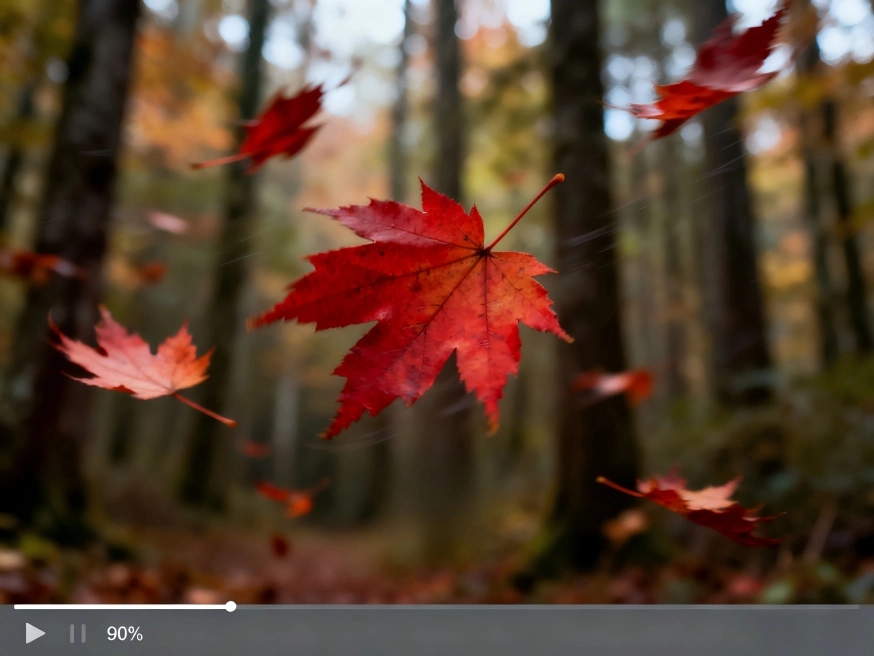
Compare before and after, then download your upscaled video.
Why Choose Unblurimage AI to Upscale Video?
AI Upscaling with Practical Defaults
Good results out of the box. Most clips upscale well with no extra tuning.
Flexible Output Sizes
Choose an output size that fits your workflow and export needs.
Simple Workflow
Upload, preview, and download. No timeline edits or new codecs to learn.
Preview Before You Commit
Try on short clips before committing time to longer renders.
What Our Customers Are Saying
I used it to upscale video from a workshop recording. Text on slides became clearer without looking harsh.
Helpful for sharpening shorts before posting. The preview makes it easy to check results quickly.
Upscaled some test shots from an older camera. Grain was lower and edges looked tidier.
We improved a screen-capture demo so small UI text remained readable after export.
Upscale Video Quality in Seconds
Transform your videos with AI — crisp, clear, and professional results. From 480p to higher resolution in minutes.
FAQs
Common questions about how to upscale video with AI.