AI Photo Enhancer Online Free

After imageBefore image

Loading...

Feature 1

AI-Powered Photo Enhancement

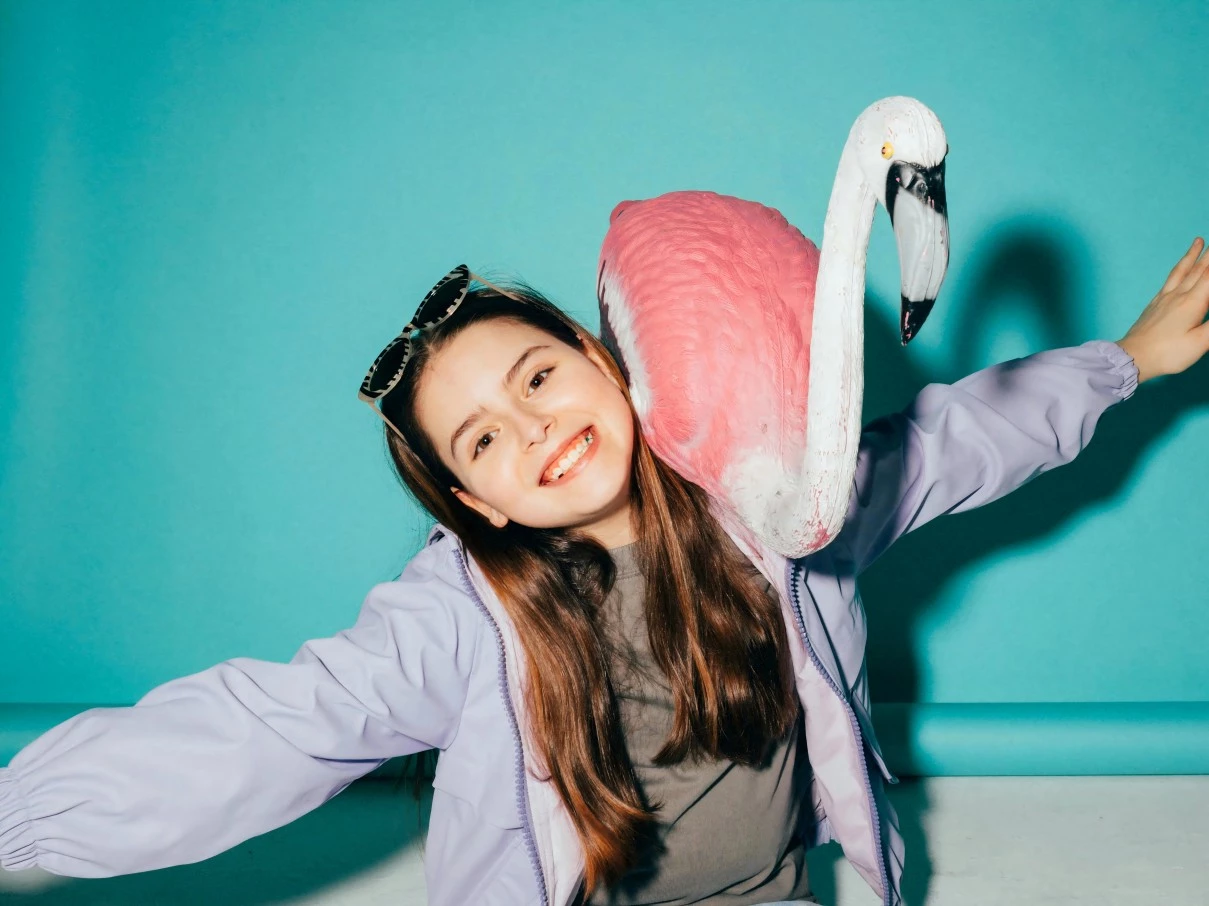
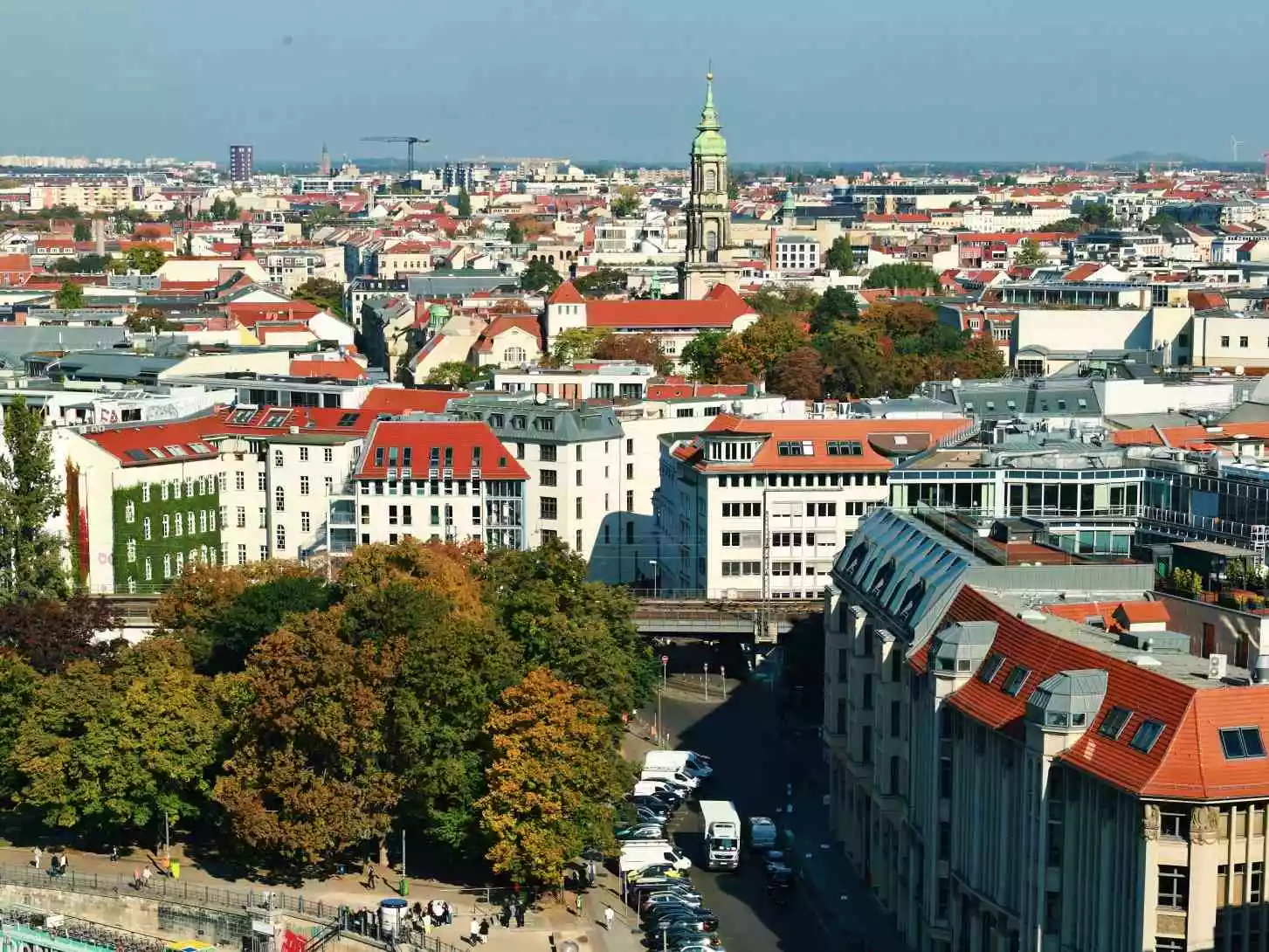
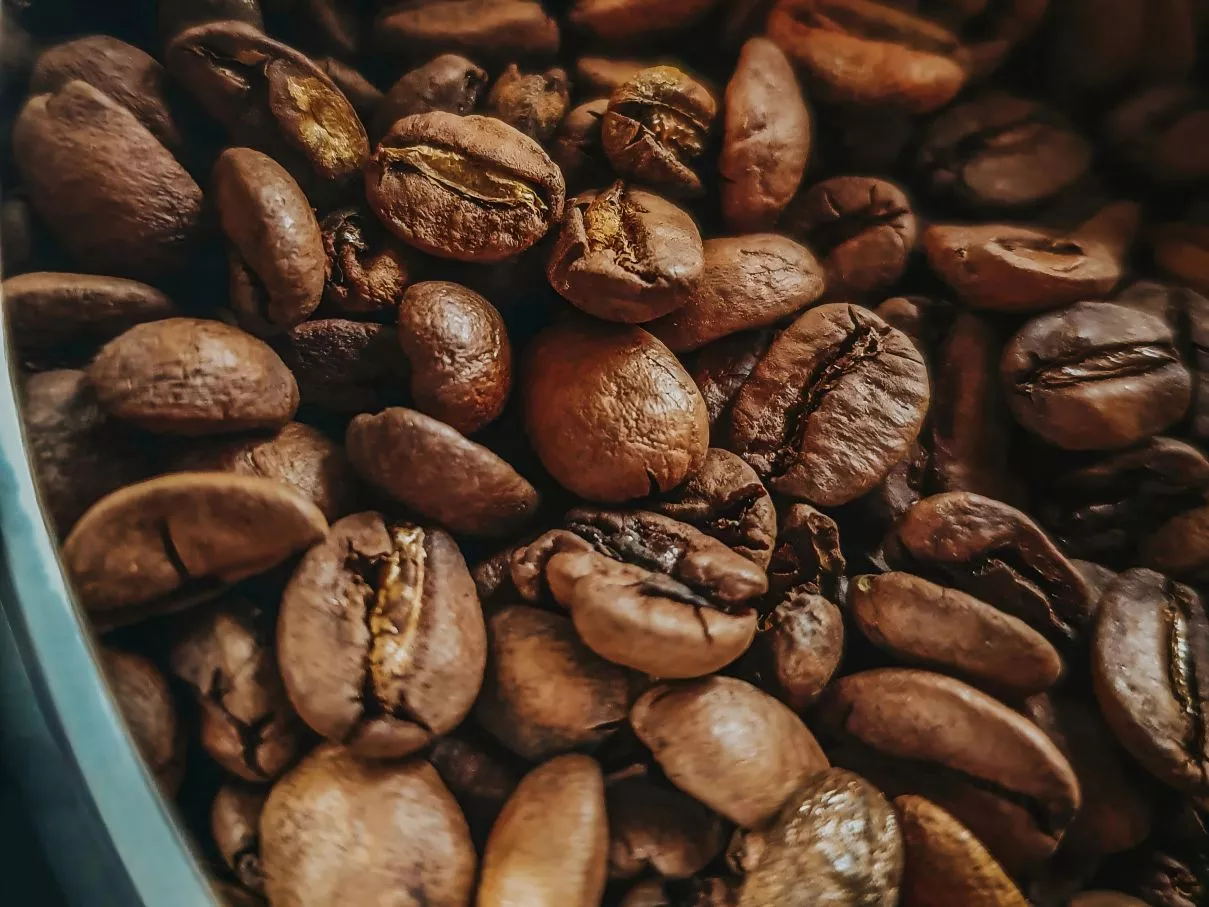
Tired of blurry, noisy, or dull photos? UnblurImage AI works as a free online photo enhancer that helps fix blurry photos, reduce grain, sharpen important details, and improve photo quality with one click. It is useful for portraits, old family photos, product images, screenshots, social media pictures, and everyday low-resolution images.

Image Sharpening before
Image Sharpening after
BeforeAfter
Feature 2

Instant Resolution Boost

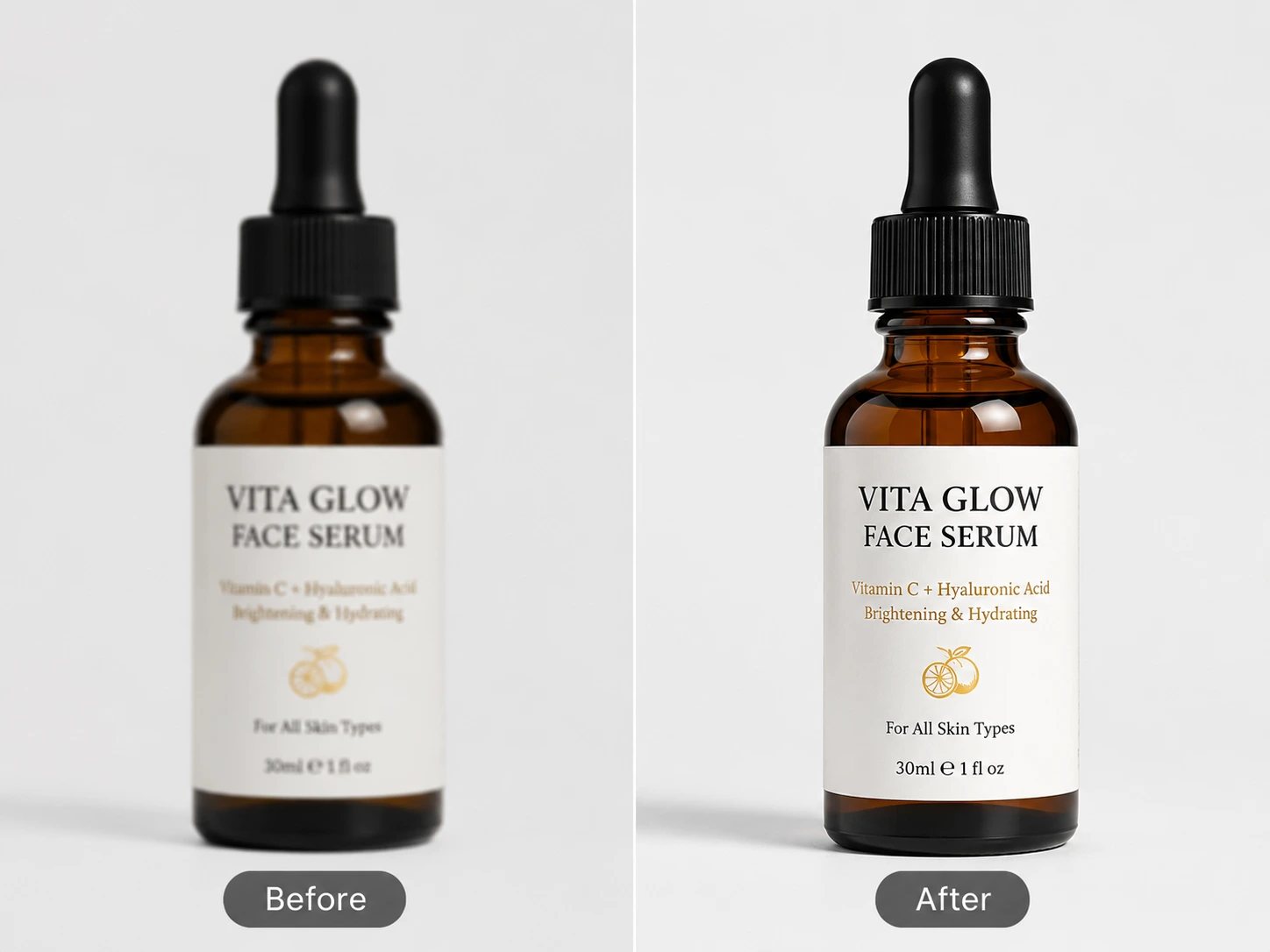
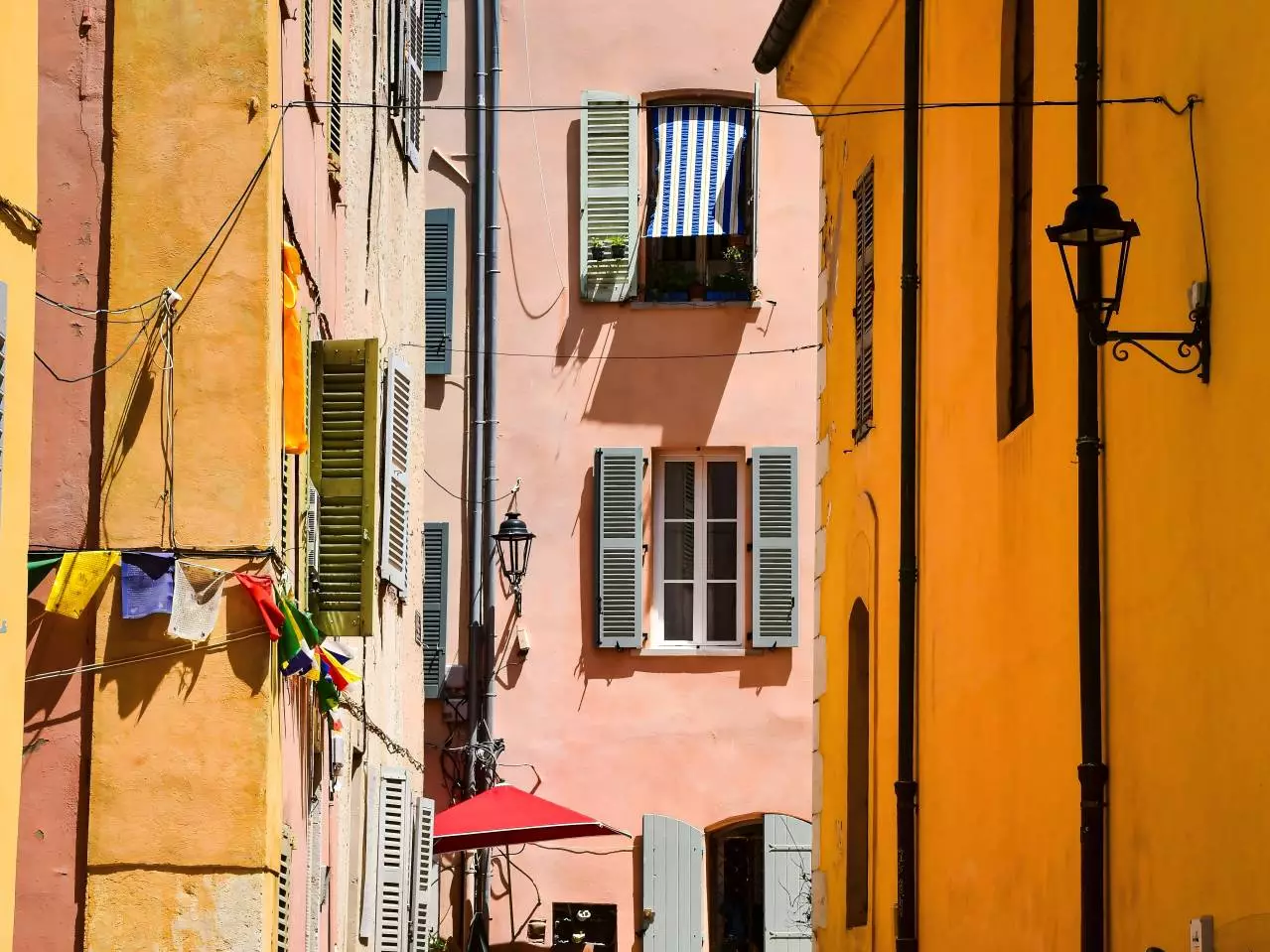
Need to increase photo resolution without making the image look harsh or pixelated? UnblurImage AI works as an AI image enhancer that turns small, compressed, or low-resolution images into clearer visuals for web sharing, printing, ecommerce listings, presentations, and social posts.

Image Unblurring before
Image Unblurring after
BeforeAfter
Feature 3

Refine Color and Lighting

Poor lighting can make a good photo look flat, faded, or unclear. This AI photo enhancer helps improve brightness, contrast, color balance, and exposure so your image looks cleaner and more natural. It is especially helpful for indoor portraits, old photos, product images, and travel pictures.

Image Upscaling before
Image Upscaling after
BeforeAfter
Feature 4

Preserve Natural Details With an AI Photo Enhancer

A good photo quality enhancer should make an image clearer without creating an overprocessed look. UnblurImage AI enhances fine details, sharpens edges, reduces compression artifacts, and helps preserve natural textures such as skin, hair, fabric, product surfaces, and background details. The goal is better clarity, not an artificial result.

Image Quality Enhancement before
Image Quality Enhancement after
BeforeAfter
Feature 5

Specialized Portrait Enhancement

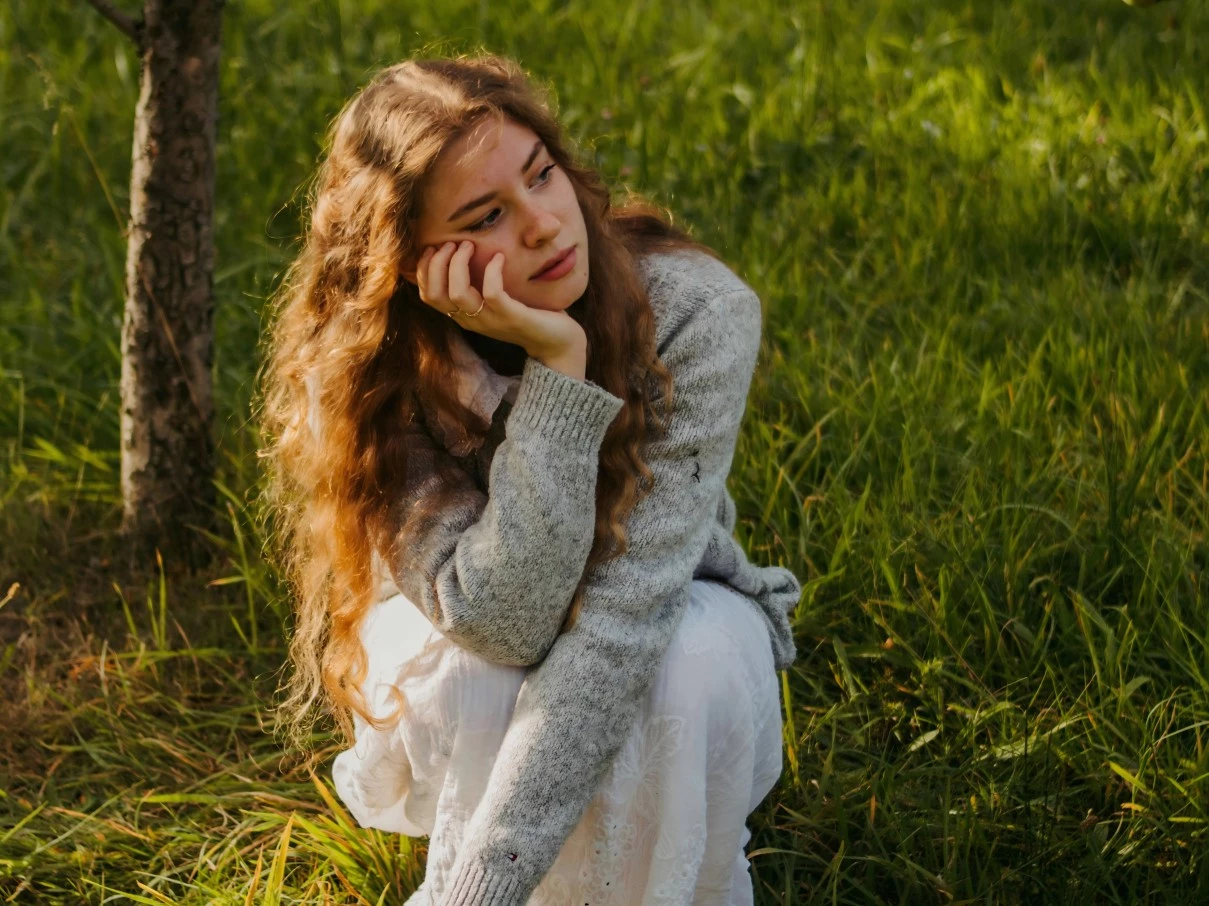
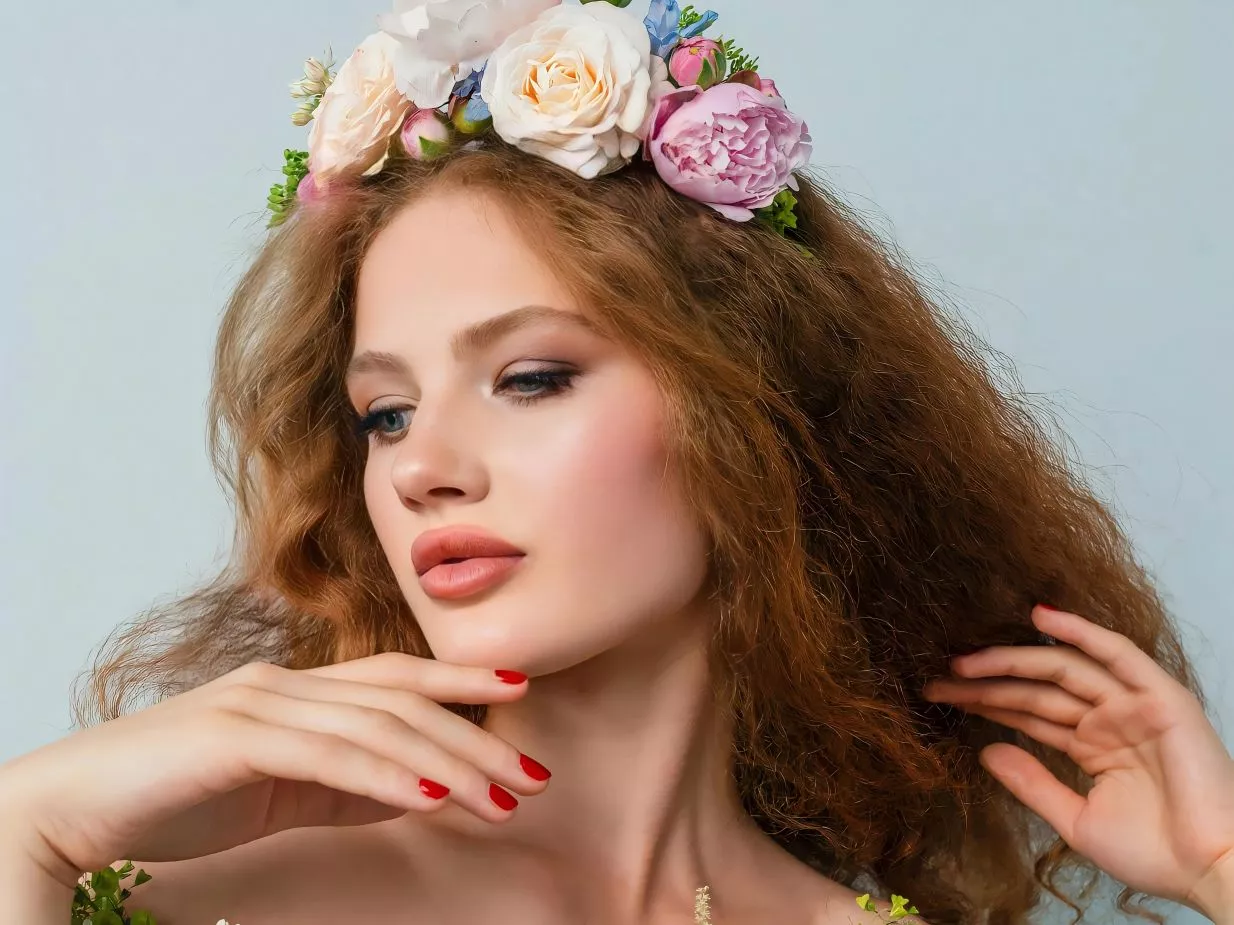
Use UnblurImage AI as an AI photo enhancer for portraits when faces look soft, blurry, compressed, or low-resolution. It can help improve facial clarity while keeping skin tones and natural features realistic, making it useful for profile photos, family pictures, old portraits, and social media images.

Portrait Enhancement before
Portrait Enhancement after
BeforeAfter
Feature 6

AI Photo Enhancer for Anime & Graphics

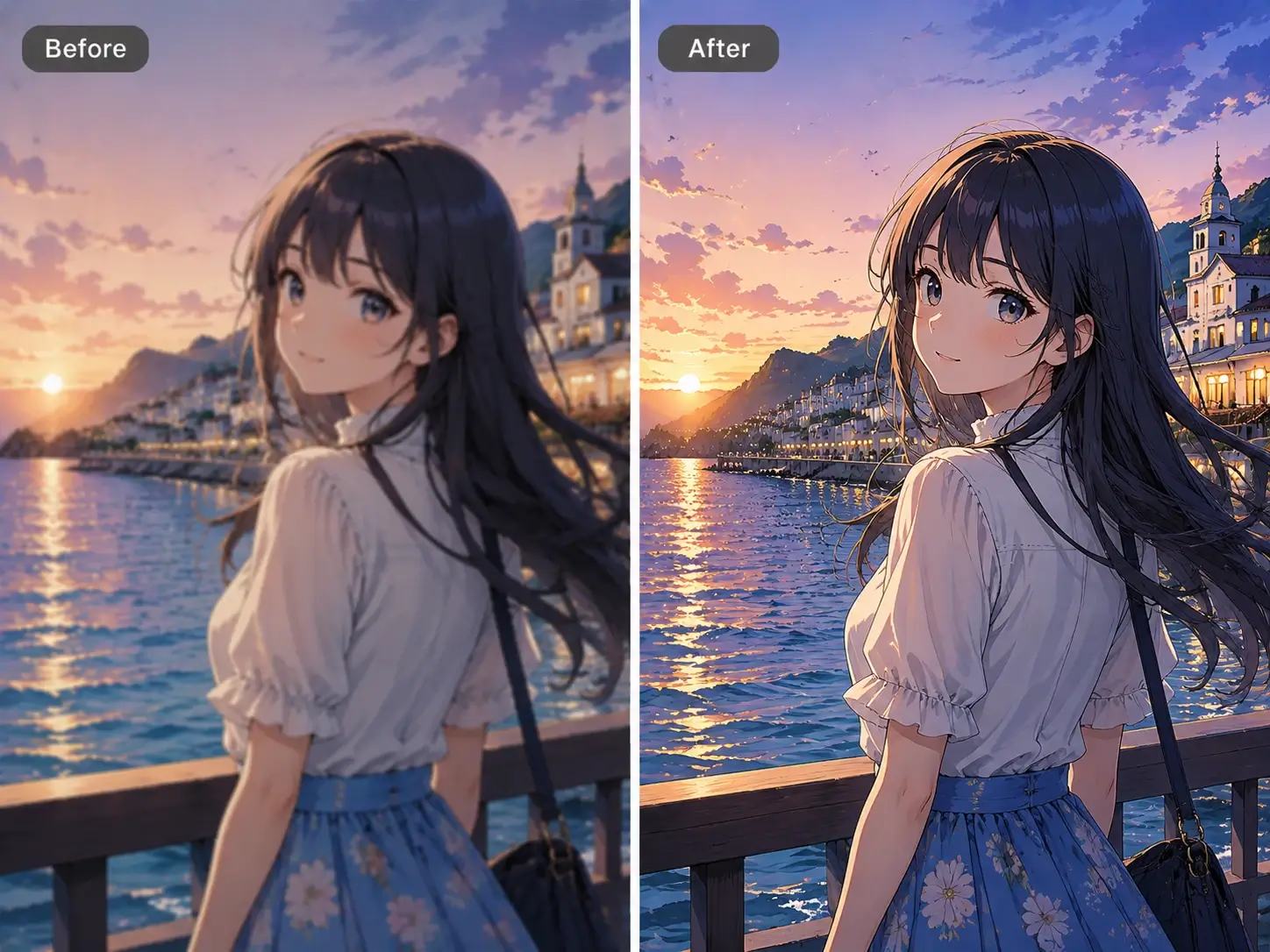
UnblurImage AI can also enhance anime, illustrations, graphics, and AI-generated images. It improves line clarity, color richness, and edge sharpness while helping preserve the original style. Use it to enhance low-resolution artwork, sharpen digital graphics, or prepare visuals for sharing, printing, or creative projects.

Anime & Graphics Enhancement before
Anime & Graphics Enhancement after
BeforeAfter

How to Use Unblurimage AI Photo Enhancer?

Follow these simple steps to enhance photo quality online with UnblurImage AI.
01

Upload Your Image

Upload a JPG, PNG, WebP, or HEIC image. For the best result, use the original photo instead of a screenshot or heavily compressed copy.

02

Enhance Automatically

The AI photo enhancer analyzes your image, restores clarity, reduces noise, sharpens details, and helps increase photo resolution. You can use it to enhance portraits, old photos, product images, screenshots, anime, and graphics in seconds.

03

Download and Share

Preview the enhanced result, download your clearer image without a watermark, and use it for social media, ecommerce, printing, presentations, or personal memories.

Best Use Cases for an AI Photo Enhancer

UnblurImage AI is made for anyone who wants a clearer image without learning complex editing software. From personal memories to product visuals, it helps improve photo quality, fix blurry photos, increase photo resolution, and clean up common image problems in just a few clicks.

Improve Old Family Photos With AI

Old family pictures, reunion photos, travel memories, and casual smartphone shots often become blurry, compressed, or faded over time. UnblurImage AI helps restore visible detail, reduce grain, and make important memories easier to view, share, or print.
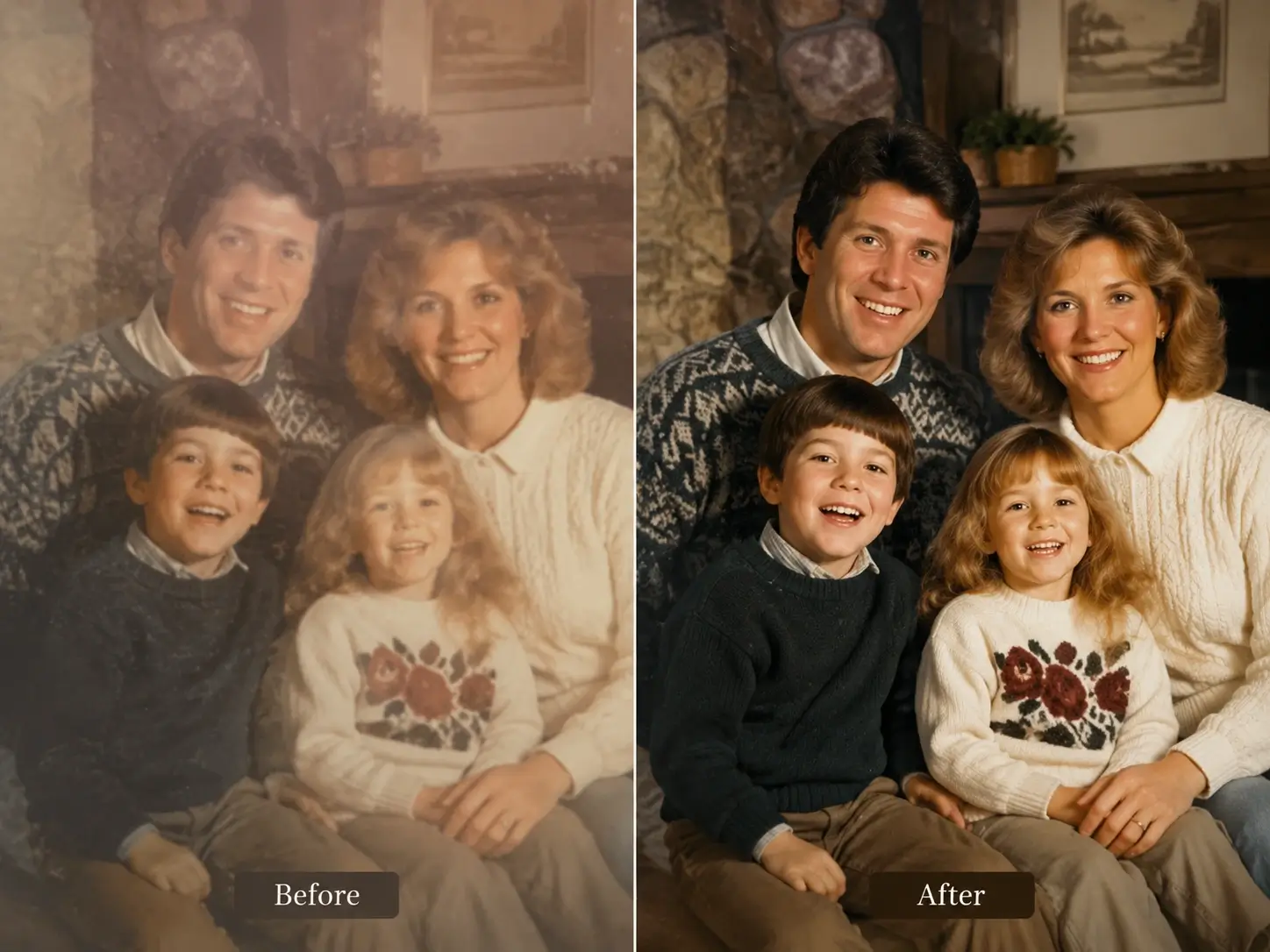
Old family photo improved with AI photo enhancer

Enhance Portraits and Profile Photos Naturally

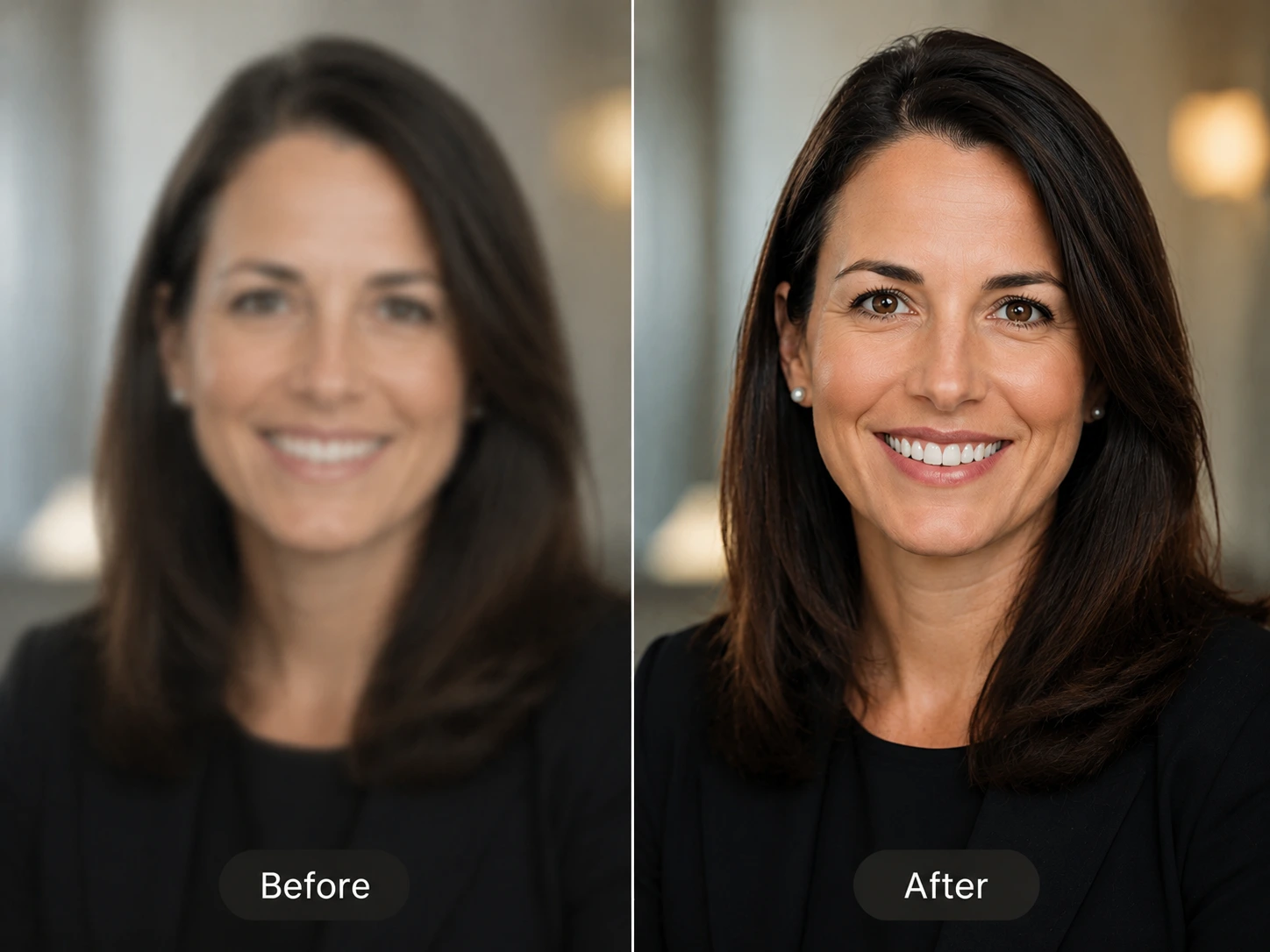
Use UnblurImage AI as a photo quality enhancer for portraits, headshots, resumes, profile pictures, and creator bios. It can enhance facial clarity around eyes, hair, and skin texture while helping portraits stay natural instead of overprocessed.

Portrait enhanced naturally with AI photo enhancer

Enhance Product Photos for Ecommerce

Product photos need to look clear and trustworthy. Our image enhancer can help sharpen product edges, surfaces, labels, packaging, fabric, and small visual details for ecommerce listings, marketplaces, ads, catalogs, and product pages.

Ecommerce product photo enhanced with AI image enhancer

Improve Screenshot Quality Online

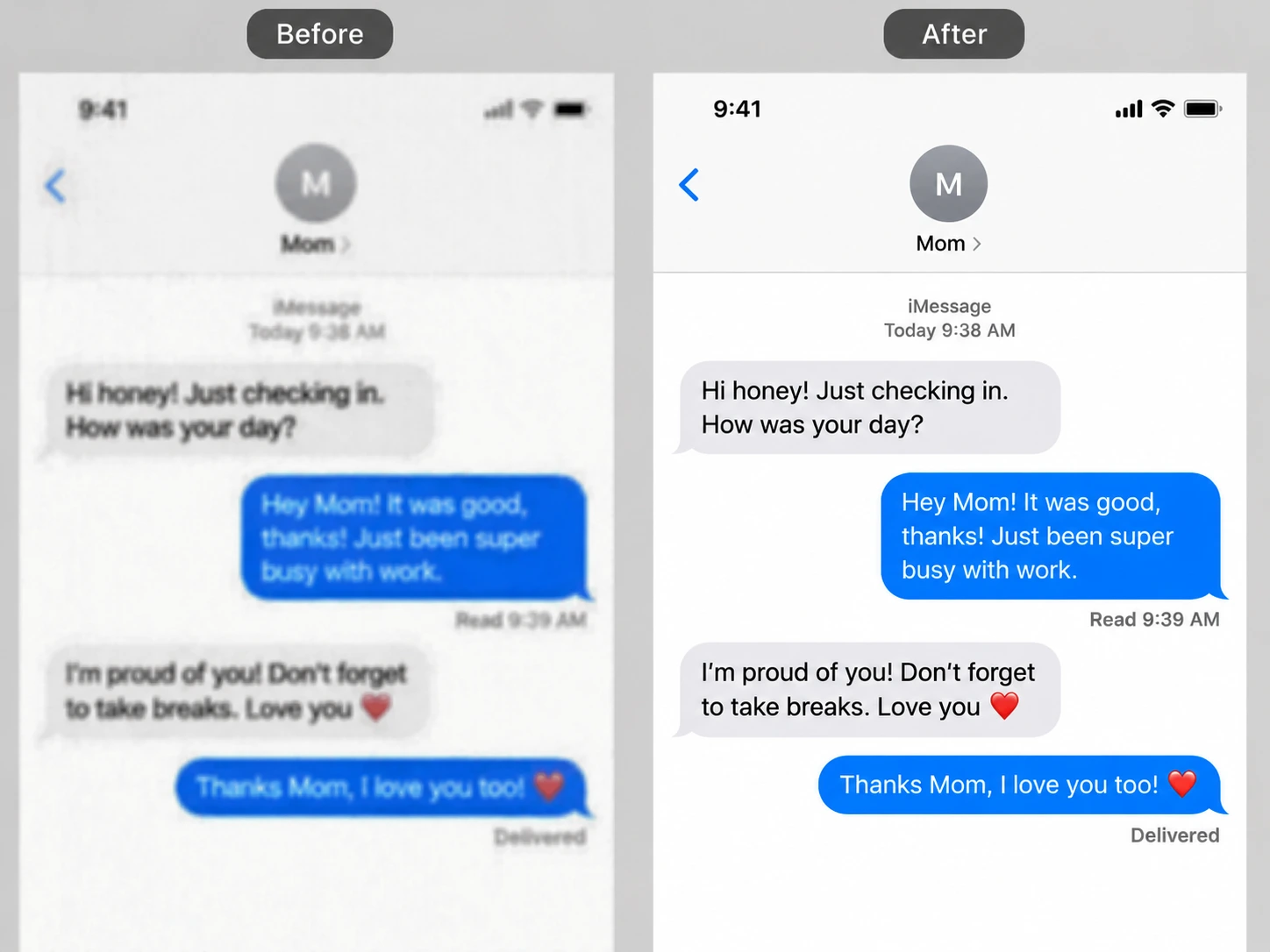
Screenshots, slides, scanned notes, receipts, and document photos can lose clarity after compression or resizing. This AI image enhancer can improve screenshot quality, reduce compression artifacts, and make visual details easier to see for presentations, reports, and everyday work.

Screenshot quality improved online with AI image enhancer

Polish Social Media Images With a Photo Enhancer Online

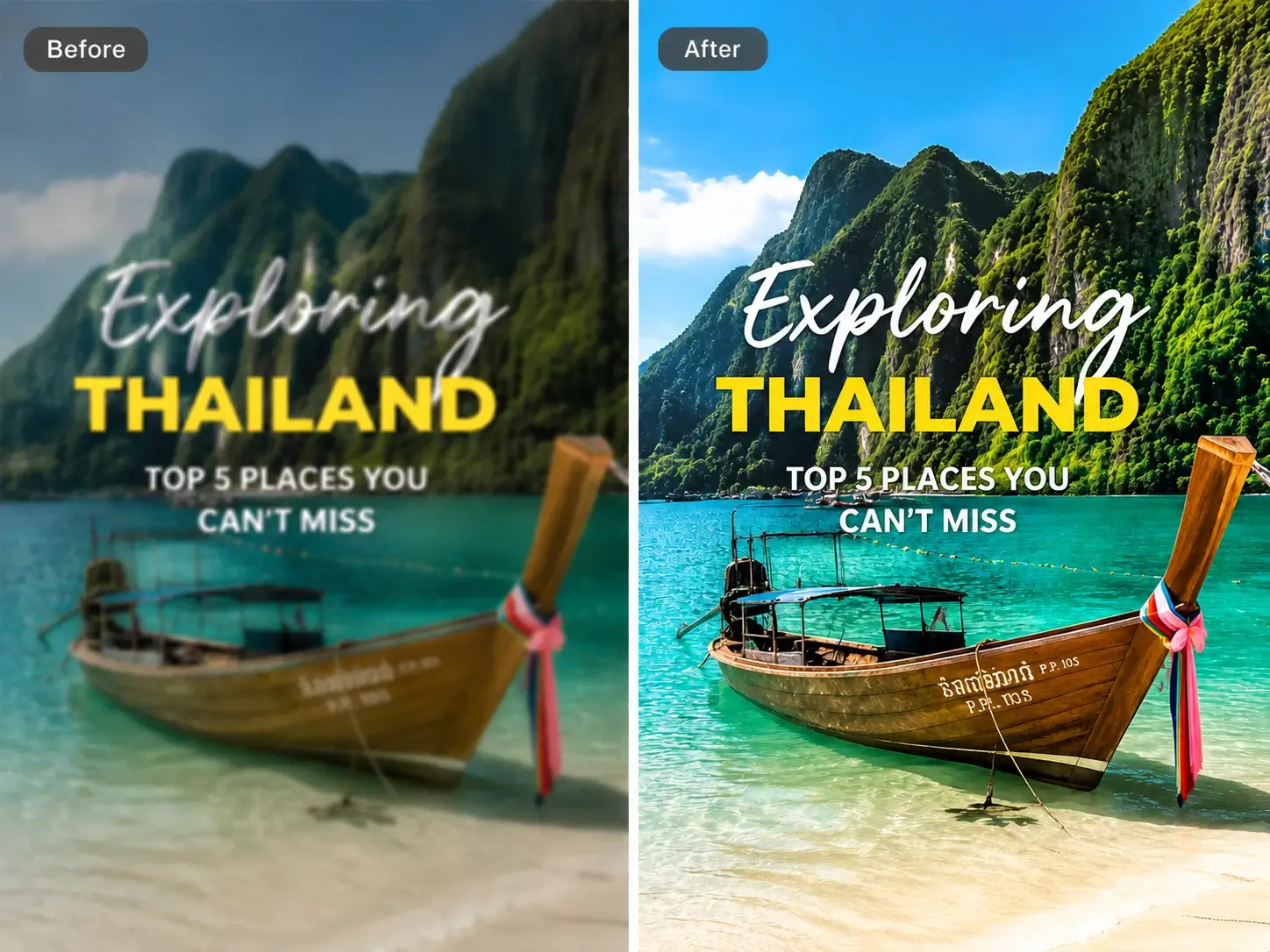
Creators and marketers often reuse images across posts, stories, thumbnails, blogs, ads, and presentations. A fast photo enhancer online helps polish compressed or low-resolution visuals before publishing, making them look sharper and more share-ready.

Social media image polished with online photo enhancer

Enhance Graphics and AI-Generated Images

UnblurImage AI also works for anime, illustrations, graphics, and AI-generated images. It can improve line sharpness, color clarity, and edge detail while preserving the original visual style, making it useful for creative projects and online sharing.

Graphics and AI-generated image enhanced with AI photo enhancer

Why Choose UnblurImage AI Photo Enhancer?

UnblurImage AI works as an image enhancer online for users who want to improve photo quality directly in the browser without installing editing software. You do not need editing experience or complex software. Upload your image, let the AI improve quality, then download a clearer result.

Free Online Photo Enhancer With No Watermark

UnblurImage AI works as a free online photo enhancer in your browser. No installation, no sign-up, and no watermark.

Natural Detail, Not Harsh Sharpening

This AI photo enhancer improves clarity while avoiding crunchy edges, heavy halos, and overprocessed textures.

Increase Photo Resolution Online

Use the AI image enhancer workflow to increase photo resolution for sharper exports in social posts, ecommerce listings, presentations, and light print use.

People Love Unblurimage AI

Frequently Asked Questions

Here are some of the most common questions about Unblurimage.

What Are You Looking For?Get Started Now

Transform your photos in seconds with Unblurimage AI, the cutting-edge AI photo enhancer designed to restore clarity, boost resolution, and enhance every detail effortlessly.