AI इमेज अपस्केलर ऑनलाइन मुफ्त

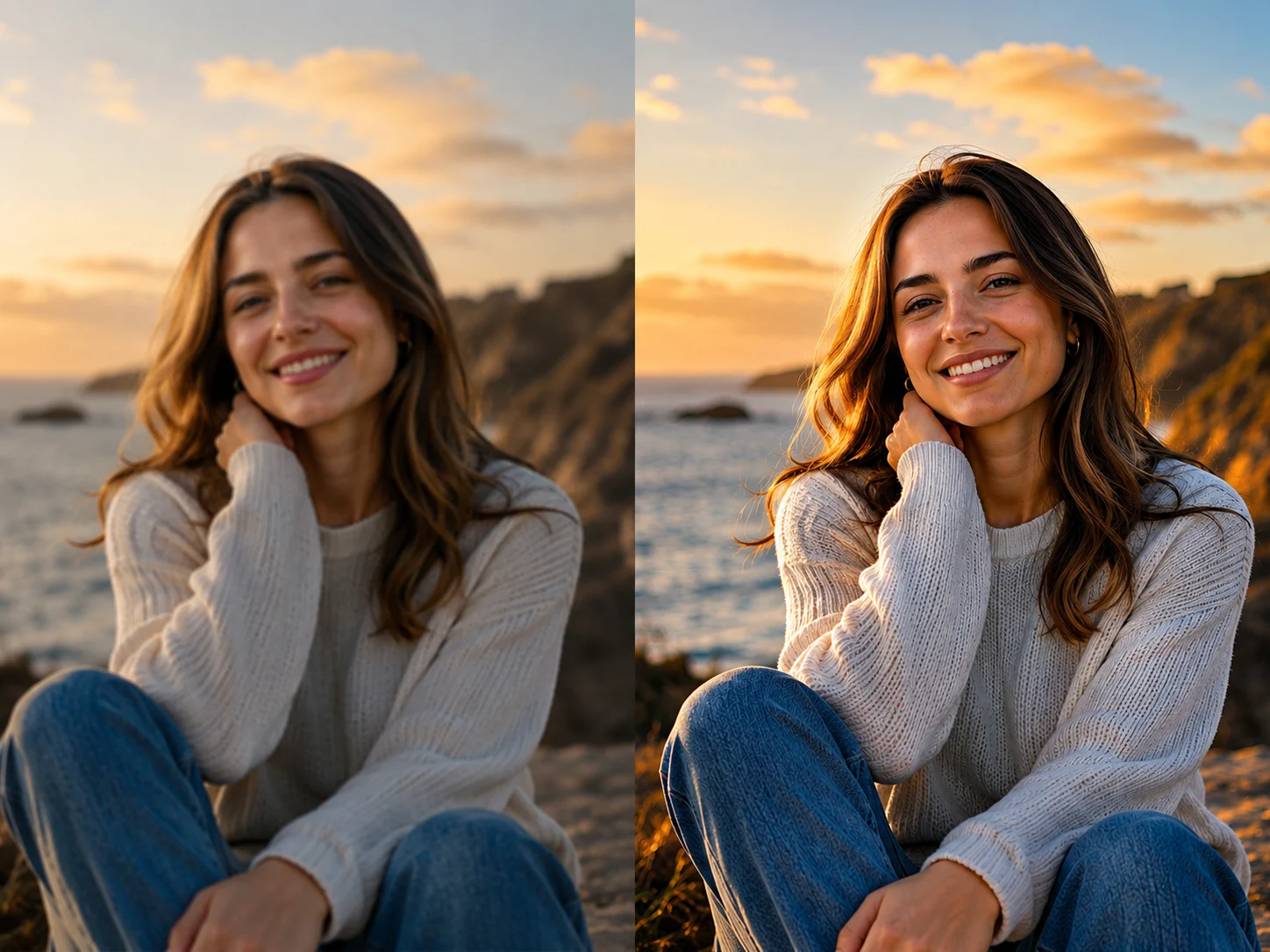
After imageBefore image

लोड हो रहा है...

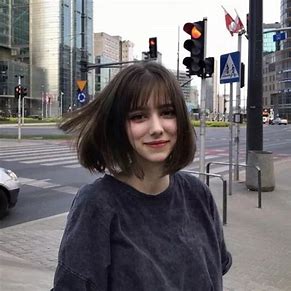
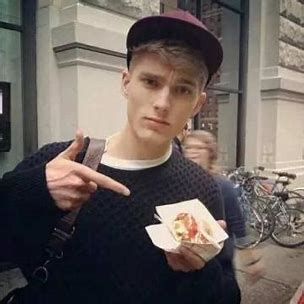
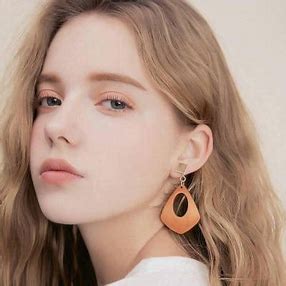
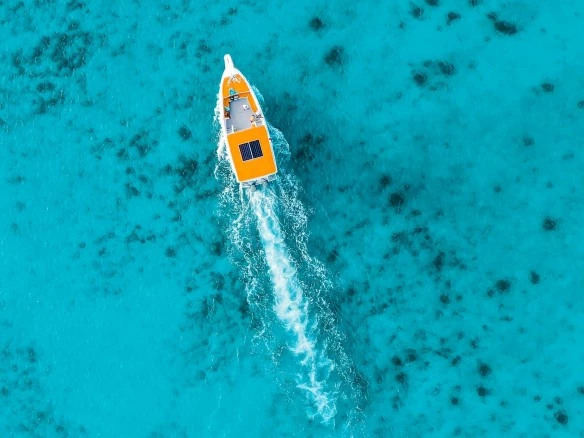
इन उदाहरणों को आज़माएं या अपनी खुद की छवि अपलोड करें
Example 1Example 2Example 3Example 4
Feature 1

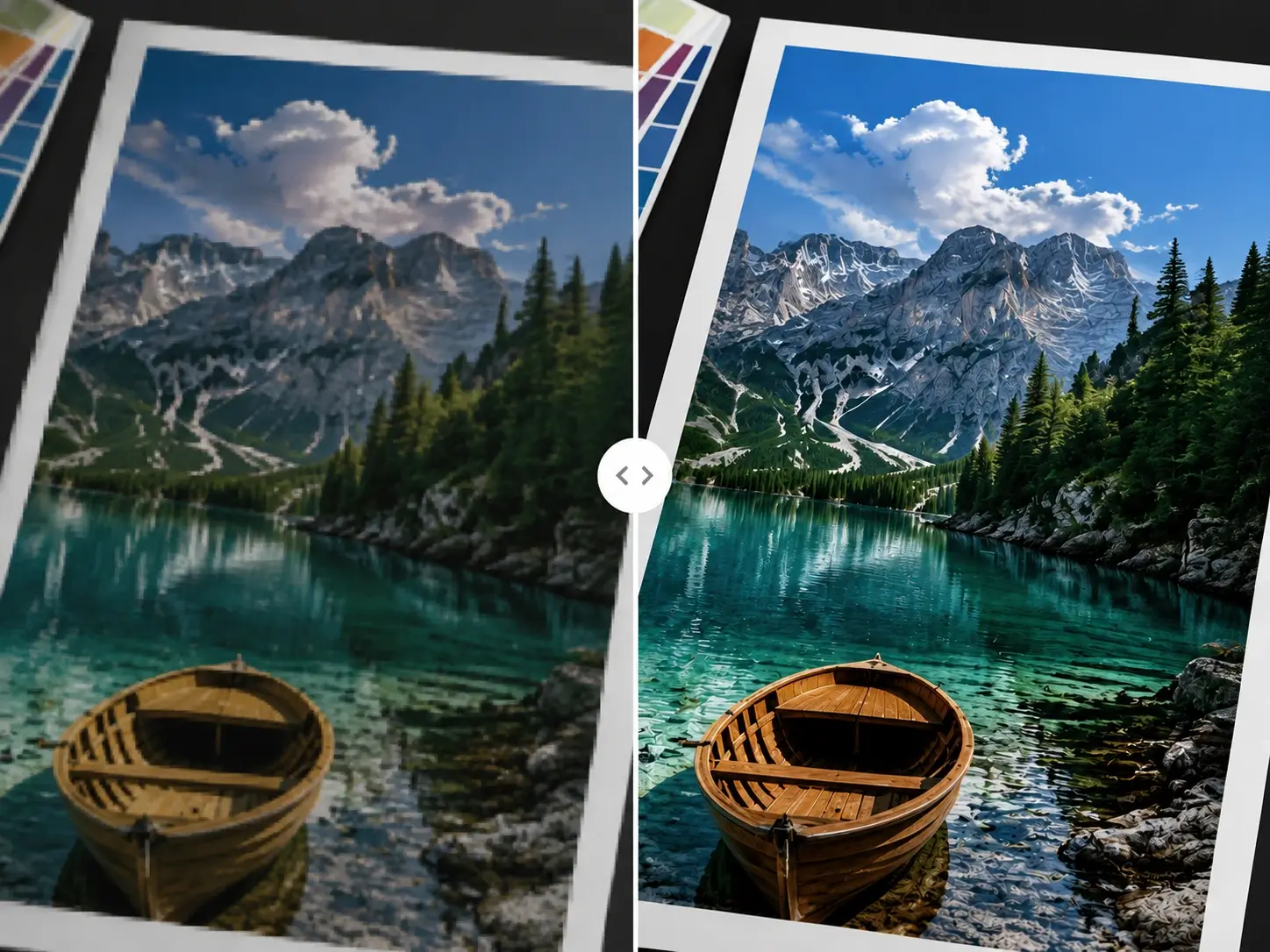
इमेज रिज़ॉल्यूशन बढ़ाएं और धुंधली तस्वीरें साफ करें

Unblurimage AI ऑनलाइन इमेज रिज़ॉल्यूशन बढ़ाता है, blur और pixelation कम करता है, और AI super-resolution से खोए हुए details दोबारा बनाता है। इससे product photos, portraits, social media, print और creative projects के लिए तस्वीरें ज्यादा साफ और natural दिखती हैं।

शार्प करने से पहले
शार्प करने के बाद
BeforeAfter
Feature 2

गुणवत्ता खोए बिना इमेज को 400% तक अपस्केल करें

Unblurimage AI ऑनलाइन इमेज रिज़ॉल्यूशन बढ़ाता है, blur और pixelation कम करता है, और AI super-resolution से खोए हुए details दोबारा बनाता है। इससे product photos, portraits, social media, print और creative projects के लिए तस्वीरें ज्यादा साफ और natural दिखती हैं।

blur हटाने से पहले
blur हटाने के बाद
BeforeAfter
Feature 3

नॉइज़ कम करें, डिटेल जोड़ें और इमेज क्वालिटी सुधारें

Unblurimage AI ऑनलाइन इमेज रिज़ॉल्यूशन बढ़ाता है, blur और pixelation कम करता है, और AI super-resolution से खोए हुए details दोबारा बनाता है। इससे product photos, portraits, social media, print और creative projects के लिए तस्वीरें ज्यादा साफ और natural दिखती हैं।

अपस्केल से पहले
अपस्केल के बाद
BeforeAfter
Feature 4

JPG, PNG, WebP और HEIC कम-रिज़ॉल्यूशन इमेज अपस्केल करें

Unblurimage AI ऑनलाइन इमेज रिज़ॉल्यूशन बढ़ाता है, blur और pixelation कम करता है, और AI super-resolution से खोए हुए details दोबारा बनाता है। इससे product photos, portraits, social media, print और creative projects के लिए तस्वीरें ज्यादा साफ और natural दिखती हैं।

क्वालिटी सुधार से पहले
क्वालिटी सुधार के बाद
BeforeAfter
Feature 5

AI से बनी इमेज को गुणवत्ता खोए बिना 4K तक बढ़ाएं

Unblurimage AI ऑनलाइन इमेज रिज़ॉल्यूशन बढ़ाता है, blur और pixelation कम करता है, और AI super-resolution से खोए हुए details दोबारा बनाता है। इससे product photos, portraits, social media, print और creative projects के लिए तस्वीरें ज्यादा साफ और natural दिखती हैं।

AI इमेज सुधार से पहले
AI इमेज सुधार के बाद
BeforeAfter

Unblurimage AI से इमेज कैसे अपस्केल करें

AI image upscaler से इमेज रिज़ॉल्यूशन बढ़ाने के लिए ये आसान स्टेप्स अपनाएं।
01

इमेज अपलोड करें

अपने डिवाइस से JPG, PNG, WebP या HEIC फ़ाइल चुनें।

02

अपस्केल रेशियो चुनें

200% या 400% चुनें और processing शुरू करें। AI इमेज को बड़ा करते हुए pixelation कम करता है।

03

Enhanced image डाउनलोड करें

Result preview करें और web, social media, print या ecommerce के लिए high-resolution version डाउनलोड करें।

AI इमेज अपस्केलर के उपयोग

प्रोडक्ट फोटो: ज्यादा साफ विवरण

Low-resolution product photos में texture, label और छोटे details छिप सकते हैं। AI upscaling shoppers को confidence के साथ zoom करने में मदद करता है।

Online stores, marketplaces, ads, catalogs, packaging text, jewelry, fabric और product visuals के लिए उपयोग करें।
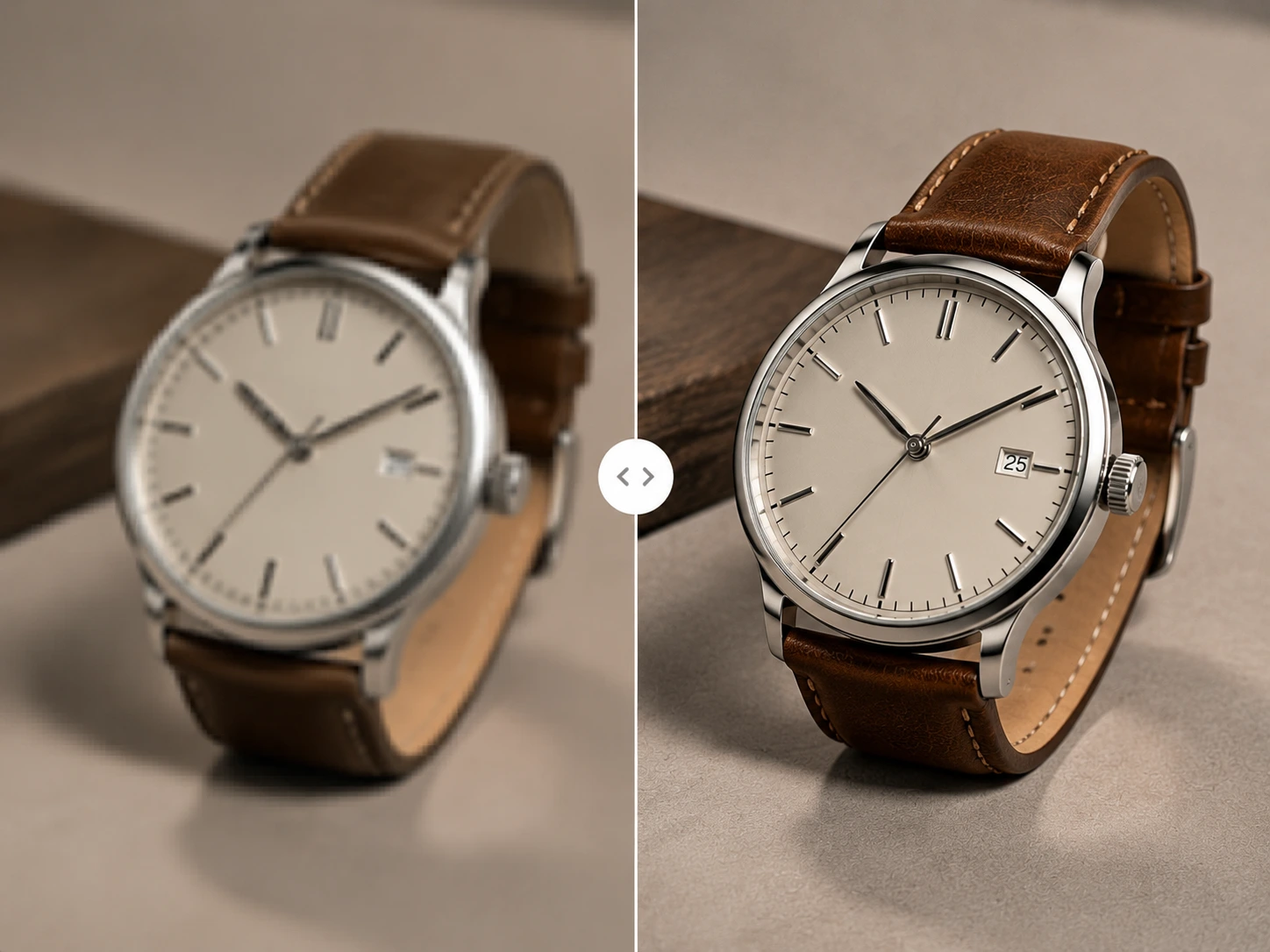
AI से साफ की गई product photo

Social media और ads

Social platforms अक्सर images compress करते हैं। Post करने से पहले upscale करने से posts, ads, thumbnails, banners और profile pictures ज्यादा sharp दिखते हैं।

छोटी image को reuse करने या कई channels के लिए तैयार करने में उपयोगी है।

पोस्ट से पहले साफ की गई social image

Print-ready visuals को 4K तक बढ़ाएं

छोटी image screen पर ठीक लग सकती है लेकिन print में pixelated हो सकती है। AI posters, flyers, reports, presentations और invitations के लिए मदद करता है।

यह file को सिर्फ stretch नहीं करता, बल्कि missing details reconstruct करता है।

4K तक upscale किया गया print visual

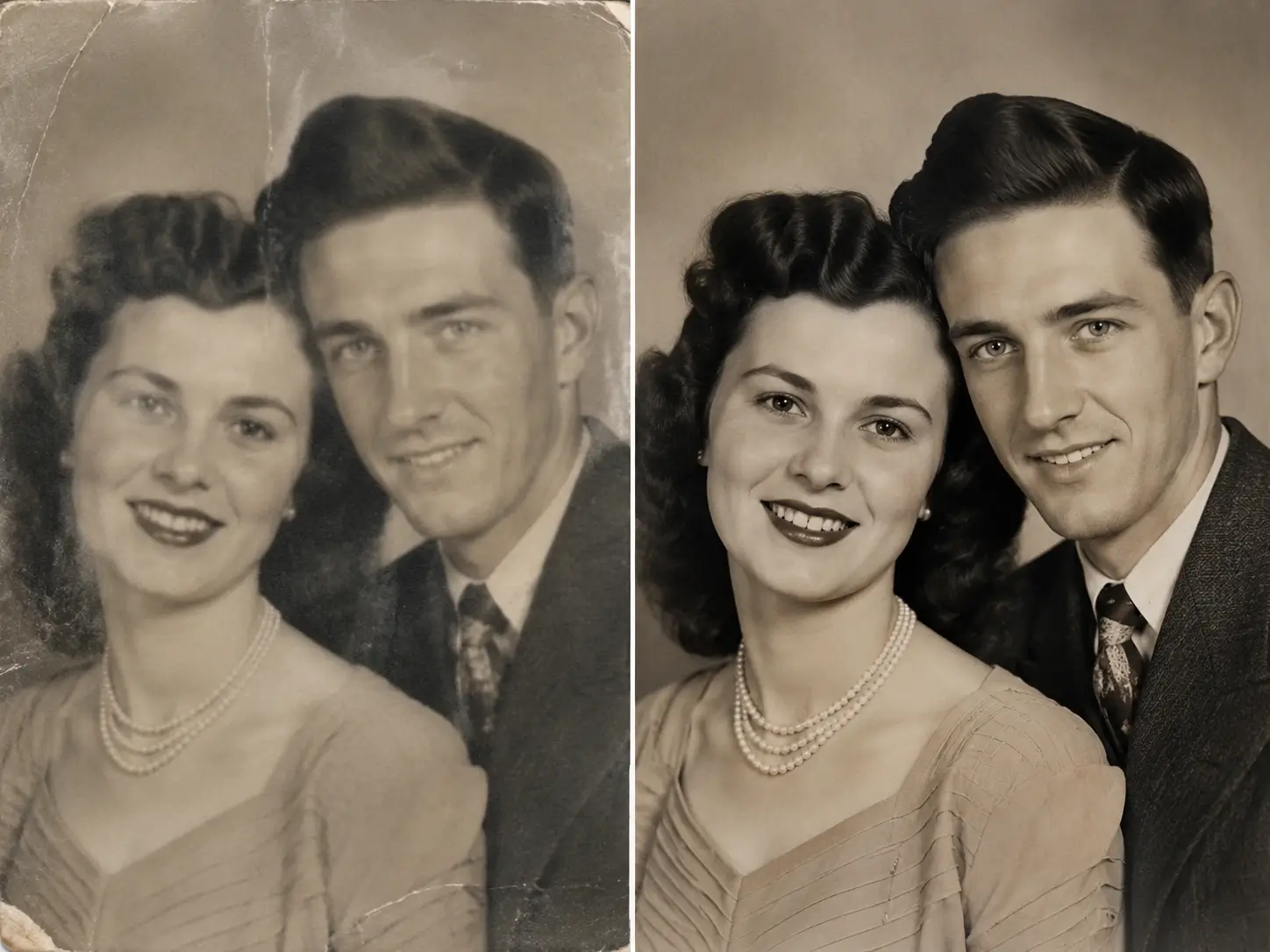
Old या low-quality photos

Old photos, scans, screenshots और phone pictures grainy या unclear हो सकते हैं। AI resolution, details और clarity सुधारता है।

Family albums, digital archives, gifts और online sharing के लिए उपयोग करें।

AI से restore की गई पुरानी photo

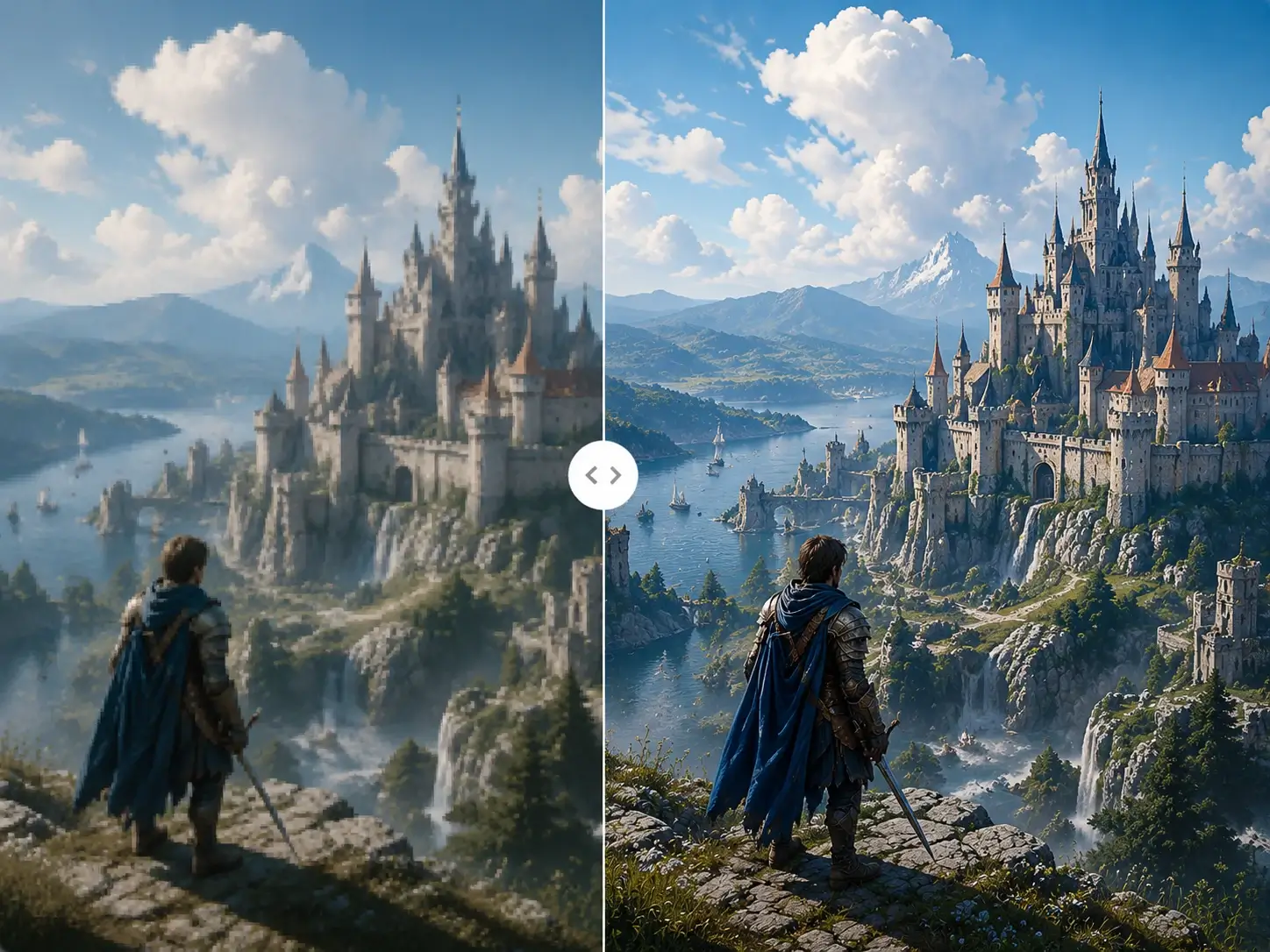
AI-generated images को साफ करें

AI images export के बाद soft या low-resolution लग सकती हैं। Upscaling इन्हें websites, social media, ads और design projects के लिए बेहतर बनाता है।

Characters, backgrounds, product concepts और design assets में sharper details recover करें।

Pixelated AI image साफ हुई

Unblurimage AI क्यों चुनें?

Detail-preserving icon

Natural और detail-preserving upscale

AI natural details बचाते हुए resolution बढ़ाता है, pixelation कम करता है और over-processed look से बचाता है।

Fast enhancement icon

Fast और easy online enhancement

Image upload करें, ratio चुनें, और AI low-resolution photo को ज्यादा sharp visual में बदल देता है।

Secure processing icon

Secure और privacy-focused processing

Personal photos, product shots, AI images और old pictures को सुरक्षित तरीके से online process किया जाता है।

लोग Unblurimage AI से प्यार करते हैं

अक्सर पूछे जाने वाले प्रश्न

Unblurimage के बारे में सामान्य सवाल यहां दिए गए हैं।

आप क्या खोज रहे हैं?अभी शुरू करें

Unblurimage AI इमेज अपस्केलर छवियों को बड़ा करने, पिक्सेल का विश्लेषण करने और बुद्धिमानी से सूक्ष्म विवरणों को पुनर्निर्माण करने के लिए अत्याधुनिक सुपर-रिज़ॉल्यूशन एल्गोरिदम का लाभ उठाता है।