धुंधली फोटो साफ करने के लिए सबसे अच्छे AI Image Upscaler टूल

By unblurimage.ai
2026/6/11
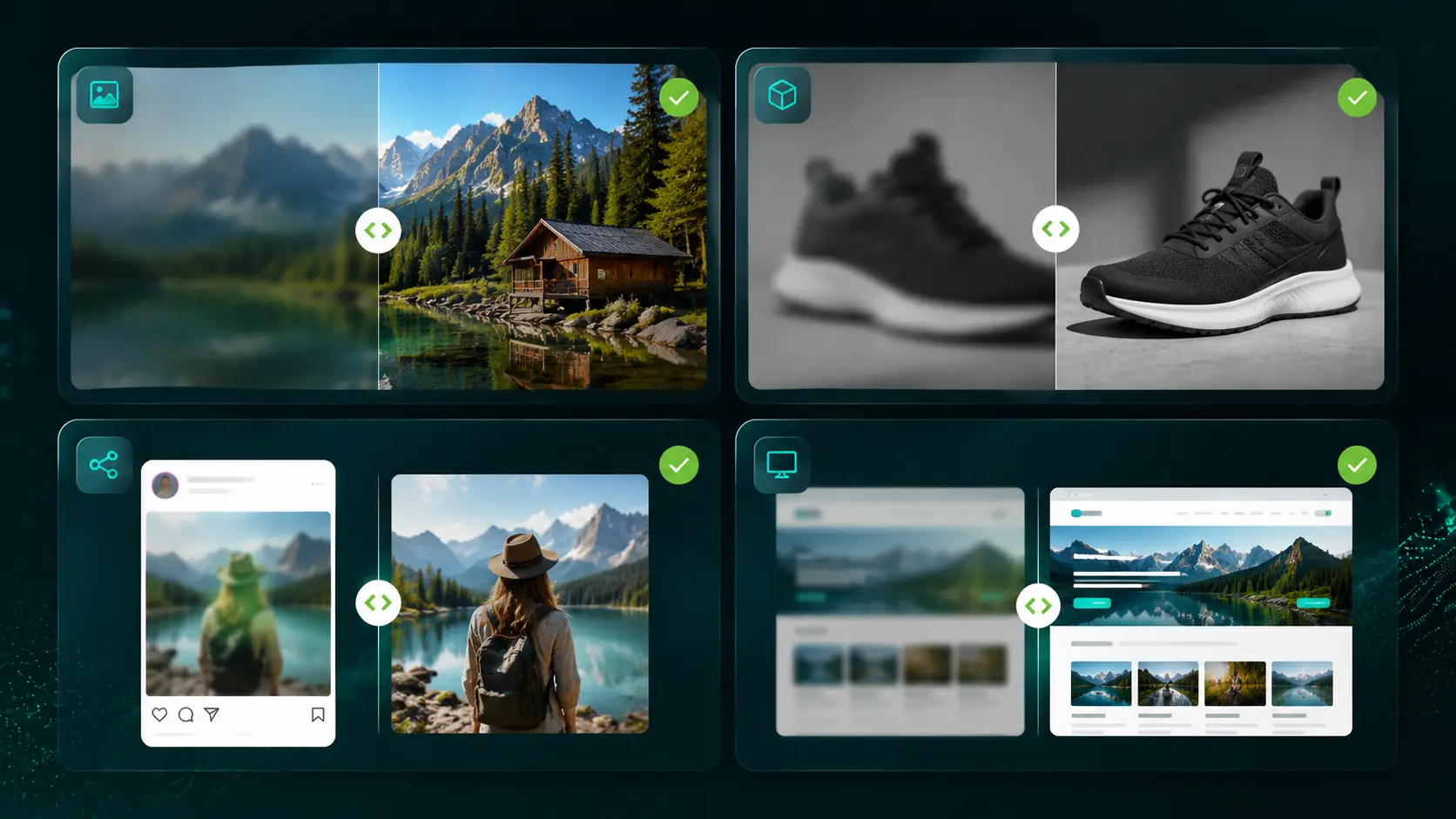
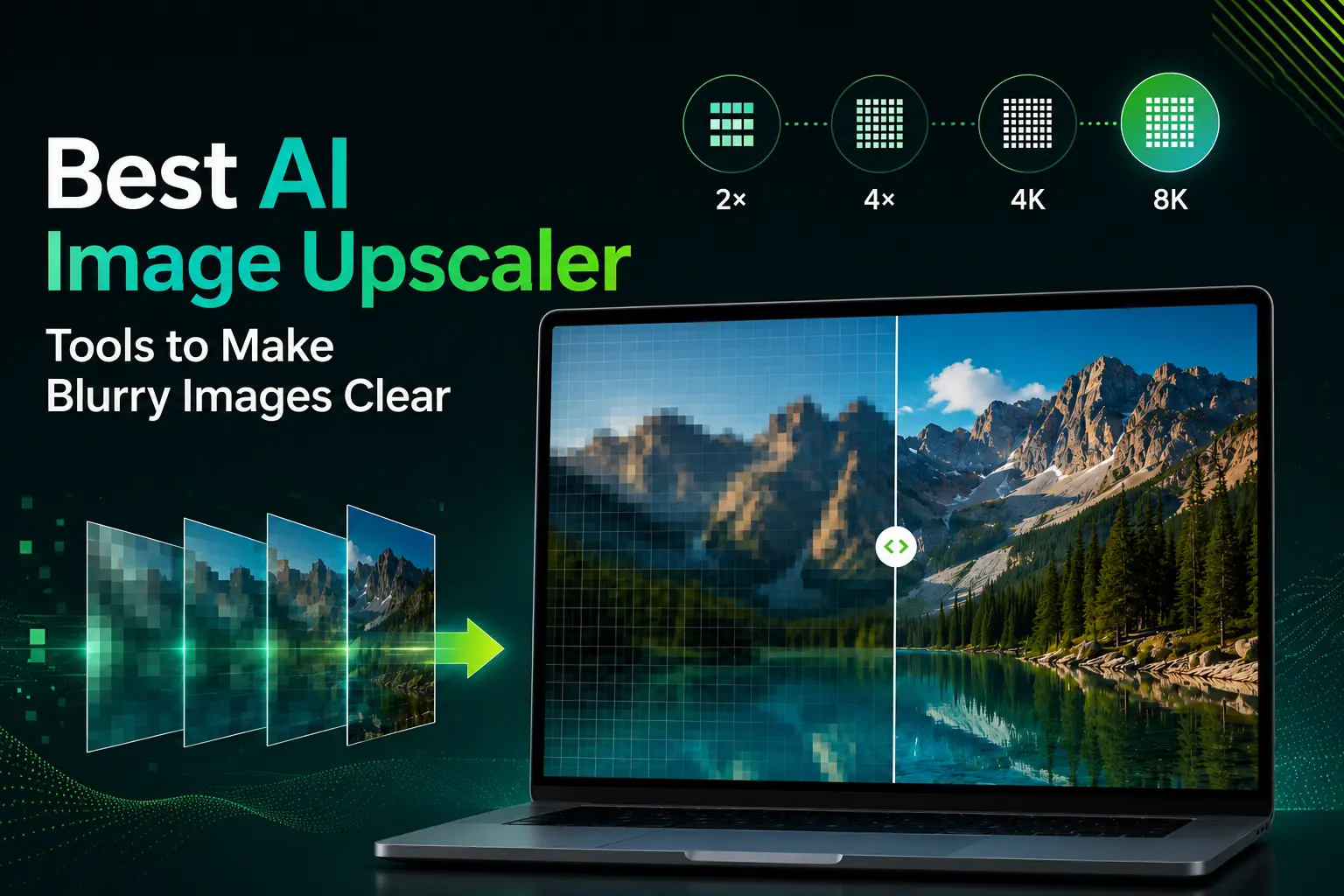
AI image upscaler low-resolution images को बड़ा करते हुए उनकी clarity, texture और edge details बेहतर करता है। अगर आपको जल्दी और मुफ्त में 2x या 4x enlargement चाहिए, तो UnblurImage सबसे आसान विकल्प है। Creators, ecommerce sellers और marketers जिन्हें 4K या 8K output के साथ पूरा creative workflow चाहिए, उनके लिए Linocut.ai बेहतर है। Adobe professional editing के लिए, Canva social media design के लिए और Cloudinary website image delivery के लिए अच्छा है।
| जरूरत | सबसे अच्छा विकल्प |
|---|---|
| धुंधली image online साफ करना | UnblurImage से मुफ्त 2x या 4x improvement |
| 4K या 8K marketing assets बनाना | Linocut बड़े output और आगे editing के लिए |
| Product photos सुधारना | Control के लिए Linocut, quick preview के लिए UnblurImage |
| Social media images enlarge करना | Canva या Picsart |
| Website images optimize करना | Cloudinary |
AI image upscaling क्यों जरूरी है
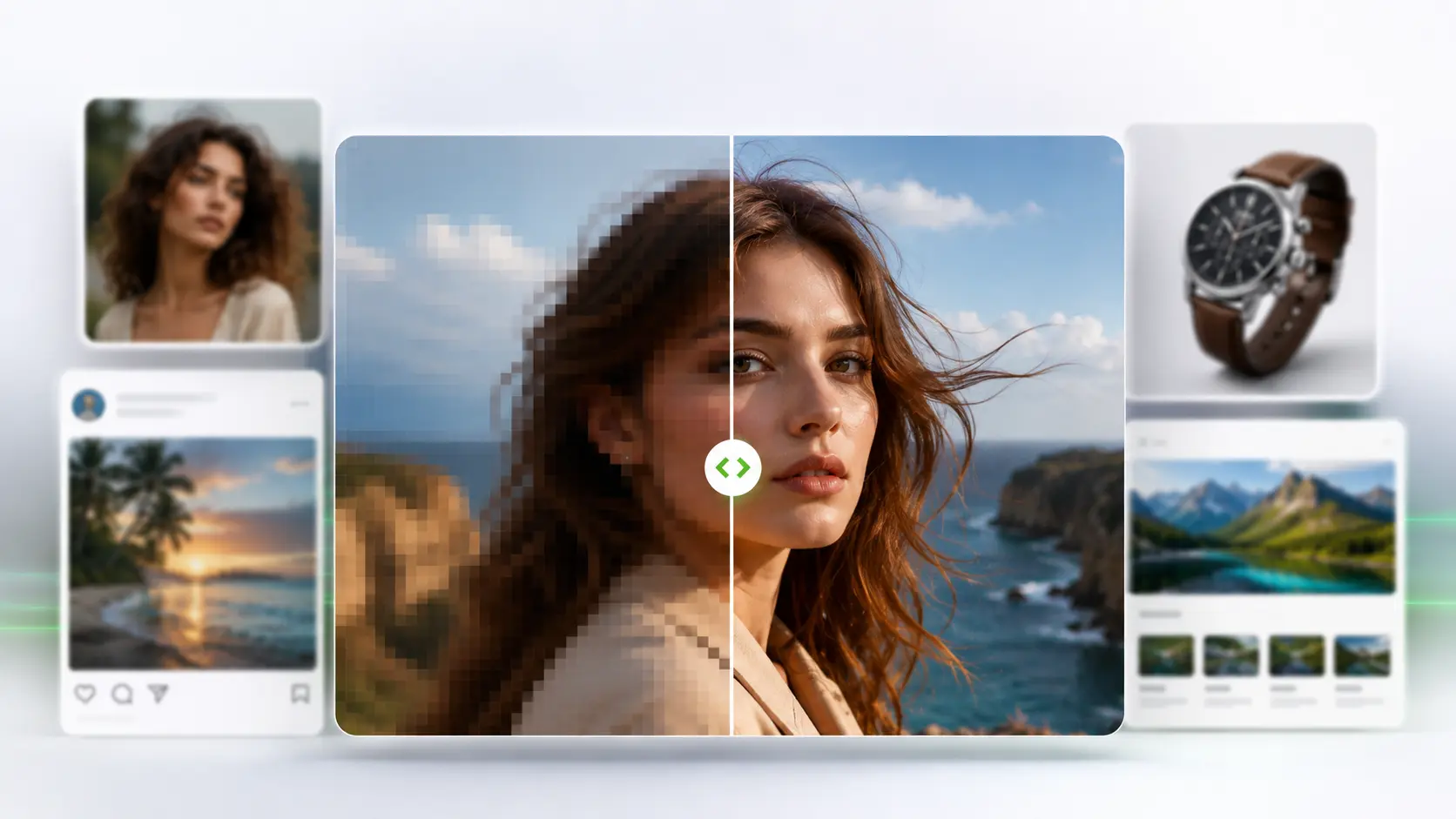
Low-resolution images किसी page, product या campaign को कम professional दिखा सकती हैं। Product photo thumbnail में ठीक लग सकती है, लेकिन zoom करने पर labels और details टूट जाते हैं। Normal resizing सिर्फ existing pixels को stretch करती है, जिससे blur, JPEG artifacts और jagged edges और ज्यादा दिखते हैं।
AI upscaling image patterns को analyze करके ज्यादा clean edges, बेहतर texture और useful details वाली बड़ी image बनाता है। यह original में मौजूद न होने वाली details को perfect तरीके से वापस नहीं ला सकता, लेकिन कई low-res images को website, social media, product listings, design drafts और creative projects के लिए ज्यादा उपयोगी बना सकता है।
AI image upscaler क्या है?
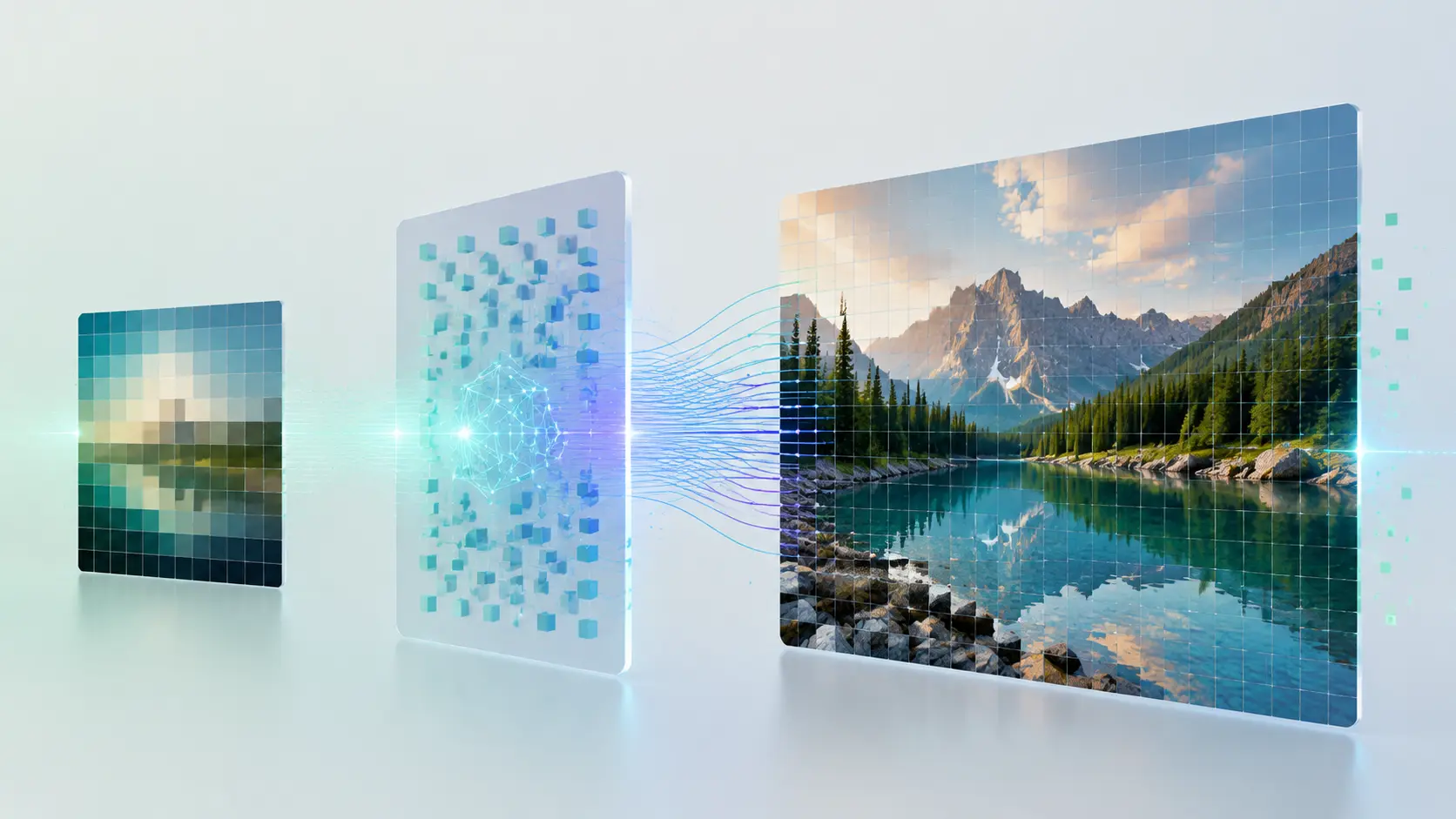
AI image upscaler ऐसा tool है जो image resolution बढ़ाते हुए visual quality को preserve या improve करने की कोशिश करता है। यह image को सिर्फ stretch नहीं करता, बल्कि deep learning से sharper edges, clearer textures और natural details predict करता है। यह process super-resolution imaging से जुड़ा है।
| Use case | जरूरत |
|---|---|
| धुंधली photos | ज्यादा साफ और usable version |
| Ecommerce product photos | Sharp edges, readable labels, बेहतर zoom |
| Social media | Posts, banners, thumbnails के लिए बड़ी images |
| पुरानी photos | Scans और compressed images की clarity |
| Creative production | 4K, 8K या बड़े assets |
Best AI image upscaler tools
| Rank | Tool | Best for | Key strength |
|---|---|---|---|
| 1 | Linocut | 4K, 8K, ecommerce, creative workflows | Large output और connected editing |
| 2 | UnblurImage | Free online 2x या 4x upscaling | Simple upload, fast result |
| 3 | Adobe Firefly और Photoshop | Professional editing | Detailed control और retouching |
| 4 | Canva | Social posts और simple design | Upscaling के बाद easy design |
| 5 | Upscale.media | Fast one-off upscaling | Browser-based result |
| 6 | Picsart | Mobile content creation | Lightweight creative editing |
| 7 | Cloudinary | Websites और image infrastructure | Scalable transformation और delivery |
1. Linocut.ai: 4K, 8K और creative workflows के लिए बेहतर
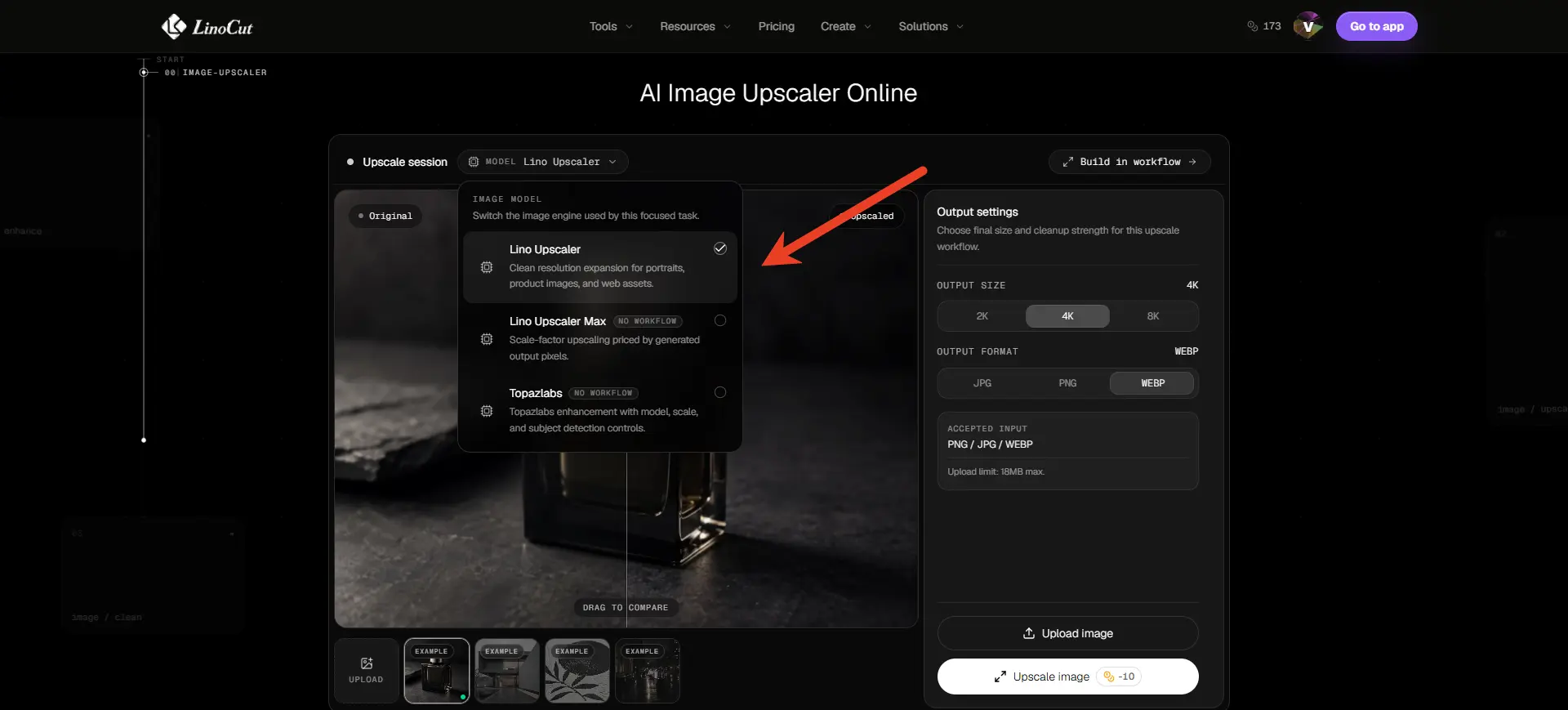
Linocut तब बेहतर है जब image upscaling product photos, background removal, ad variations और multi-channel crops जैसे बड़े workflow का हिस्सा हो। Ecommerce seller product photo enlarge करके background remove कर सकता है, marketplace image बना सकता है और ad variation तैयार कर सकता है।
Best for: creators, ecommerce sellers, marketers, designers और ऐसी teams जिन्हें repeatable high-resolution workflow चाहिए।
Limitation: अगर सिर्फ एक image को जल्दी 2x enlarge करना है, तो simple free tool काफी हो सकता है।
2. UnblurImage: free online 2x और 4x upscaling के लिए बेहतर
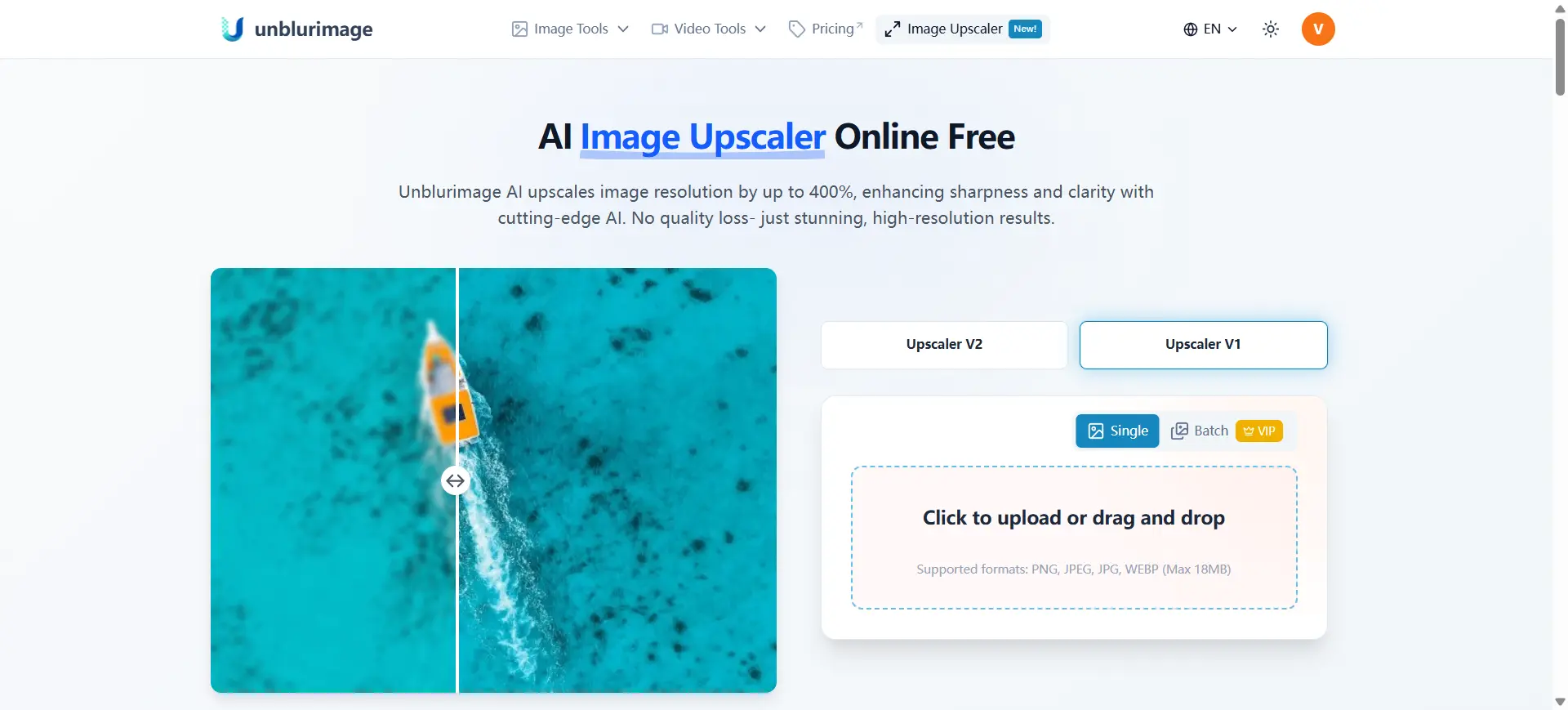
UnblurImage उन users के लिए बेहतर है जिन्हें मुफ्त online image upscaler चाहिए। यह JPG, PNG, WebP और HEIC support करता है और 200% या 400% enlargement देता है। यह “image 2x enlarge”, “4x image upscaler online” और “धुंधली photo साफ करें” जैसे searches से match करता है।
Best for: regular users, bloggers, small sellers, students, social media users और तेज online enlargement चाहने वाले लोग।
Limitation: यह complex production workflow से ज्यादा quick clarity improvement के लिए बेहतर है।
3. Adobe Firefly और Photoshop: professional editing के लिए बेहतर
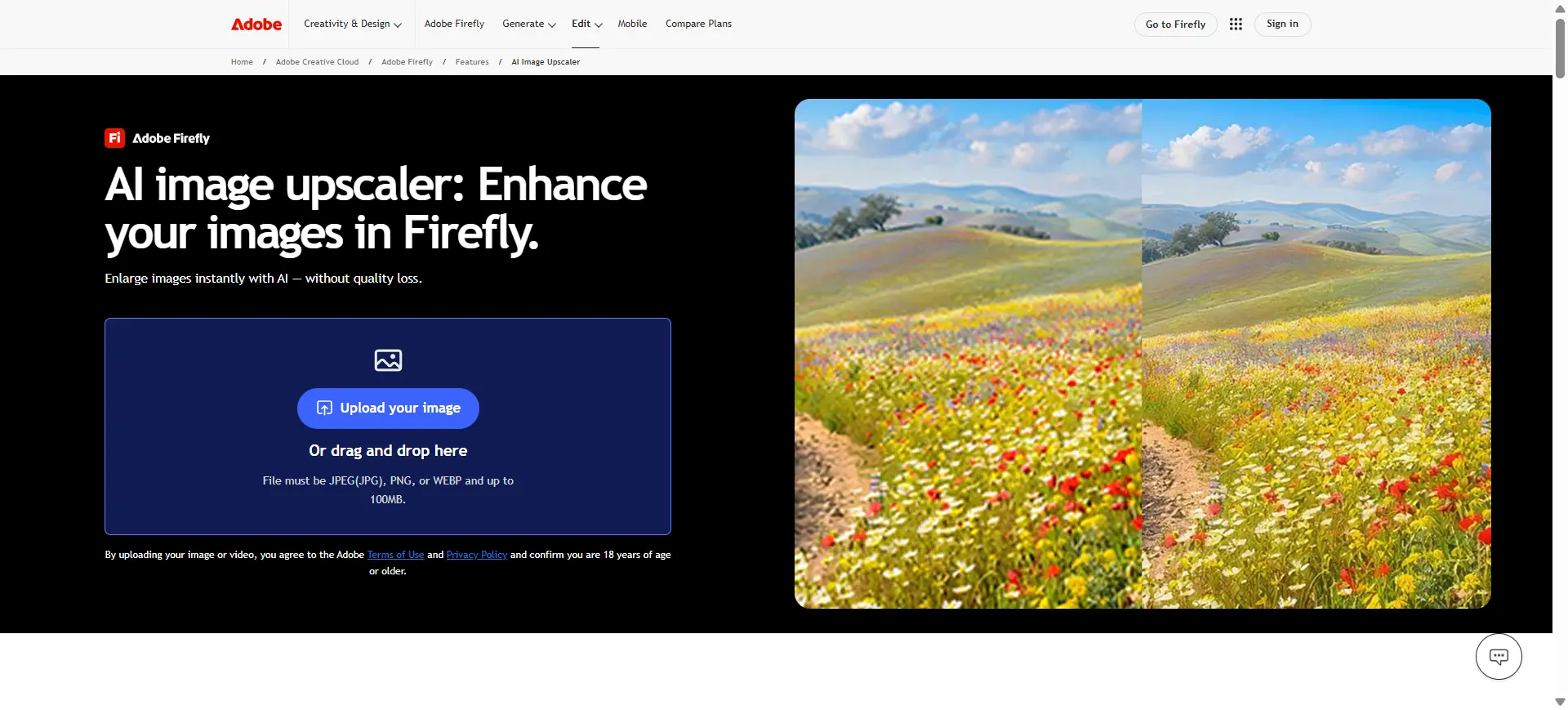
Adobe उन users के लिए है जो professional editing environment में काम करते हैं। Photoshop और Adobe AI tools upscaling, retouching, masking, color correction, compositing और print preparation में मदद करते हैं। Control बहुत मिलता है, लेकिन simple काम के लिए यह heavy हो सकता है।
4. Canva: social media और simple design के लिए बेहतर
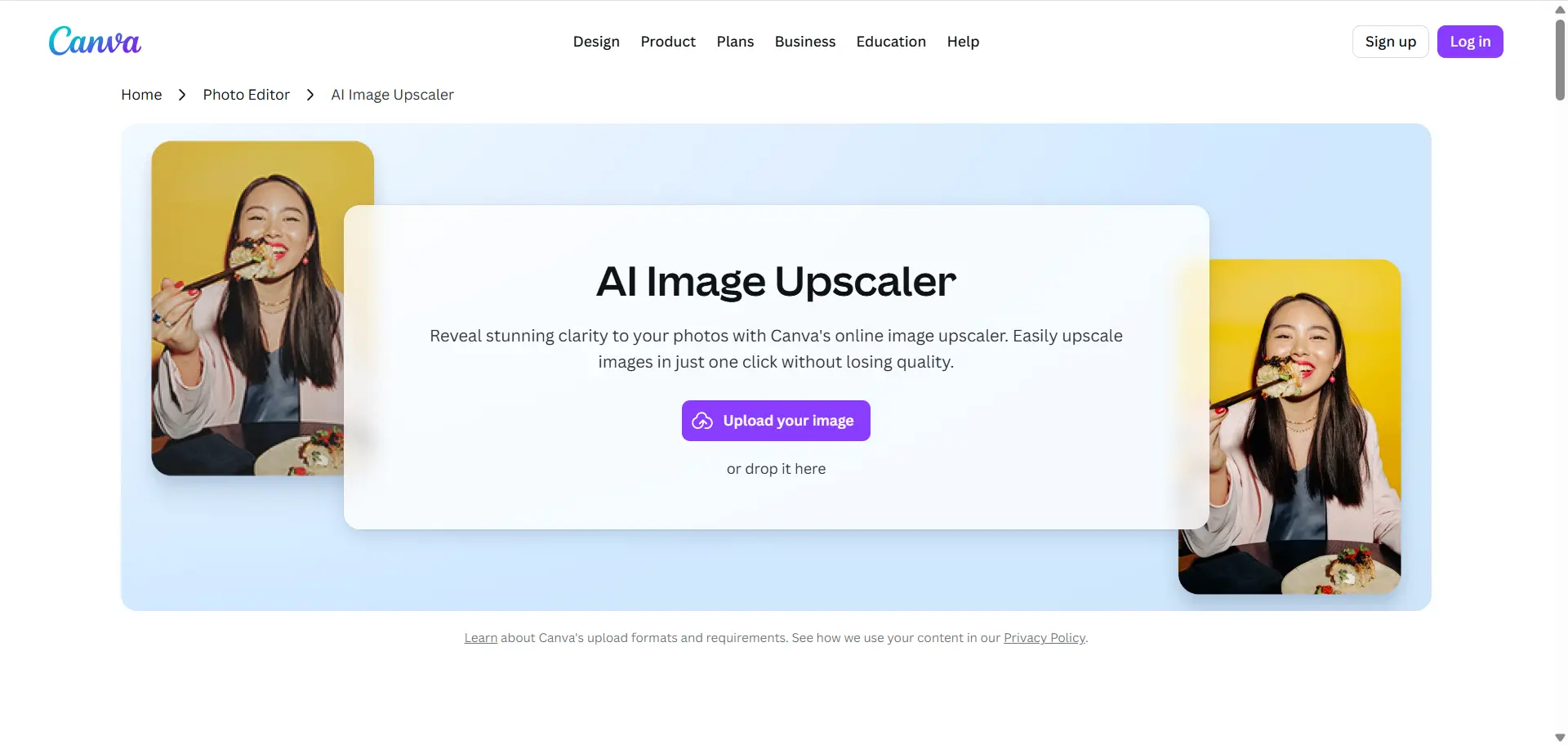
Canva तब अच्छा है जब enlarged image को post, presentation, flyer, thumbnail या banner में बदलना हो। Users उसी workspace में templates और design tools के साथ आगे काम कर सकते हैं।
5. Upscale.media: quick one-off upscaling के लिए बेहतर
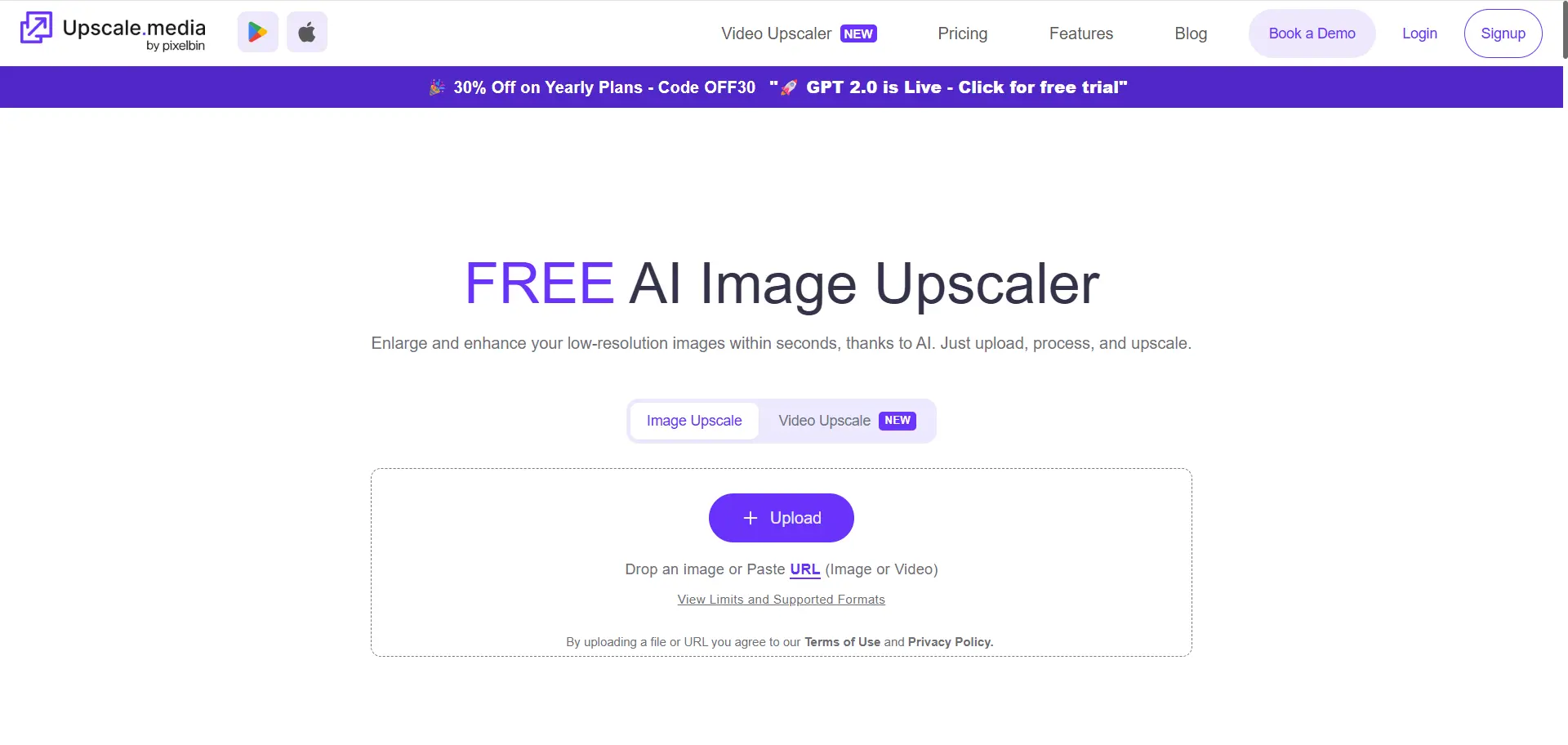
Upscale.media simple upload-and-download workflow देता है। यह profile photos, blog images, old web images और compressed social images के लिए उपयोगी है, लेकिन advanced control कम देता है।
6. Picsart: mobile-first creative editing के लिए बेहतर
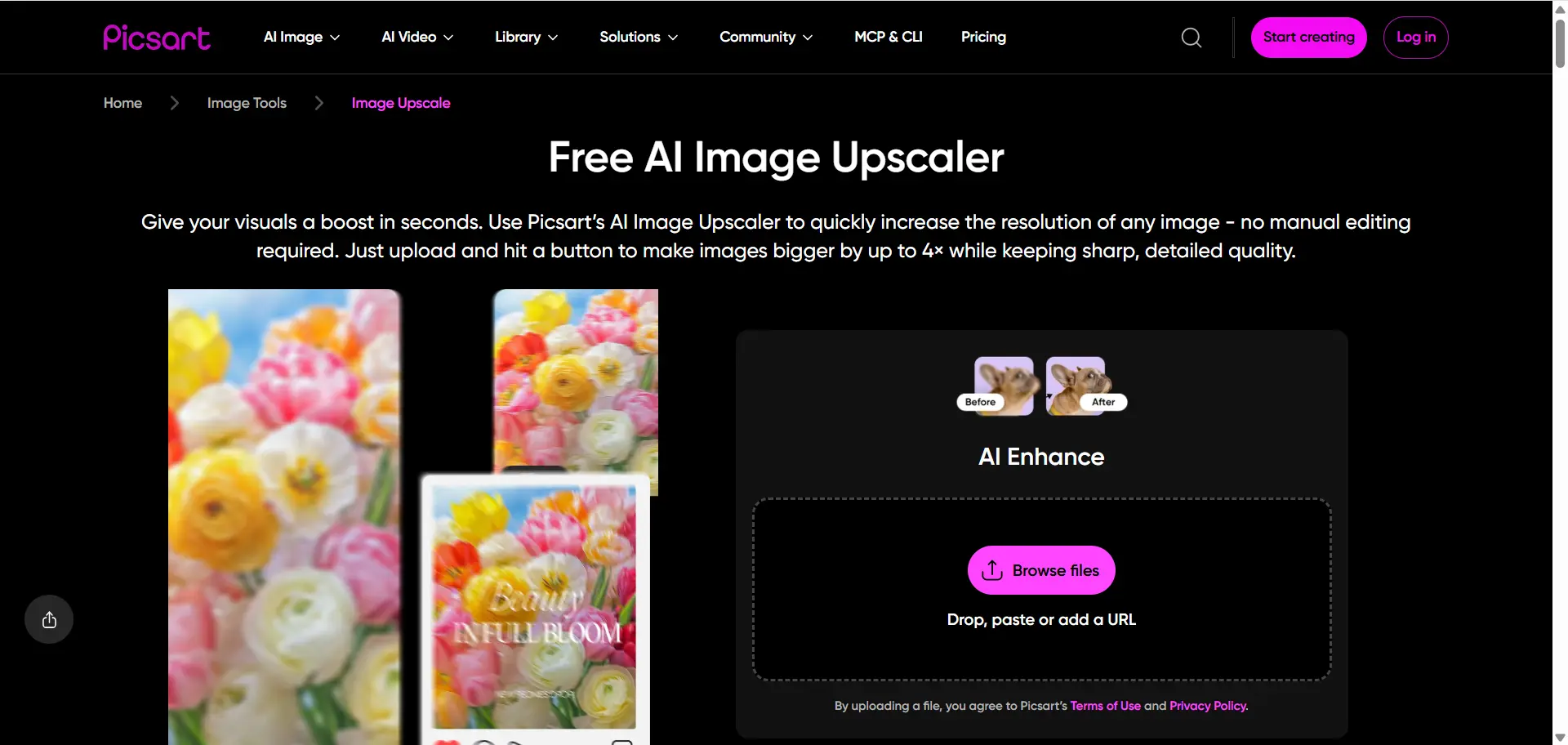
Picsart phone या tablet पर काम करने वाले creators के लिए उपयोगी है। Image improvement के साथ avatar, collage, social post, filters और quick creative edits किए जा सकते हैं।
7. Cloudinary: websites और image delivery के लिए बेहतर
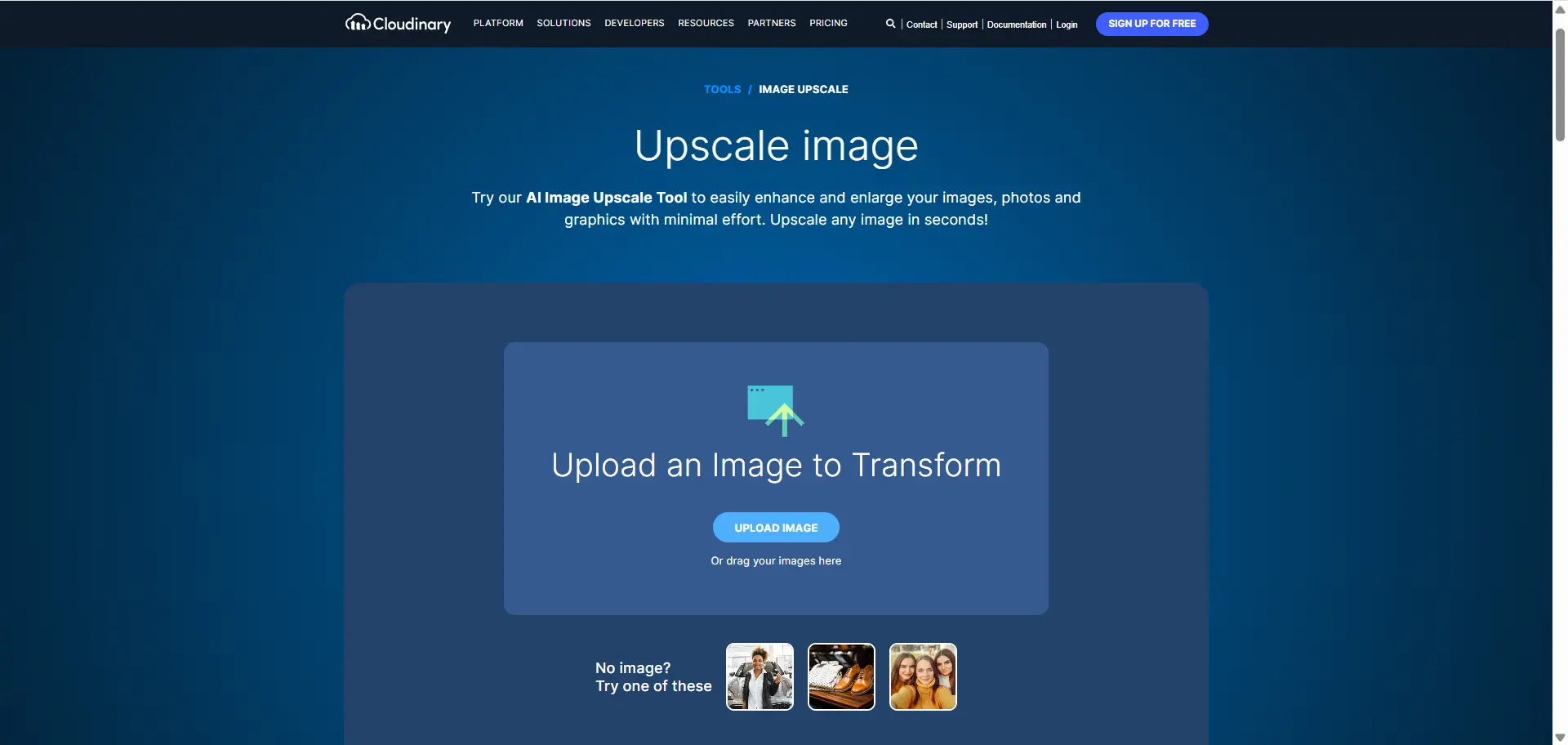
Cloudinary developers और teams के लिए है जो बहुत सारी images manage करते हैं। यह responsive sizes, image transformations, compression, optimization और fast delivery में मदद करता है।
कैसे चुनें
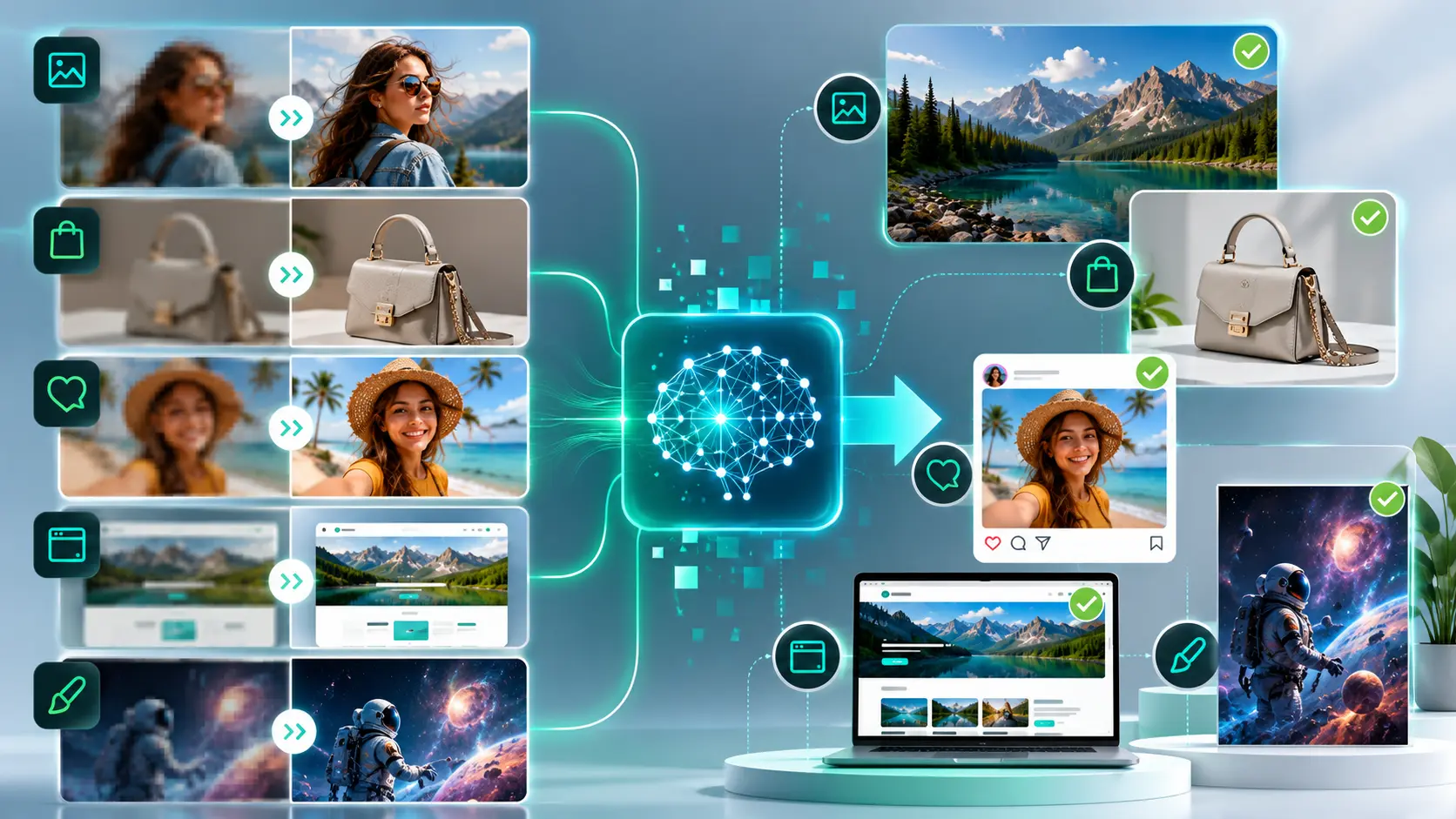
| अगर आपको चाहिए... | चुनें |
|---|---|
| एक धुंधली image मुफ्त में साफ करना | UnblurImage |
| Online 2x या 4x enlarge करना | UnblurImage |
| 4K या 8K assets तैयार करना | Linocut |
| Ecommerce photos सुधारना | Linocut या UnblurImage |
| AI art enlarge करना | Linocut या UnblurImage |
| Social posts बनाना | Canva या Picsart |
| Professional retouching | Adobe |
| Website image automation | Cloudinary |
बेहतर results के tips
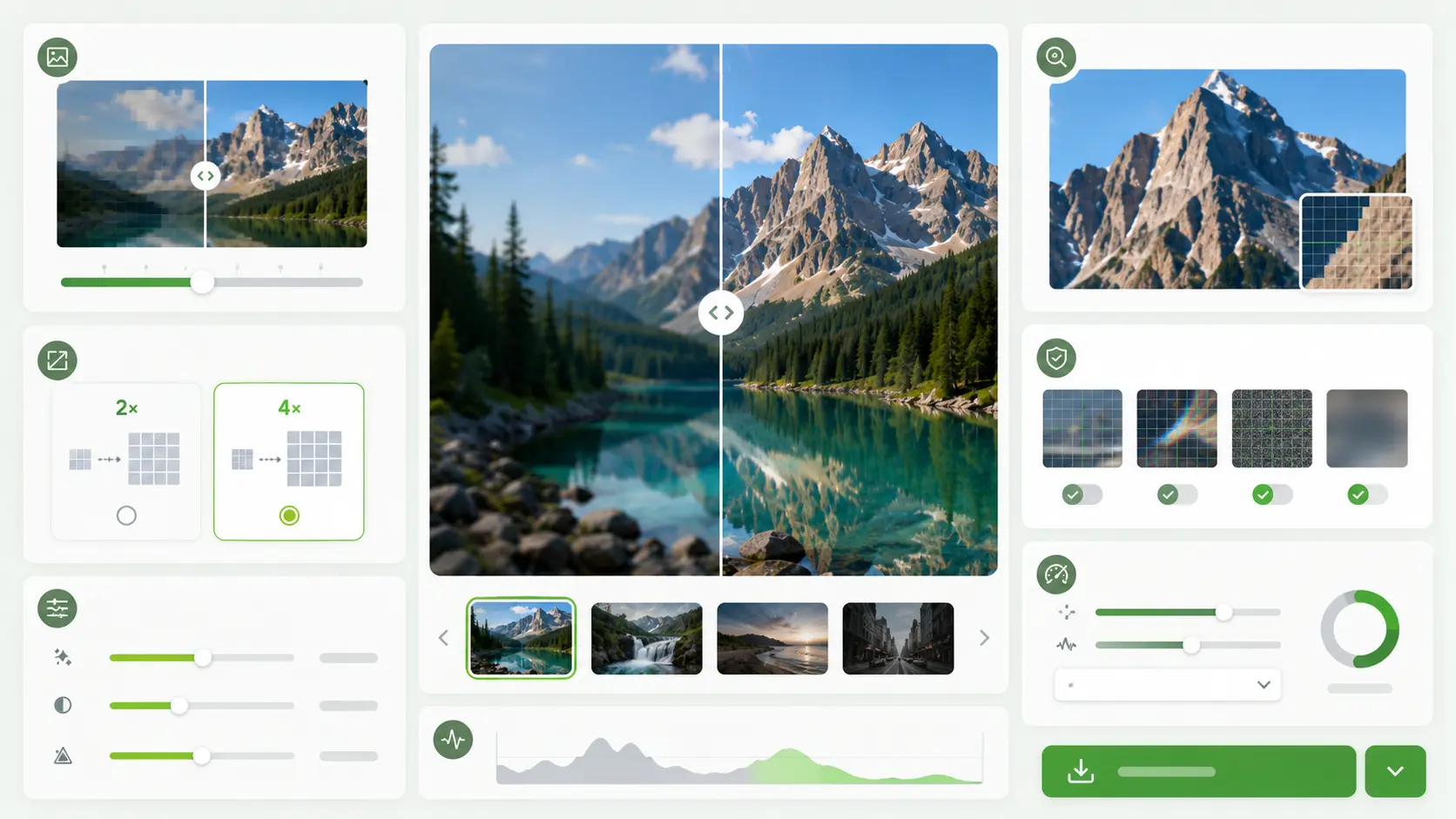
सबसे अच्छे source file से शुरू करें। हल्की जरूरत के लिए 2x और बहुत छोटी image के लिए 4x इस्तेमाल करें। 4K या 8K output में faces, product edges, text, hair और patterns को 100% zoom पर check करें। Same image को बार-बार process न करें और website पर डालने से पहले file compress करें।
Search intent के हिसाब से best tool
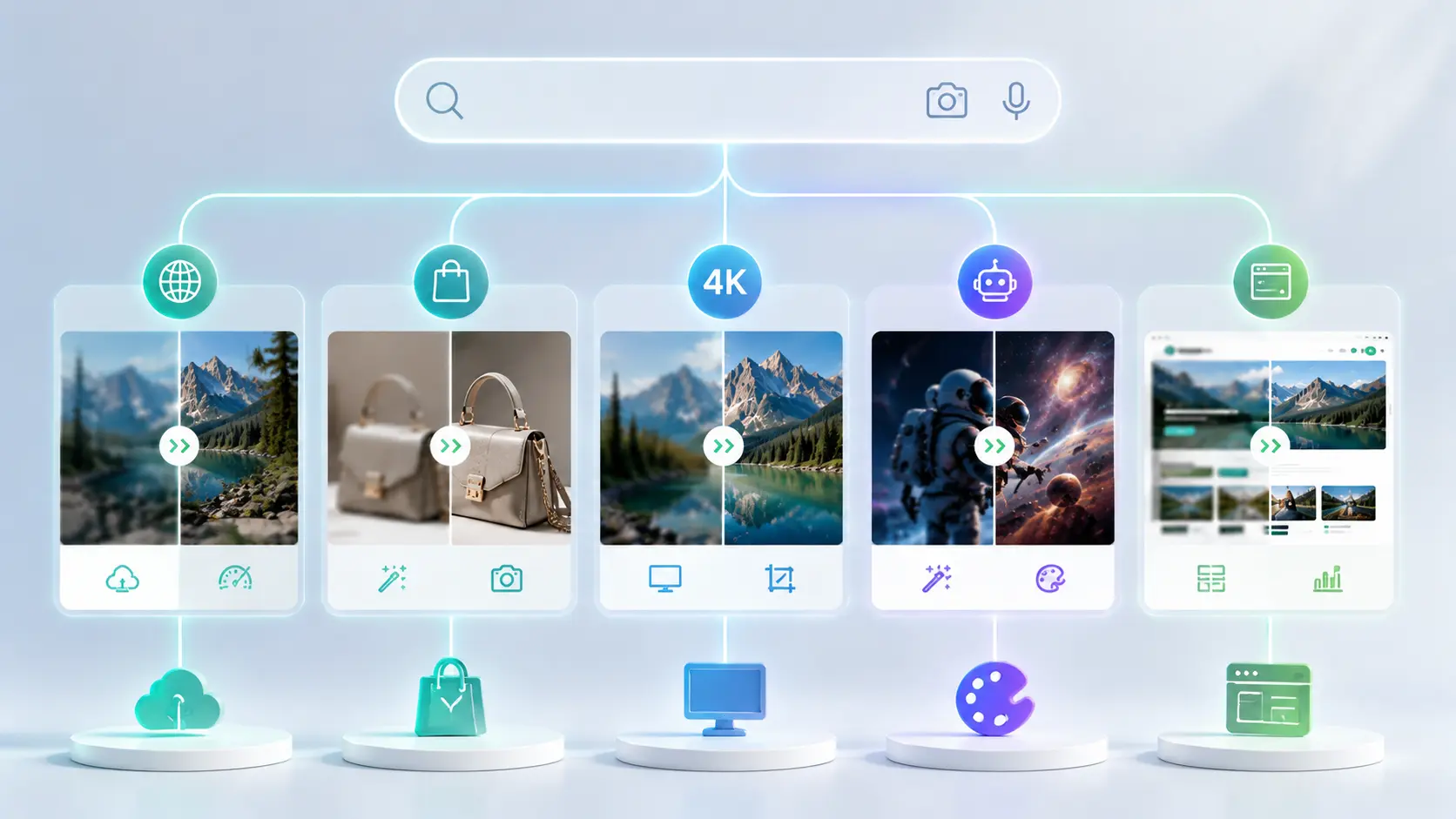
| Search intent | User need | Recommended tool |
|---|---|---|
| Free online image upscaler | Browser में simple tool | UnblurImage |
| धुंधली image साफ करना | Clarity improvement | UnblurImage |
| Product photo upscale | Listing या ad visuals बेहतर करना | Linocut |
| 4K image upscaler | High-quality large output | Linocut |
| 8K image upscaler | Advanced creative output | Linocut |
| AI art upscale | Generated image को बड़ा use करना | Linocut या UnblurImage |
| Website image upscaler | Performance और delivery | Cloudinary |
FAQ
सबसे अच्छा AI image upscaler कौन सा है?
Free online 2x या 4x upscaling के लिए UnblurImage अच्छा है। 4K, 8K, ecommerce, marketing और creative workflows के लिए Linocut बेहतर है। Adobe professionals के लिए, Canva social design के लिए और Cloudinary websites के लिए अच्छा है।
सबसे अच्छा free online image upscaler कौन सा है?
UnblurImage अच्छा free online image upscaler है अगर आप image upload करके उसे 200% या 400% enlarge करना और clearer result download करना चाहते हैं। यह blurry photos, old images, product previews और AI-generated images के लिए उपयोगी है।
क्या AI धुंधली photo साफ कर सकता है?
हाँ, खासकर जब problem low resolution, compression या mild blur की हो। लेकिन severe motion blur, focus problem या original में missing details हमेशा recover नहीं होतीं।
2x या 4x image upscaling में क्या बेहतर है?
अगर image को थोड़ी quality और size boost चाहिए, तो 2x चुनें। अगर image target use के लिए बहुत छोटी है, तो 4x चुनें। Product photos और screenshots को publish करने से पहले full size में check करें।
क्या image upscaler ecommerce product photos के लिए इस्तेमाल कर सकते हैं?
हाँ। यह low-resolution product photos को बेहतर बना सकता है, edges sharpen कर सकता है और listing या ads के लिए image ज्यादा useful बना सकता है। Labels, texture, shadow और edges जरूर check करें।
क्या AI-generated images को improve किया जा सकता है?
हाँ। AI-generated images अक्सर छोटे size में बनती हैं। Upscaling उन्हें social posts, banners, mockups और creative projects के लिए तैयार करने में मदद करता है।
क्या image upscaling quality कम करता है?
अच्छा AI upscaling perceived quality बढ़ा सकता है। लेकिन कमजोर source image या aggressive setting unnatural texture, over-sharpened edges या distorted text पैदा कर सकती है।
कौन से image formats बेहतर हैं?
High-quality JPG और PNG आम तौर पर अच्छे रहते हैं। Tool support करे तो WebP और HEIC भी ठीक हैं। सबसे जरूरी है clean source file।
क्या AI JPEG artifacts ठीक कर सकता है?
कुछ JPEG artifacts कम हो सकते हैं, खासकर edges और flat backgrounds के आसपास compression blocks। लेकिन heavily compressed file पूरी तरह restore नहीं होती।
कौन सा free upscaler Mac और Windows पर काम करता है?
Browser-based tools आम तौर पर Mac और Windows दोनों पर चलते हैं। UnblurImage modern browser में बिना desktop app के इस्तेमाल किया जा सकता है।
2x, 4x, 4K या 8K upscaling में क्या चुनना चाहिए?
Small improvement के लिए 2x, बहुत छोटी image के लिए 4x, बड़े web या campaign assets के लिए 4K और demanding creative work के लिए 8K चुनें। Best choice original size, final display size और inspection level पर depend करती है।
Final recommendation
ज्यादातर users के लिए UnblurImage से शुरुआत करना सबसे आसान है: यह धुंधली images को 2x या 4x में जल्दी और मुफ्त साफ करता है। Ecommerce, marketing, AI art या creative production के लिए high-resolution assets चाहिए तो Linocut चुनें।
अगर image casual use के लिए है, तो वही tool चुनें जो सबसे जल्दी clean result देता है। अगर image किसी product, brand, campaign या client project से जुड़ी है, तो ऐसा tool चुनें जो details, output size और आगे की editing पर ज्यादा control दे। AI upscaling सबसे अच्छा तब काम करता है जब इसे quality improvement step की तरह इस्तेमाल किया जाए, सिर्फ resize button की तरह नहीं।