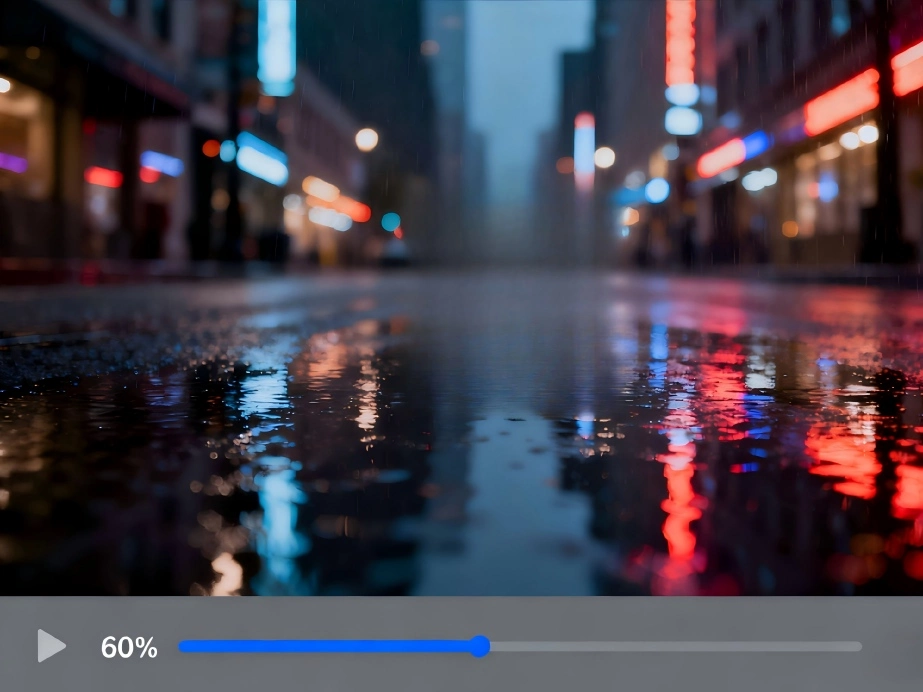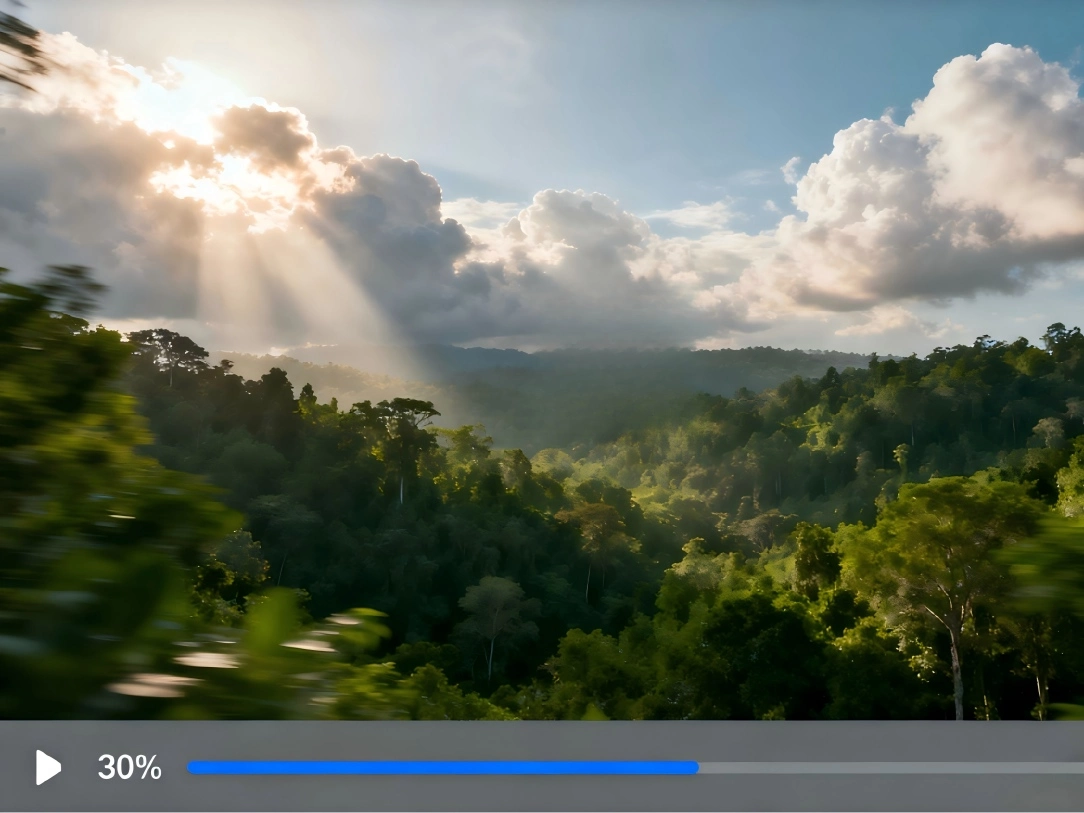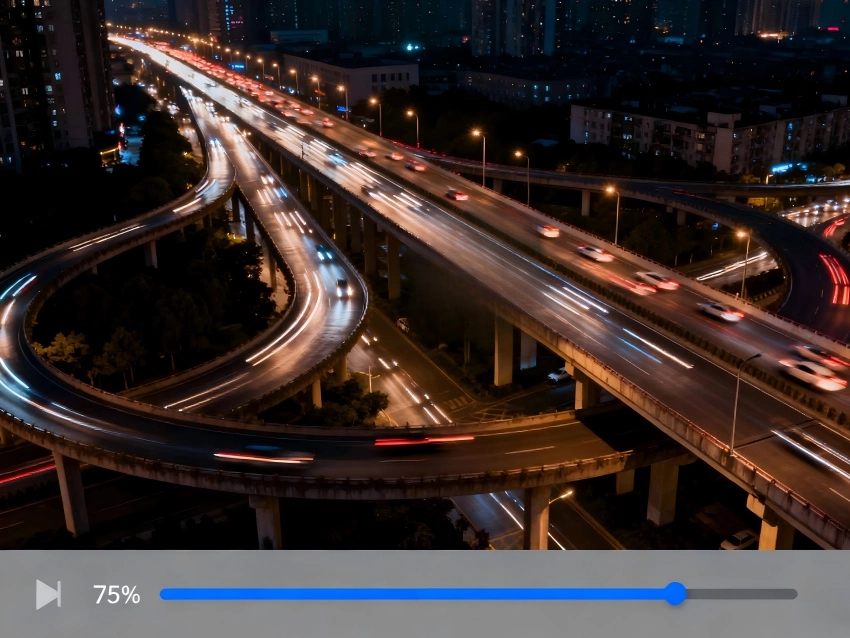


Upscale video lifts resolution so each frame contains more pixels and clearer edges. The model also smooths noise and preserves fine detail so the extra pixels carry useful information.
Time varies by duration and output size. Short clips and previews for upscale video usually complete in a few minutes while longer videos take more time on first pass.
MP4 and MOV are recommended. If the source is heavily compressed you may see limits in flat areas. You can run a short preview to check upscale video results before a full export.
The tool focuses on video frames only. Existing audio is kept from the source file and is not altered by the upscale video step.
Files are transferred with encryption and removed after processing according to our retention policy. We do not use your uploads to train models.
Source quality strongly affects the outcome. Very low light, heavy compression, or motion blur reduce recoverable detail. For better upscale video to 4K results try a short preview first and use a cleaner source if available.