Top 6 AI Tools to Unblur Images Online in 2026

By unblurimage.ai
2026/6/18
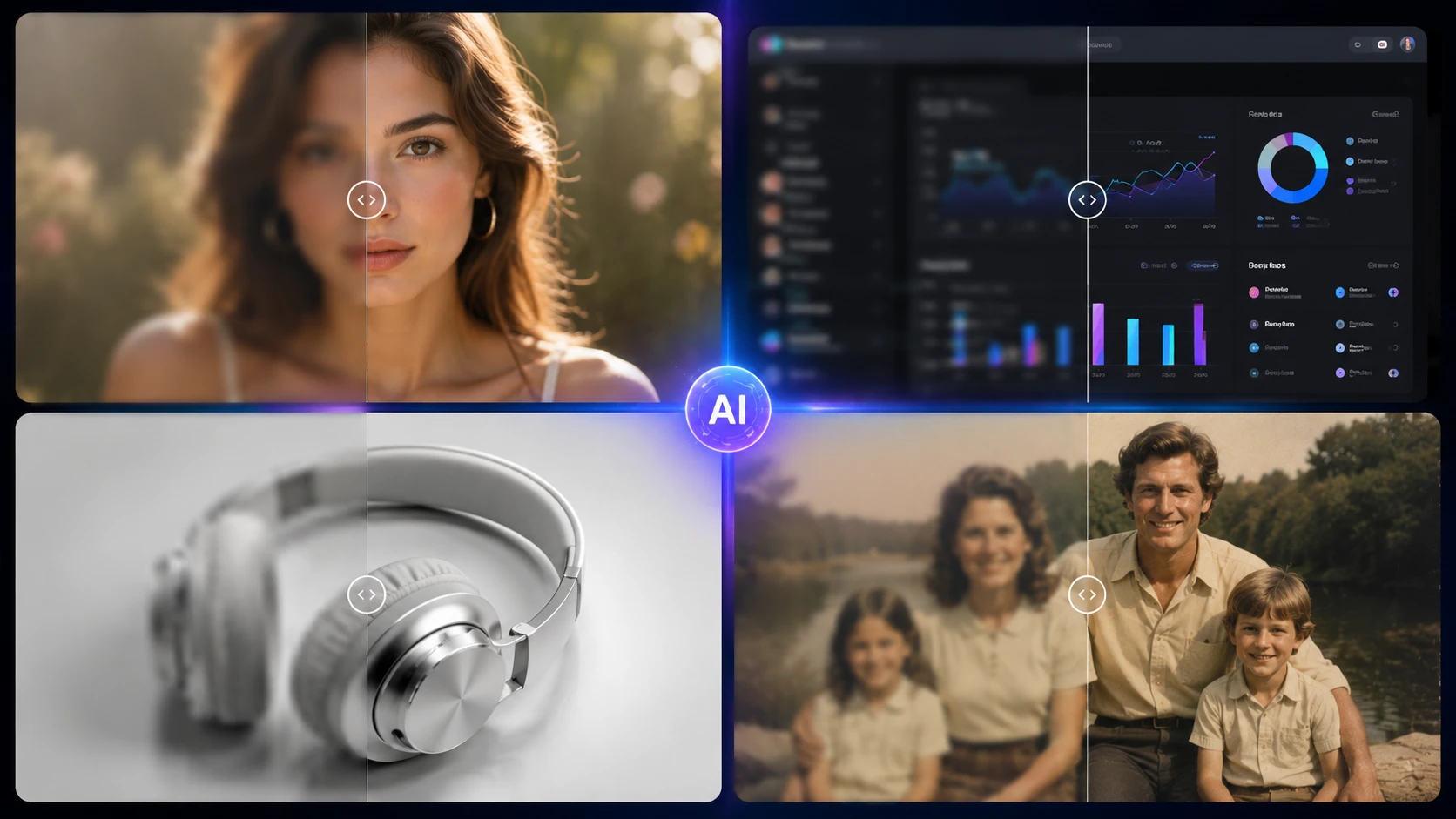
If you need to unblur image files quickly, modern AI tools can now help restore motion blur, lens defocus, low-resolution photos, blurry screenshots, and unclear text images in seconds.
Unlike traditional sharpening filters, today’s AI image deblurring tools can analyze blur patterns and reconstruct missing visual details with deep learning models. This helps produce cleaner, more natural results when you want to unblur photo online, deblur image files, sharpen blurry faces, or make screenshots easier to read.
In this guide, we compare the best AI tools to unblur images online in 2026, including free AI image unblurrer tools, professional software, and use-case-specific solutions for portraits, old photos, product images, text images, and screenshots.
Best AI Tools to Unblur Images Online in 2026
Whether you want to unblur a photo, deblur an image, fix a blurry screenshot, or restore old portraits, the right tool depends on the type of blur, output quality, privacy needs, and whether you prefer a free online workflow or professional desktop software.
| Tool | Best For | Free Tier | Strength |
|---|---|---|---|
| Unblurimage.ai | Portraits and old photos | Yes | Natural face reconstruction |
| Topaz Labs Photo AI | Professional photography | Trial | Extreme detail recovery |
| Adobe Express | Quick edits and social media | Limited | Simple enhancement |
| Picsart | Mobile creative editing | Freemium | Filters and social content |
| Pixelcut | E-commerce product photos | Limited | Sharp catalog images |
| Canva | Presentations and screenshots | Free tier | Fast in-design editing |
Free AI image unblurrer tools are ideal for casual users who need quick results without installing software. However, most free tools come with limitations such as lower resolution exports, watermarks, or reduced AI processing depth.
Recommended free options:
- Unblurimage.ai: free trial, no sign-up required
- Canva: basic enhancement tools
- Adobe Express: limited AI sharpening
These tools are best for:
- Social media images
- Low-resolution photos
- Quick fixes for screenshots
- Blurry portraits
- Text images that need better readability
AI Image Unblurrer Comparison: Free vs Paid Tools
For users looking for a quick breakdown of how to unblur image online using free vs. paid software, here is how the top contenders compare across common user needs.
| Tool Name | Core Target Scenario | Free Tier / Trial Limit | Max Output Resolution | Verdict on Faces |
|---|---|---|---|---|
| Unblurimage.ai | Blurry faces and old photos | Free trial, no sign-up | 4K Ultra HD | Excellent natural skin texture |
| Topaz Labs | Professional photography | Non-saving free trial | Very high resolution | Excellent professional detail recovery |
| Adobe Express | Social content cleanup | Generative credits cap | Standard HD / 2K depending on plan | Fair general sharpening |
| Picsart | Stylized mobile edits | Watermarked or ad-heavy | HD on free tier | Fair, sometimes stylized |
| Pixelcut | E-commerce catalogs | Limited daily exports | 4K on paid plans | Good sharp edges |
| Canva | Quick slides and layouts | Free Canva suite access | Project-dependent | Fair standard enhancement |
Advanced Comparison: Deblur Image Quality, Face Recovery, and Screenshot Clarity
For photographers, marketers, online sellers, and digital archivers, blur removal is not only about sharpness. Traditional image restoration methods, including Wiener deconvolution, can reduce certain types of blur, while modern AI image unblurrer tools focus on easier, more automated recovery for motion blur, lens defocus, text clarity, and output quality.
| Tool Name | Motion Blur Recovery | Lens Defocus Recovery | Text and Artifact Clarity | Core Technology | Data Privacy | Best Match |
|---|---|---|---|---|---|---|
| Unblurimage.ai | Excellent | Excellent | Strong | Cloud-native AI image deblurring | Encrypted processing | Freelancers, genealogists, and casual users |
| Topaz Labs | Excellent | Excellent | Excellent | Desktop-native machine learning | Local processing | Studios and print shops |
| Adobe Express | Moderate | Moderate | Good | Adobe image enhancement tools | Cloud account processing | Adobe ecosystem users |
| Picsart | Fair | Fair | Fair | Web and mobile creative filters | Cloud storage sync | Social media creators |
| Pixelcut | Good | Moderate | Excellent | Product-focused enhancement | Cloud processing | E-commerce sellers |
| Canva | Moderate | Moderate | Moderate | Magic Studio enhancement tools | Stored in user design libraries | Marketing teams and slide designers |
Deep-Dive Review: Top 6 AI Tools Analyzed
Unblurimage.ai - Best Free AI Image Unblurrer for Faces and Old Photos
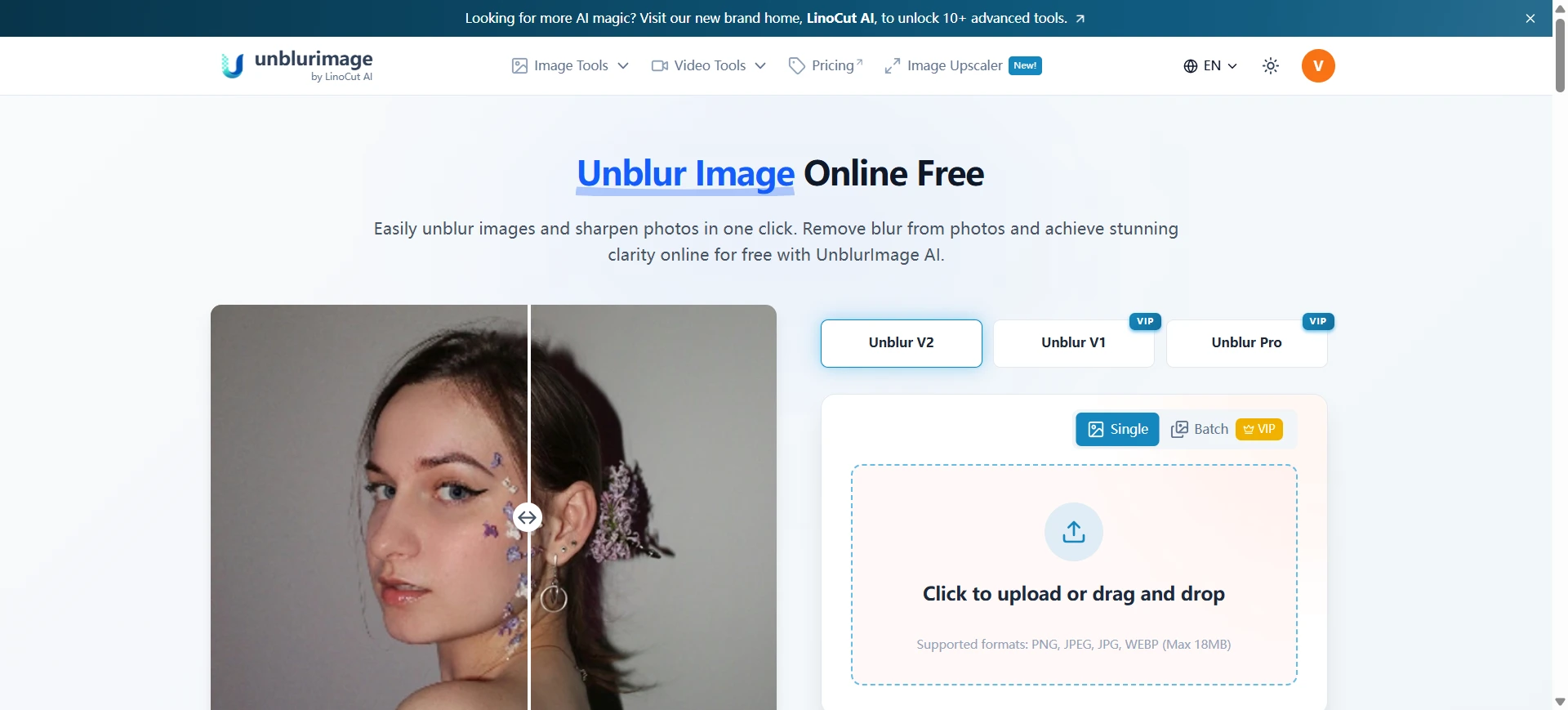
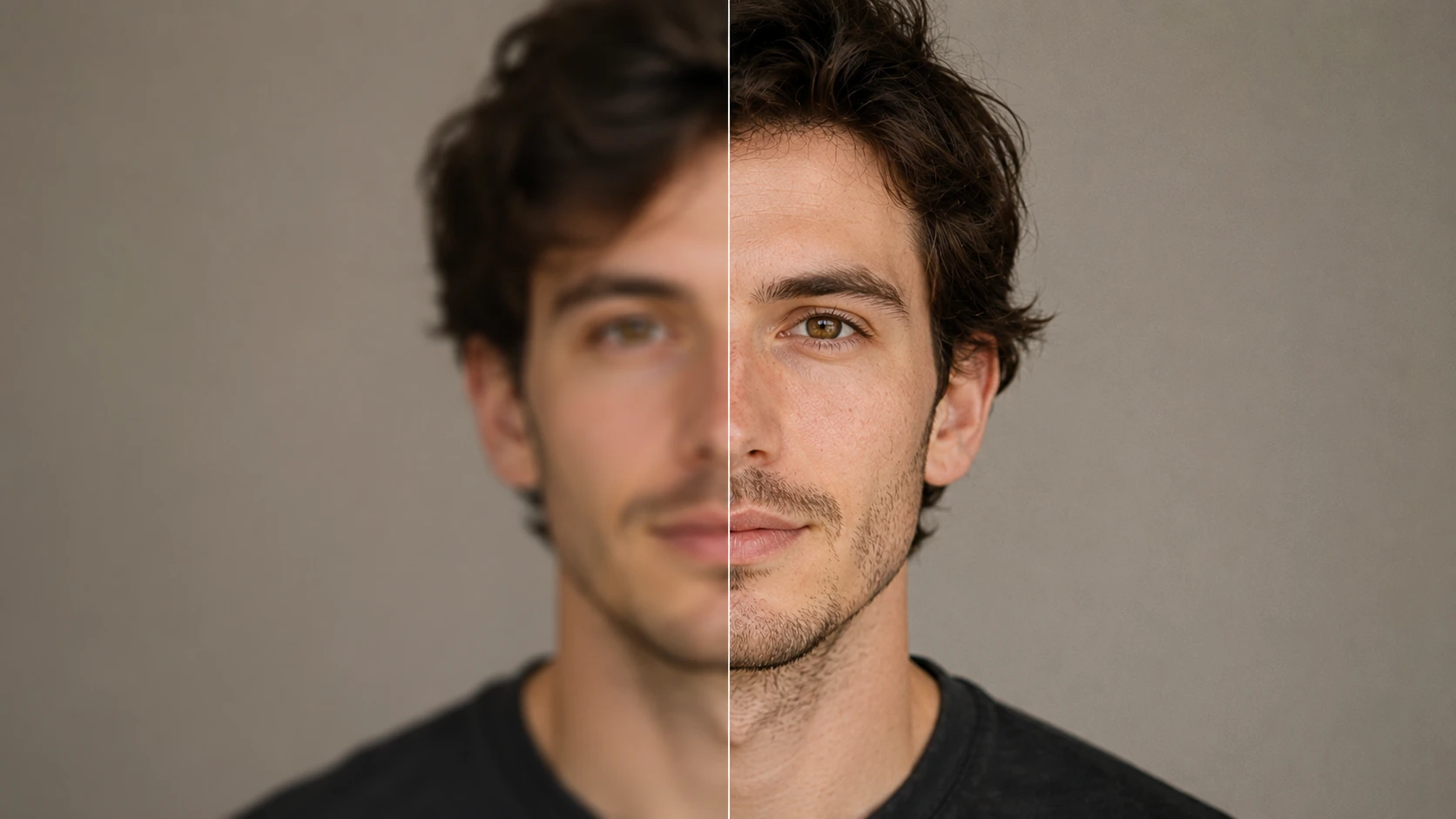
If your goal is to unblur photo assets without turning faces into artificial-looking digital models, Unblurimage.ai is a strong choice. Unlike broad design suites, this specialized web app focuses on restoring blurry faces, old photos, and low-resolution portraits with natural-looking clarity.
It is especially useful if you need a reliable way to unblur face online while preserving authentic human details such as eyes, hair texture, skin tone, and facial expression.
Best use case:
Restoring grainy, out-of-focus family portraits, historical prints, low-light smartphone portraits, and old photos where natural facial details matter.
Pros:
- Preserves natural skin texture and facial detail
- Works directly in the browser
- Useful for old photos, portraits, and blurry faces
- Free access available with no mandatory sign-up
Cons:
- Focused on photo restoration and sharpening
- Does not include advanced layout or collage design tools
Topaz Labs Photo AI - Best Deblur Image Software for Professional Photographers
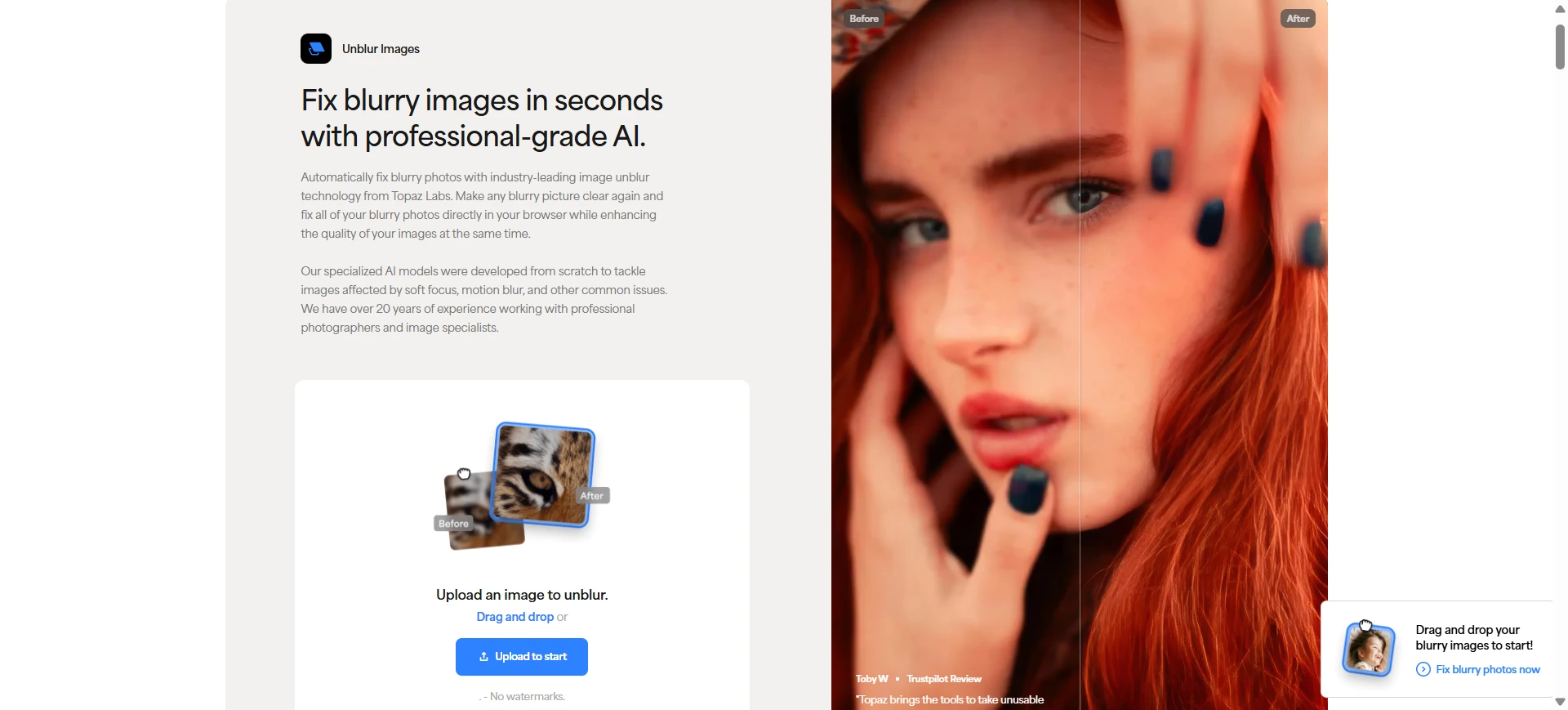
Topaz Labs is a powerful desktop option for photographers, print shops, and digital restoration professionals who need high-end detail recovery.
Best use case:
Recovering large RAW or high-resolution photo files affected by severe lens blur, camera shake, wildlife motion, sports movement, or wedding photography mistakes.
Pros:
- Desktop-native processing
- Strong professional-grade recovery
- Excellent for large image files
- Good for advanced sharpening and detail enhancement
Cons:
- Expensive compared with casual online tools
- Requires a capable computer
- More than many casual users need for a quick web fix
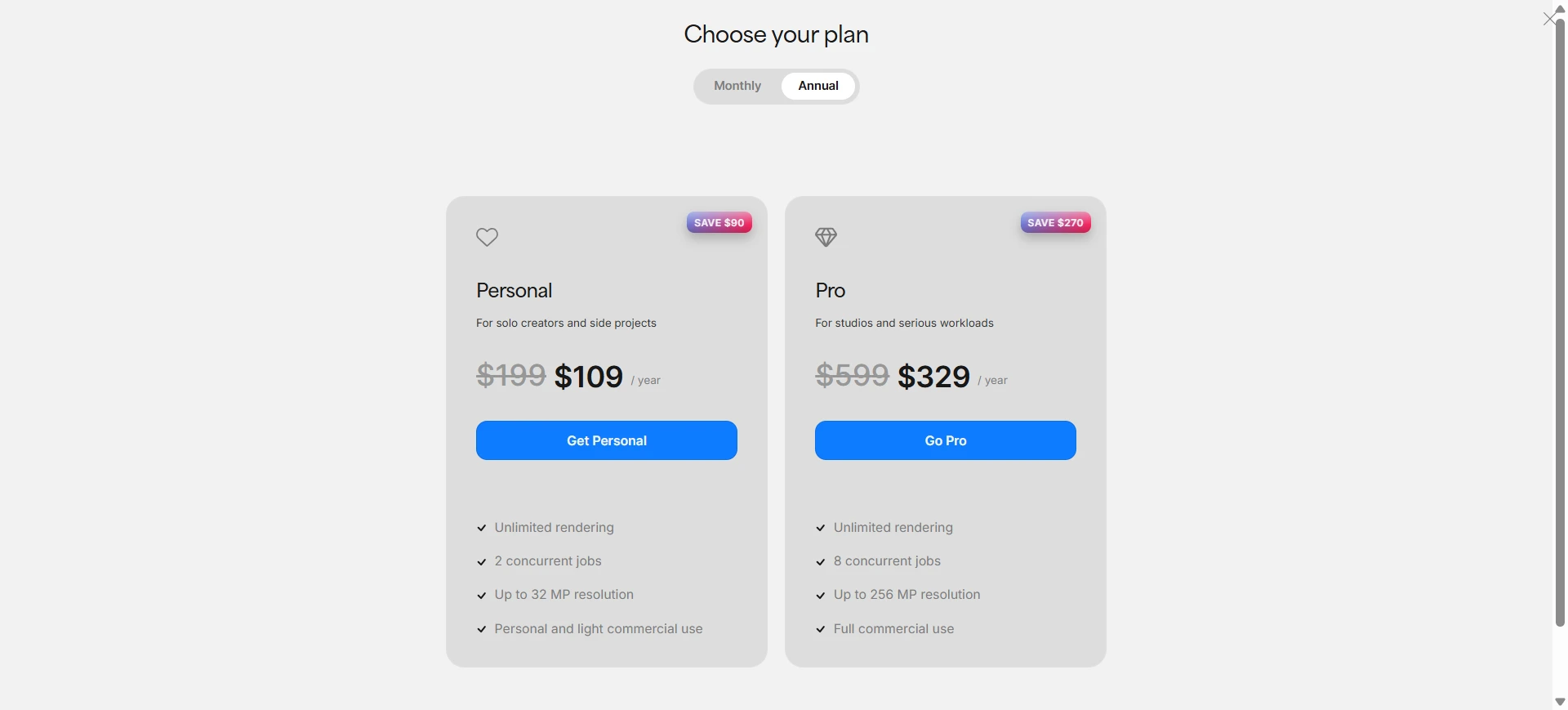
Adobe Express - Best Tool to Unblur Photos for Professinal Edits
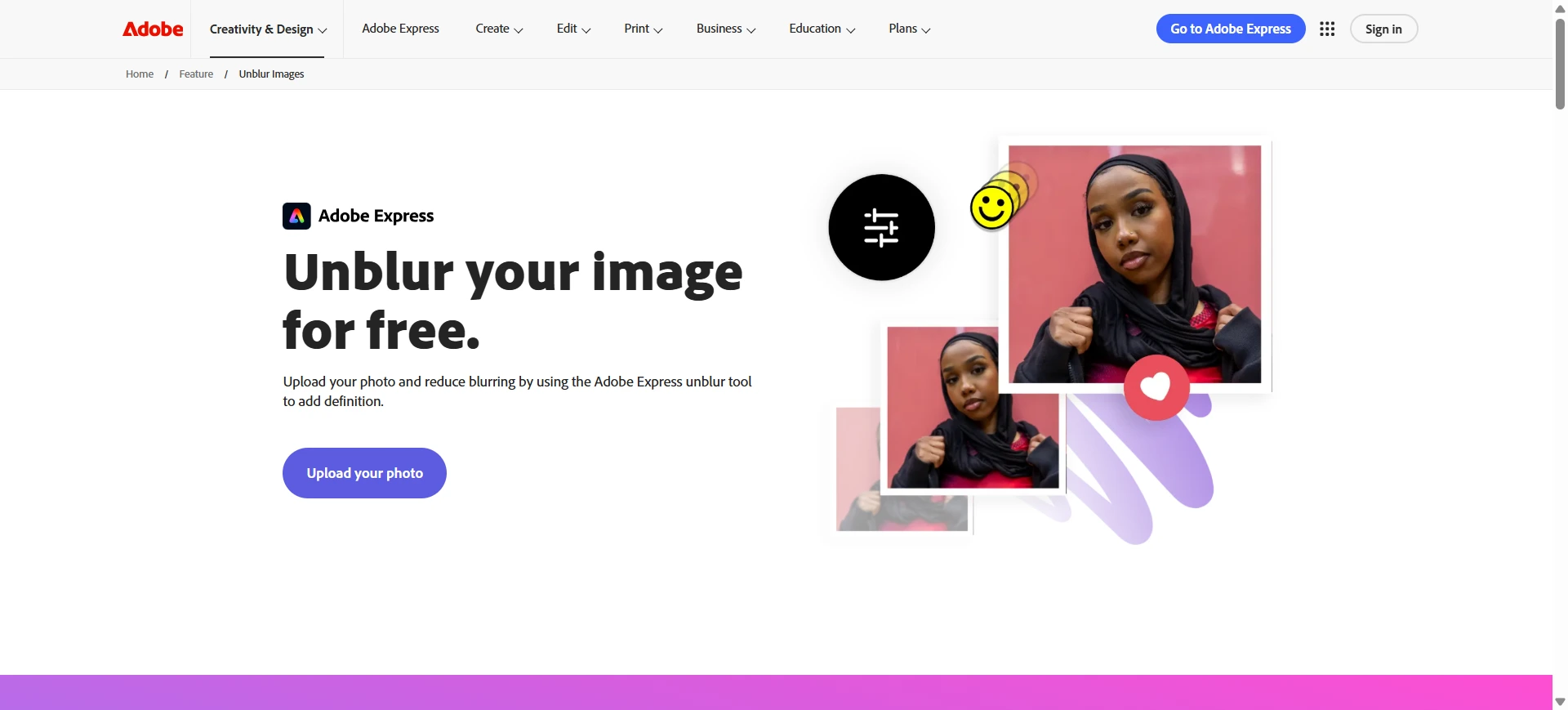
Adobe Express is a lightweight browser-based editing tool for social media, quick graphics, and casual photo cleanup. It is useful when you need simple enhancement inside a trusted editing ecosystem.
Best use case:
Sharpening mobile photos, improving social media graphics, or fixing slightly soft images before using them in templates.
Pros:
- Clean interface
- Backed by Adobe’s imaging ecosystem
- Convenient for quick edits
- Helpful for users already in the Adobe workflow
Cons:
- More focused on general sharpening than deep AI reconstruction
- Severe blur may still remain visible
- Some advanced features may require credits or paid access
Picsart - Best for Mobile Creative Edits
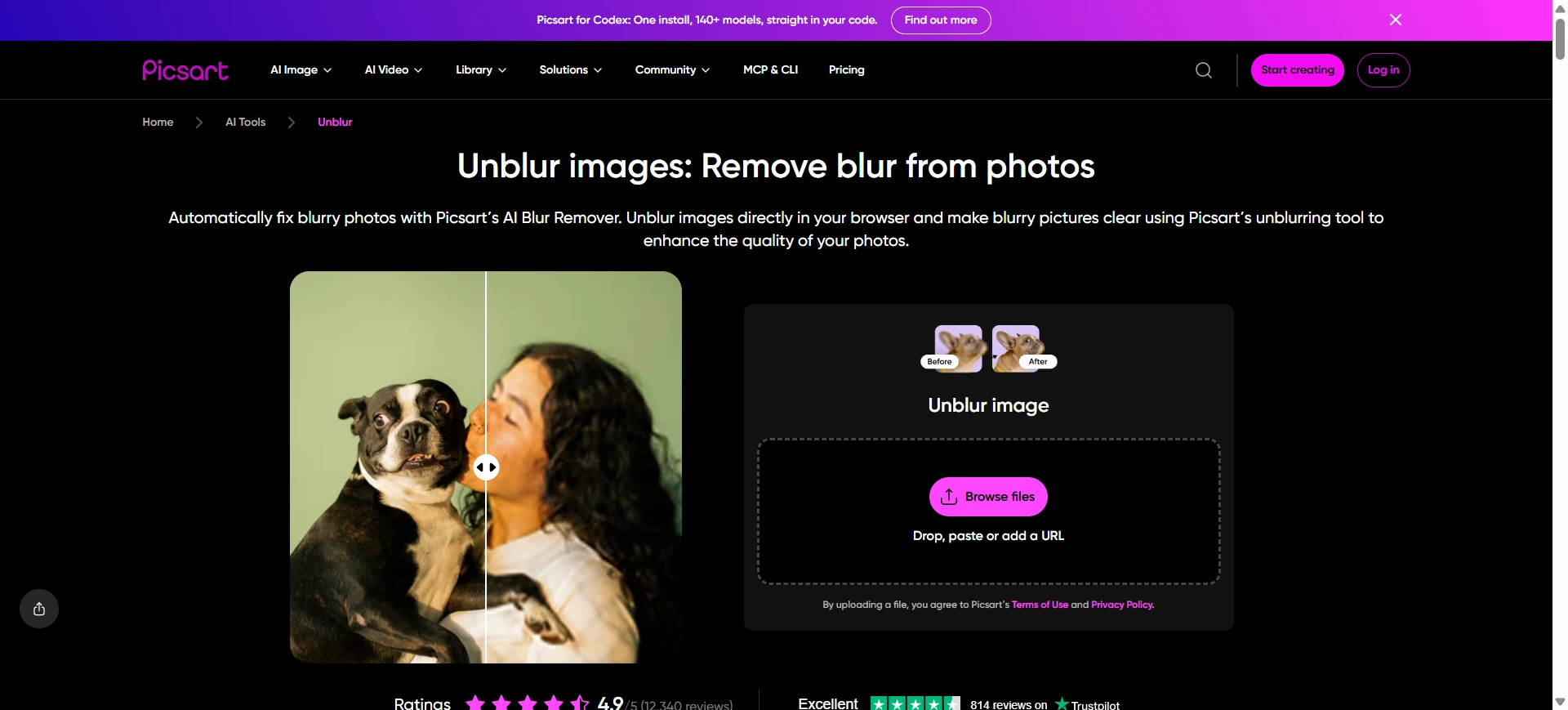
Picsart is popular among mobile creators who want a fast combination of filters, enhancement, design effects, and social content tools.
Best use case:
Enhancing casual selfies, lifestyle photos, and mobile images for quick sharing on TikTok, Instagram, Snapchat, or other social platforms.
Pros:
- Strong mobile editing workflow
- Many creative effects and filters
- Useful for casual social content
- Freemium access available
Cons:
- Free exports may include limitations
- Results can look stylized or over-processed
- Not ideal for natural old photo restoration
Pixelcut - Best for E-Commerce Product Photos
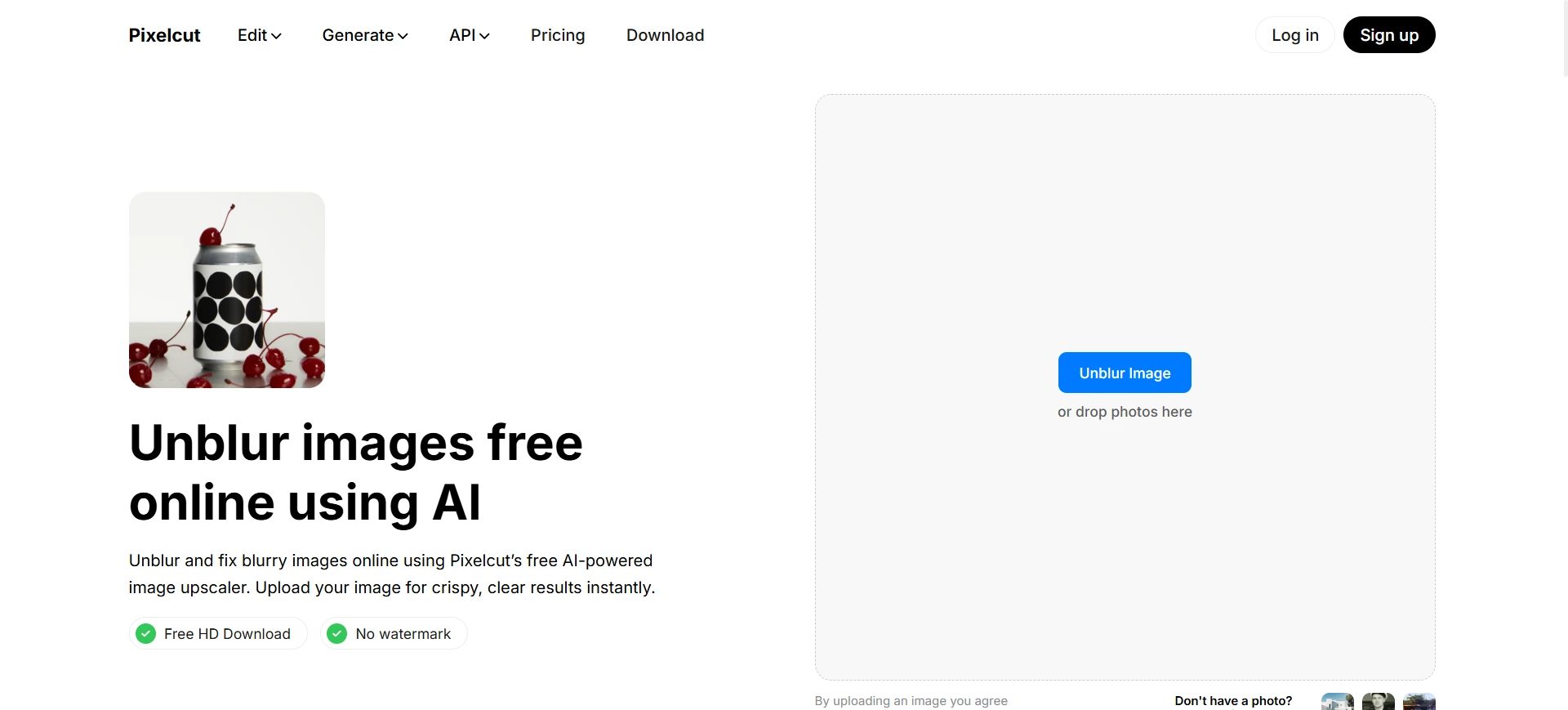
Pixelcut is built for online sellers and marketers who need fast product photo improvements. It works well for catalog images, product labels, and small printed details.
Best use case:
Sharpening blurry product photos, improving product listings, and making small labels, serial numbers, or packaging details easier to read.
Pros:
- Fast product-focused workflow
- Good for e-commerce catalogs
- Useful for product labels and small text
- Strong edge clarity for commercial images
Cons:
- Free tier may be limited
- Sharpening can look aggressive on portraits
- Less focused on family photos or natural facial restoration
Canva - Best Tool to Unblur Screenshots in Designs and Presentations
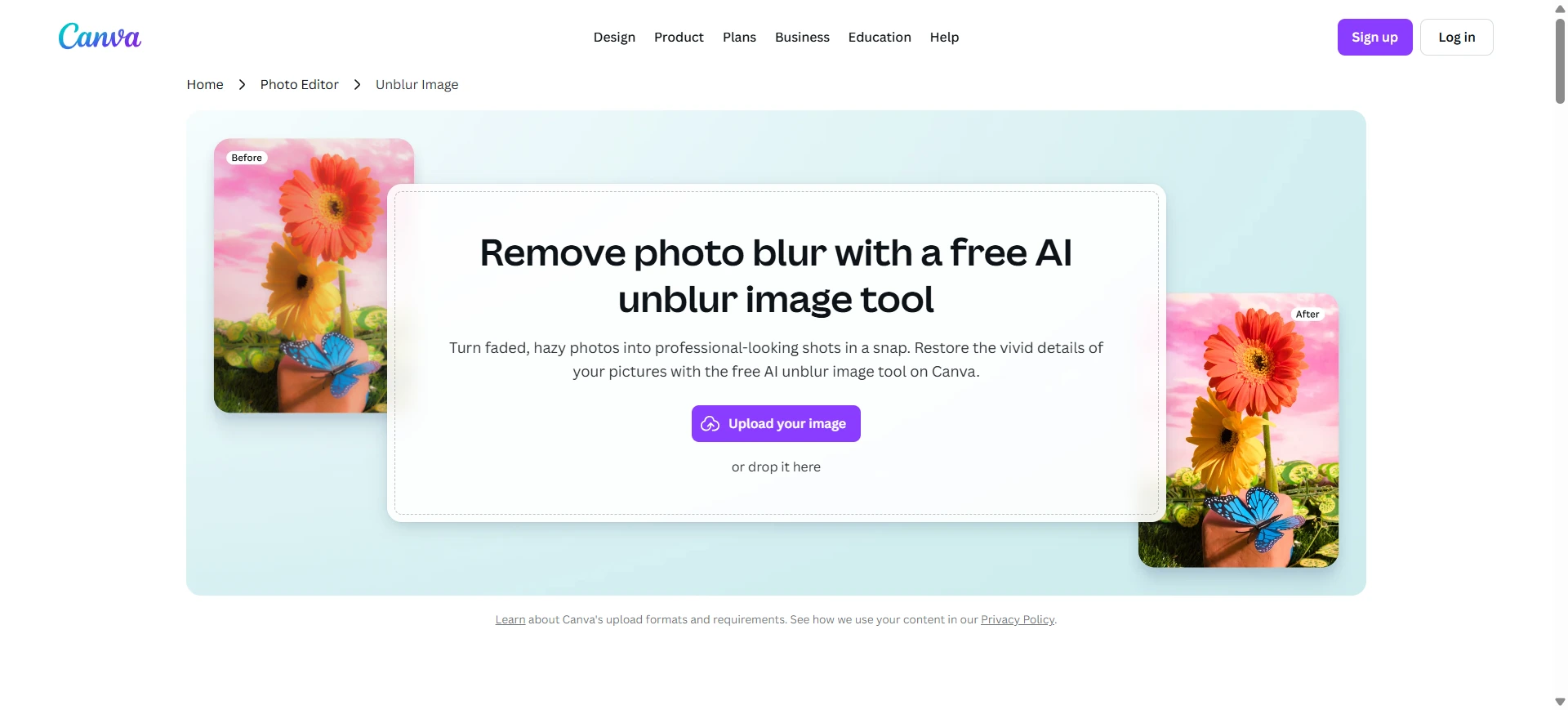
Canva is an all-in-one design platform that includes enhancement tools inside its design dashboard. It is helpful when you need to improve an image while building a presentation, report, resume, or social graphic.
Best use case:
Clearing up a blurry screenshot, improving a low-resolution team headshot, or enhancing a visual inside an active slide or document design.
Pros:
- Convenient inside design projects
- Easy for non-designers
- Good for presentations and social graphics
- Free tier available
Cons:
- Image deblurring is not its core specialty
- Deep motion blur or severe defocus may not recover well
- Less suitable for advanced photo restoration
Step-by-Step: How to Unblur an Image Online
If you are looking up how to unblur an image without ruining skin texture, text clarity, or background details, the modern web-based workflow has become simple:
- Upload to an AI image unblurrer
Choose a browser-first tool such as Unblurimage.ai to avoid downloading heavy software. - Let AI analyze the blur
The AI detects whether the image has motion blur, lens defocus, compression artifacts, or low-resolution softness, then enhances the most important details. For low-resolution photos, some AI tools also use concepts related to super-resolution imaging to create clearer, higher-resolution outputs. - Preview and download
Check faces, edges, printed text, or screenshot details before exporting the clearer high-definition result.
FAQs About AI Tools to Unblur Images
What is the best AI tool to unblur image online?
The best AI tool depends on your use case. Unblurimage.ai is a strong option for portraits, old photos, and blurry faces, while Topaz Labs is better for professional photographers who need desktop-level control.
Can I unblur photo online for free?
Yes. Some AI tools let you unblur photo online for free, but free plans may limit export resolution, processing speed, or advanced restoration features.
What is the difference between unblur image and deblur image?
Both terms describe improving a blurry image. “Unblur image” is more common among general users, while “deblur image” is often used in technical or AI image processing contexts.
How do I unblur a screenshot?
To unblur a screenshot, upload it to an AI image unblurrer that supports text clarity and compression recovery. For best results, use the original screenshot rather than a compressed copy.
How do I unblur an image on iPhone?
You can use an online AI image unblurrer in your mobile browser. Upload the blurry photo from your iPhone, let the AI enhance it, then download the clearer version.
Can AI unblur text in an image?
Yes. Some AI tools can help unblur text image online by improving sharpness, reducing compression artifacts, and restoring clearer letter edges. Results depend on the original image quality and how severe the blur is.
Can AI unblur faces online?
Yes. AI tools can help unblur face online by enhancing facial details, improving eye and skin texture clarity, and reducing low-resolution softness. For best results, choose a tool designed for natural portrait restoration.
Final Verdict: Which Tool Should You Choose?
For professional studio workflows and large print projects, Topaz Labs is worth considering.
For business owners processing product photos, Pixelcut offers a fast e-commerce workflow.
For everyday graphic layouts, Adobe Express or Canva provide convenient in-design editing.
For casual users, families, genealogists, and creators who want to unblur images online with natural-looking clarity, Unblurimage.ai is a strong choice. It is especially useful for blurry faces, old portraits, low-resolution photos, and sentimental images where preserving authentic detail matters.
Ditch the artificial over-processing. Try Unblurimage.ai and bring your blurry photos back into focus.